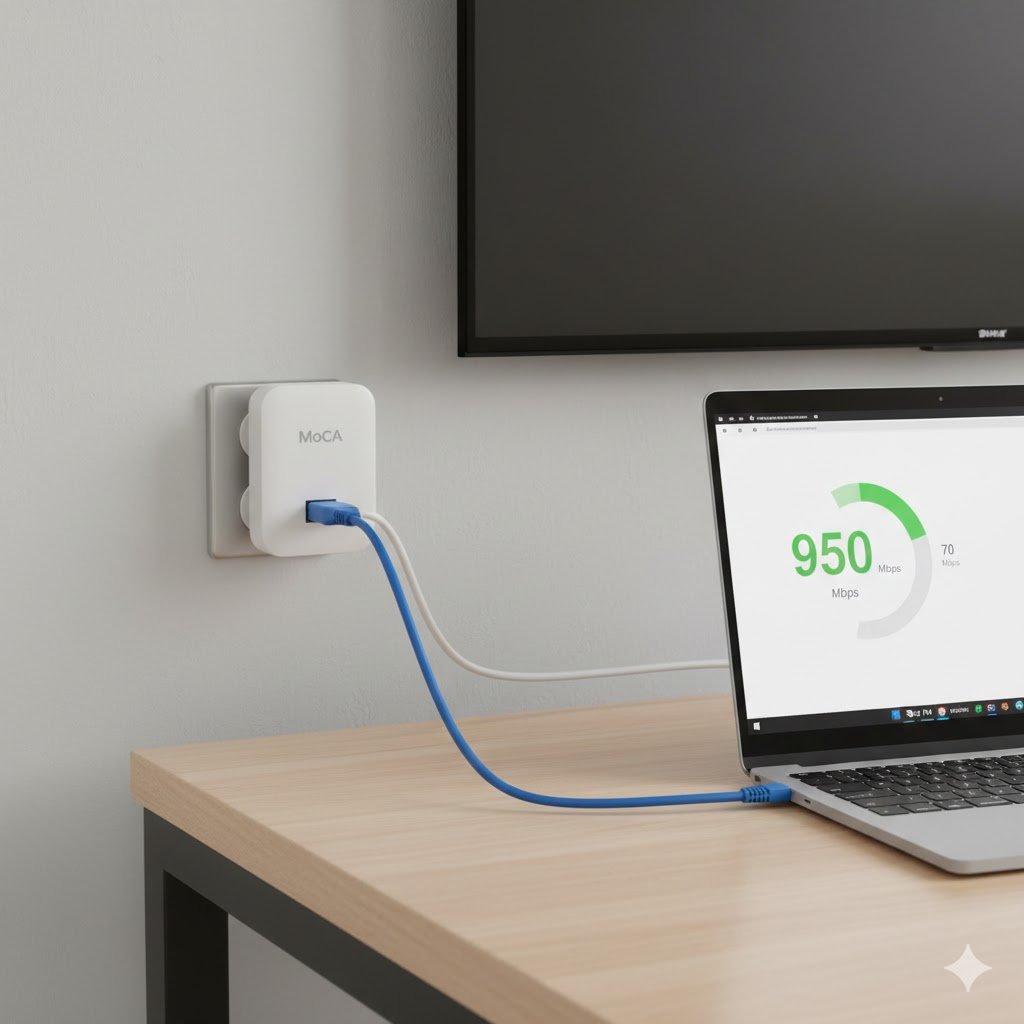
Are you tired of dying in-game because of a sudden lag spike? Or maybe your boss’s face freezes every time you’re about to present on Zoom?
Most people think the solution is a more expensive “Gaming Router” or a flashy Wi-Fi extender. They’re wrong. As a network engineer, I see people waste hundreds of dollars trying to “fix the air” when the real solution is already hidden inside their walls.
If your house has those round TV cable outlets (Coax), you’re sitting on a gold mine that can kill gaming lag forever.
THE END OF THE LAG
Transparency Note: This article contains affiliate links. As an Amazon Associate, I earn from qualifying purchases at no extra cost to you. This helps support the blog.
The Engineering Problem: Why Your “Fast” Wi-Fi Still Lags
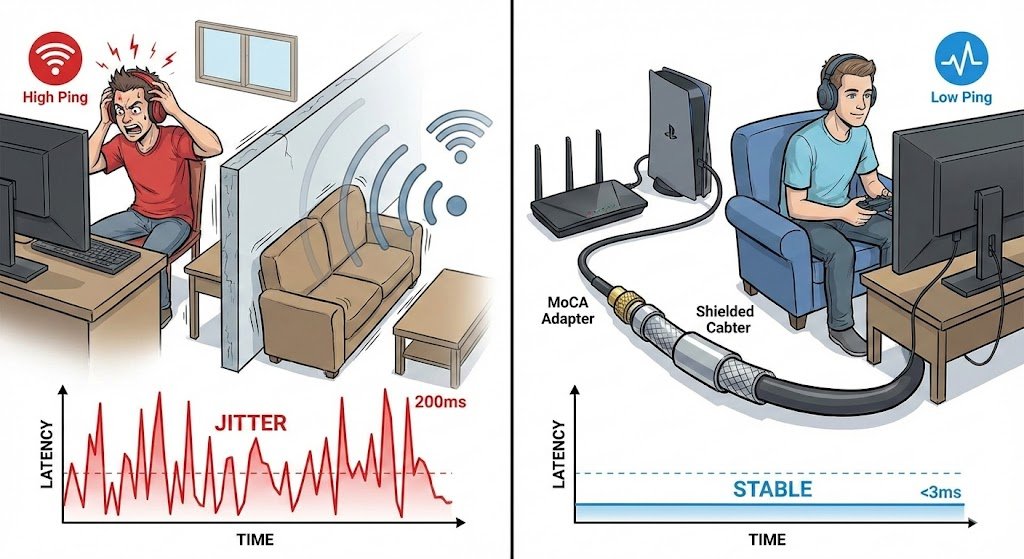
You pay for 1Gbps fiber, but your game still feels “stuttery.” This happens because Wi-Fi is Half-Duplex. Think of it like a walkie-talkie; only one device can “talk” or “listen” at a time. Your PC has to wait for the air to be clear before it sends a packet. This creates Jitter—those tiny fluctuations in latency that ruin your high-ping fix.
Powerline adapters aren’t the answer either. They use electrical wiring designed for power, not data, and they suffer every time your refrigerator kicks in.
There is no need to say how <3ms is killer compared to a Wi-Fi 200ms or 20ms.
The Secret: MoCA (Multimedia over Coax Alliance)
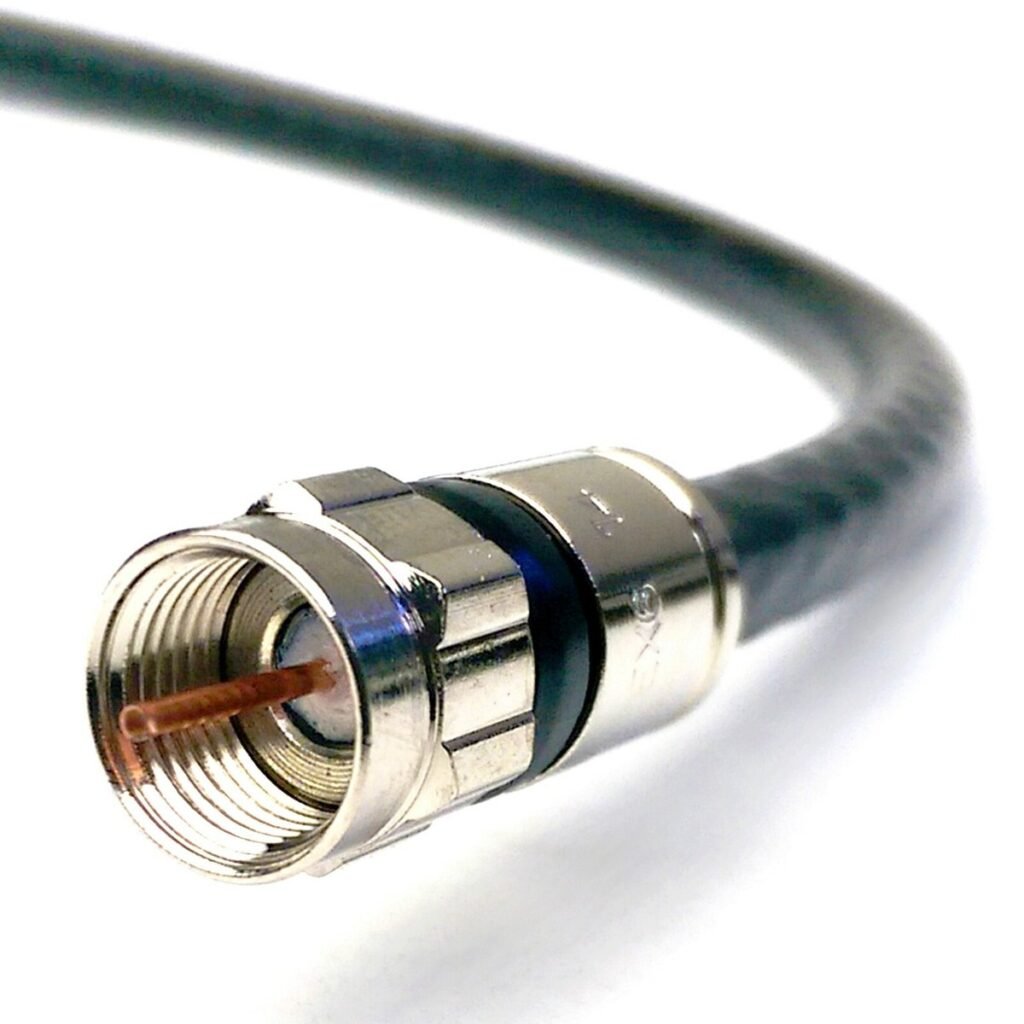
Your home likely has high-quality RG6 Coaxial cables in almost every room. These cables are shielded by design, meaning they are built to carry massive amounts of data without any interference.
MoCA 2.5 technology turns those existing TV outlets into a high-speed backbone. You get 2.5 Gbps speeds and latency under 3ms—the exact same performance as a professional Ethernet cable.
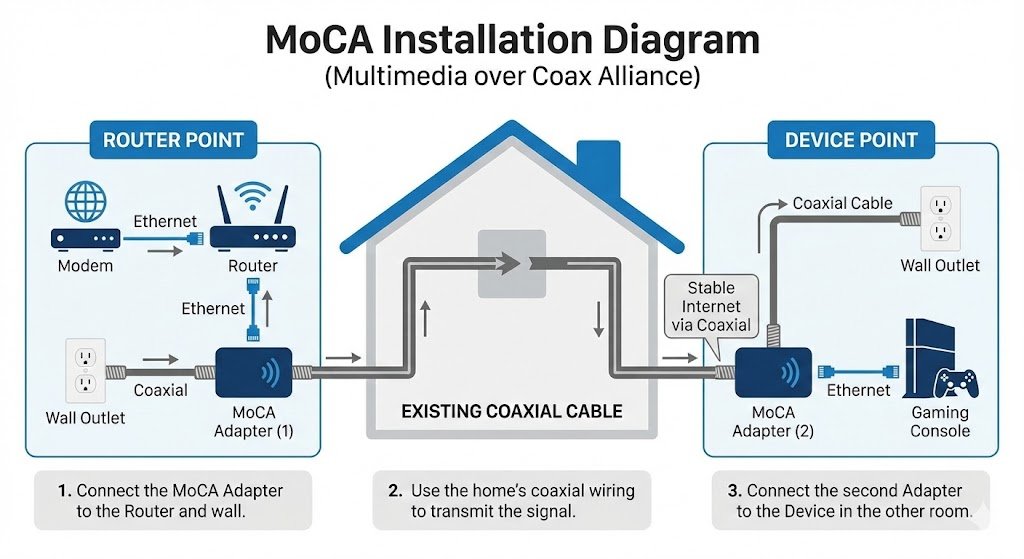
What You Need to Kill the Lag (The Gear)
To set this up, you just need two small adapters. It’s truly plug-and-play.
1. The Gold Standard: ScreenBeam Bonded MoCA 2.5
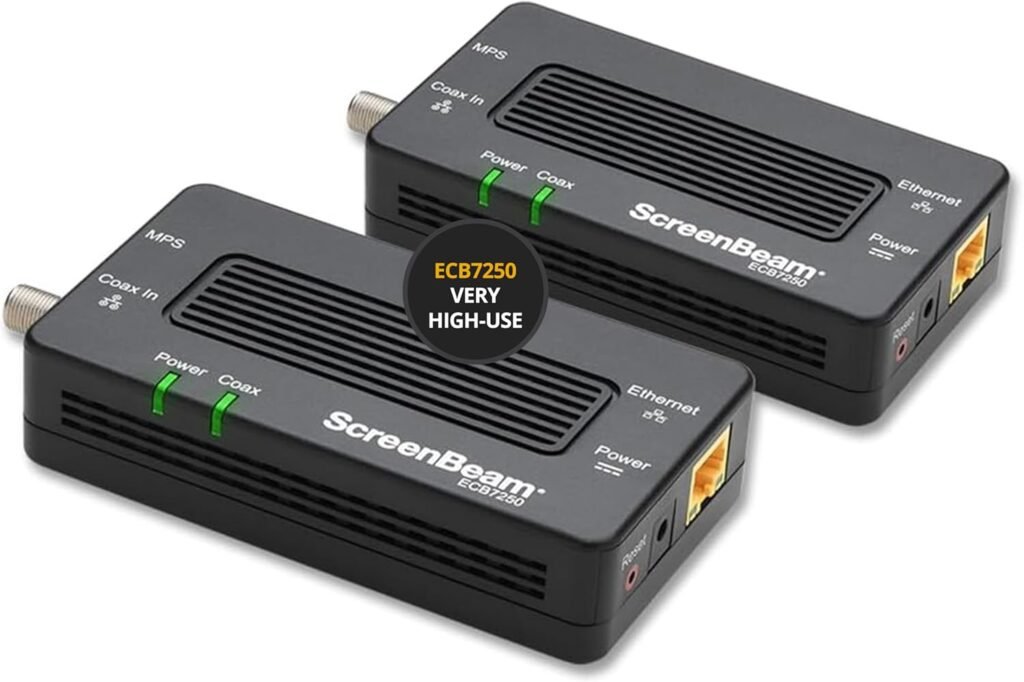
This is the most reliable kit. It handles the full 2.5Gbps bandwidth and is built to last. Perfect for competitive gaming.
2. The “Security Guard”: MoCA POE Filter
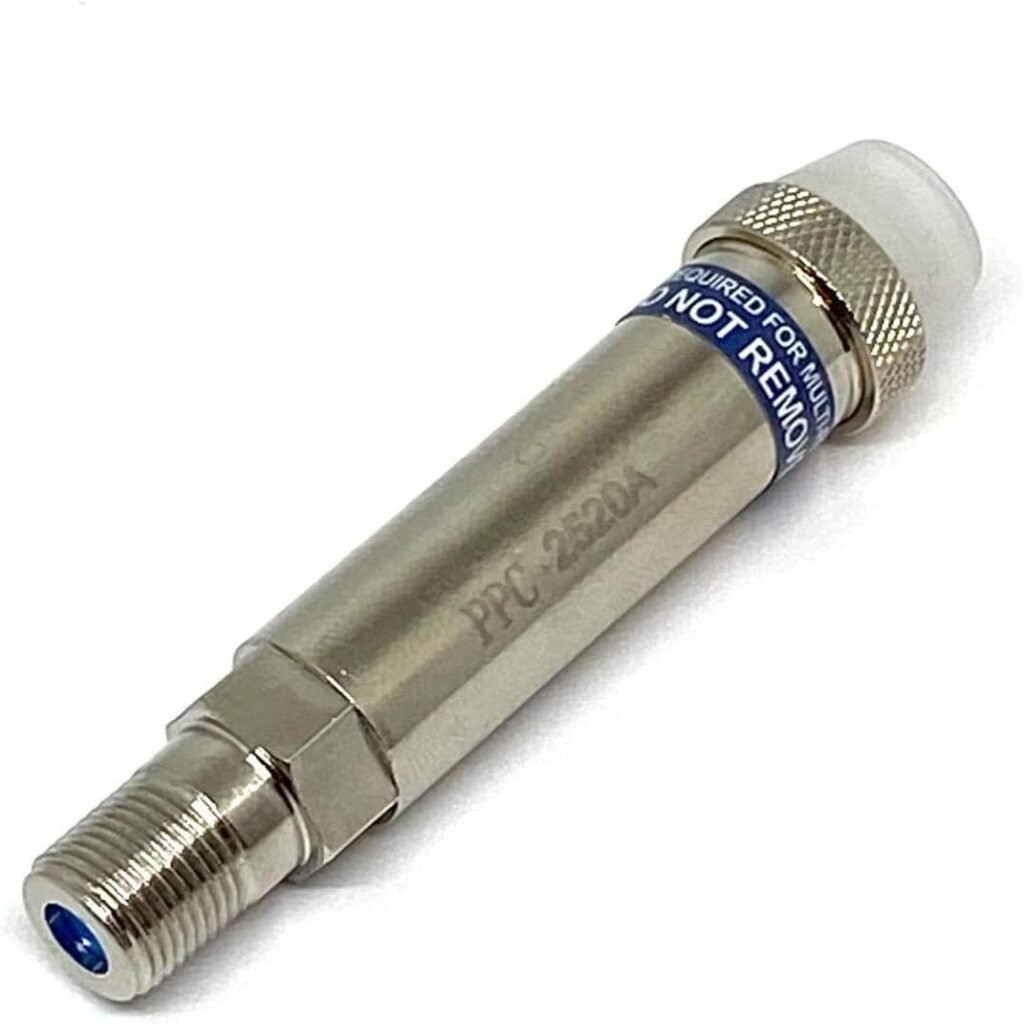
This $10 part is mandatory. It prevents your signal from leaking to your neighbors and secures your home network.
How to Set It Up in 5 Minutes
- Side A (Router): Plug an Ethernet cable from your Router into the first MoCA adapter. Connect the adapter to the Coax wall outlet.
- Side B (Your Gear): In your gaming room, connect the second MoCA adapter to the Coax wall outlet and plug your PC or Console into it via Ethernet.
- The Filter: Screw the POE Filter onto the main cable line entering your house.
The Bottom Line
Don’t buy a $500 router hoping it will fix your signal through three walls. Use the “Secret Engineering Trick”: convert your Coax to 2.5Gbps Ethernet. It’s cheaper, faster, and it kills lag once and for all.