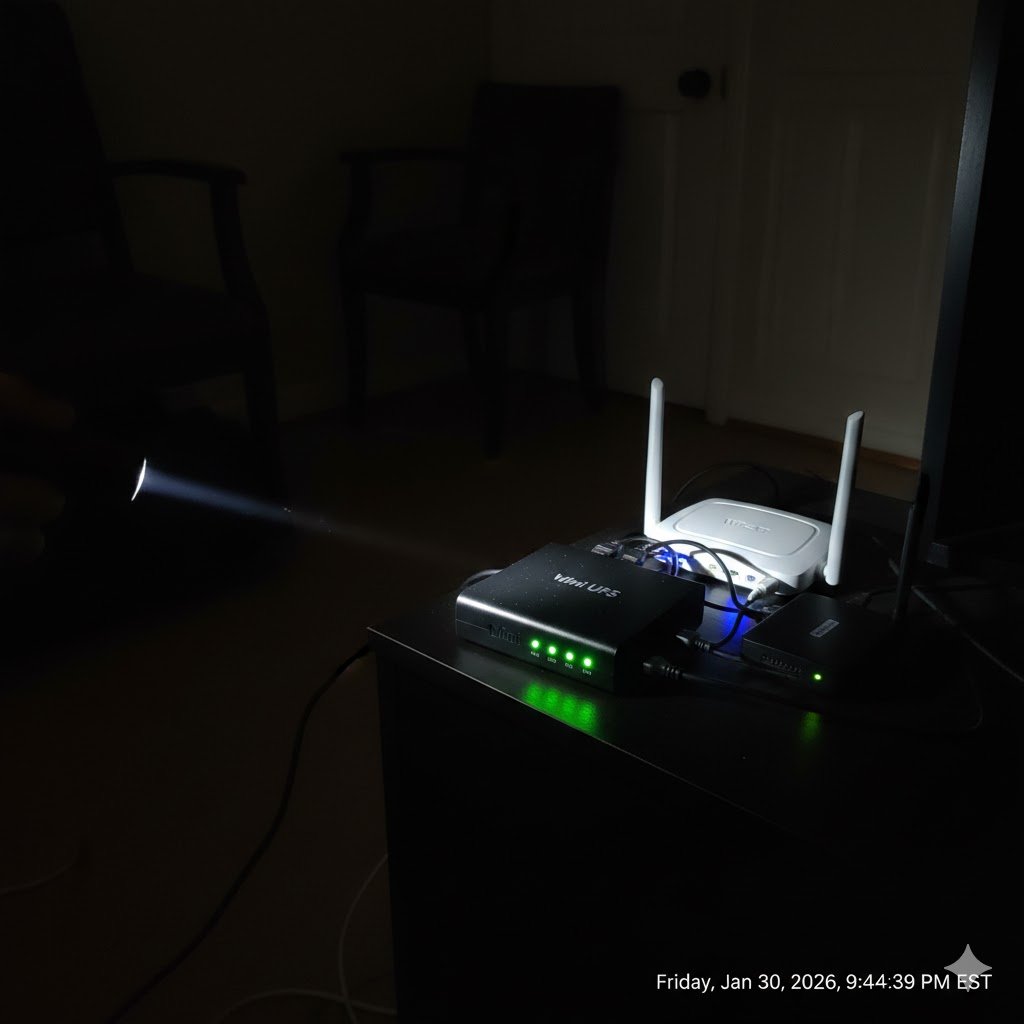
Picture this: It’s storming outside. You are in the middle of a critical work call or the final circle of a Warzone match. The lights in your house flicker for a fraction of a second—literally just a blink.
Your laptop stays on (it has a battery). Your TV stays on. But suddenly, your screen freezes. “Connection Lost.”
Why? Because your router lost power for 100 milliseconds. Now, you have to wait 10 minutes for it to reboot, reload its operating system, and handshake with your ISP.
This is the “Reboot Penalty,” and it is completely avoidable. You don’t need a generator. You need a simple device called a UPS.
Transparency Note: This article contains affiliate links. As an Amazon Associate, I earn from qualifying purchases at no extra cost to you. This helps support the blog.
Surge Protector vs. UPS: Know the Difference
Most people plug their expensive routers into a cheap power strip or a Surge Protector. They think they are safe. They are wrong.
- Surge Protector: Protects against too much electricity (voltage spikes). It does nothing for too little electricity (brownouts or blackouts).
- UPS (Uninterruptible Power Supply): Has a battery inside. When the power flickers or dies, it switches to battery power instantly (in milliseconds). Your router never even “knows” the power went out.
As a network engineer, I consider a UPS mandatory for any home network. It’s the cheapest insurance policy you can buy for your uptime.
The Engineering Math: How Long Will It Last?
You might think you need a massive, expensive battery backup like the ones used for gaming PCs. You don’t.
Routers and Modems are extremely efficient devices.
- Average Router Power Draw: ~12 Watts
- Average Fiber Modem (ONT) Draw: ~10 Watts
- Total Load: ~22 Watts
A small, entry-level 425VA UPS can keep a standard router running for over 2 hours during a blackout. That is plenty of time to finish your work, save your game, or keep using Wi-Fi on your phone while the cell towers are congested.
Speaking of power backup, make sure your garage door also works in a blackout. Check our guide on [Smart Garage Openers].
The Best UPS for Home Networking
You want a “Brick Style” UPS. They look just like a power strip but are heavier because of the battery.
1. The Best Value: APC Back-UPS 425VA
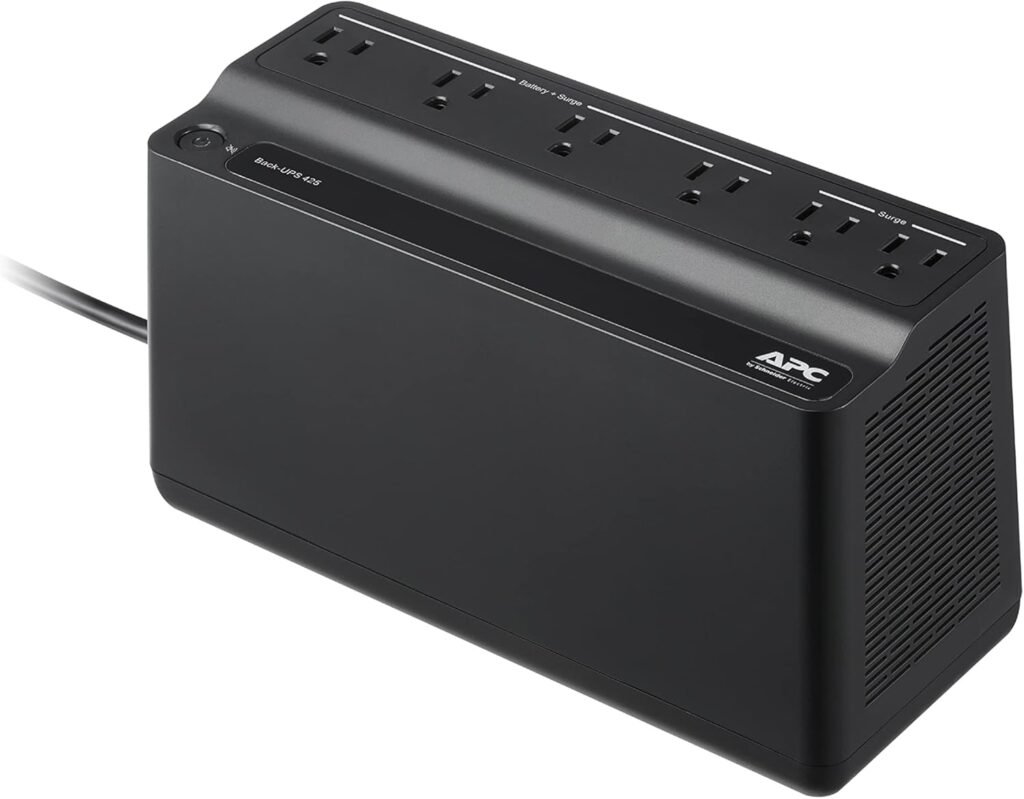
This is the industry standard. It has 6 outlets (4 with battery backup, 2 with just surge protection).
Why I like it: It’s compact, silent, and reliable. Just plug your router and modem into the “Battery Backup” side, and you are done.
2. The Upgrade: CyberPower ST900U
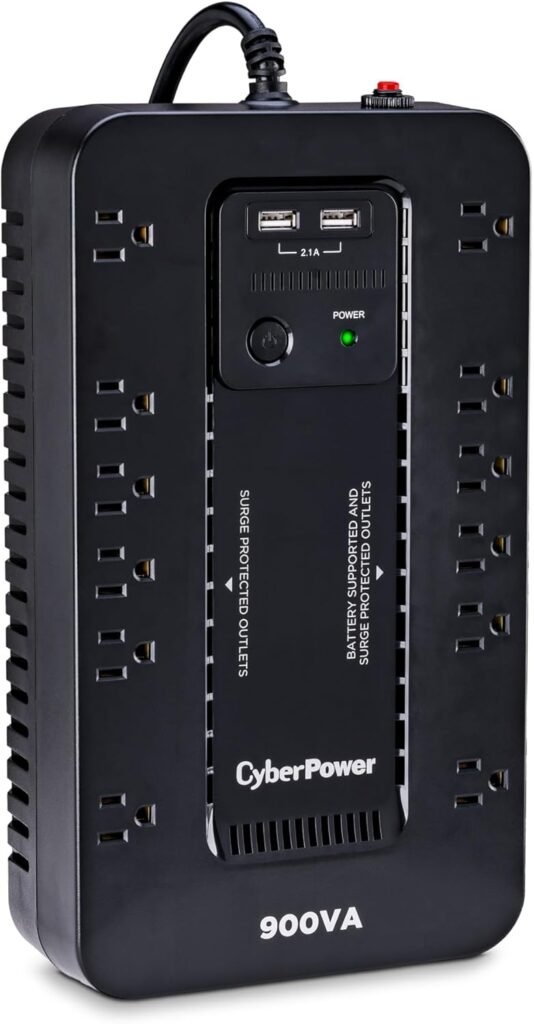
For a few dollars more, you get a bit more capacity and a slightly better form factor. If you have a NAS or a Home Server along with your router, get this one.
Crucial Installation Tip (Don’t Miss This)
If you have Fiber Internet (like Verizon Fios or AT&T), you likely have two boxes:
- The Router (the box with antennas).
- The ONT/Modem (the box where the fiber cable from the street actually plugs in).
You must plug BOTH into the UPS battery outlets. If you only plug in the Router, it will stay on during a blackout, but the ONT will die, and you will still lose internet. You need to keep the entire chain energized.
(Read my full guide on Verizon Fios Routers here to identify your equipment).
The Bottom Line
Stop letting micro-power outages kill your connection. For the price of a video game (~$60), a UPS eliminates the “Reboot Penalty” forever. It’s one of those “set it and forget it” upgrades that you will thank yourself for the next time the thunder starts rolling.
Keep your Wi-Fi alive. Get a UPS.