You buy a security camera for $100. It feels like a great deal. Then you set it up, and the app tells you: “To view your recordings, please subscribe to our Cloud Plan for $10/month.”
If you don’t pay, your smart camera becomes a dumb “live-view only” monitor. Over three years, that $100 camera actually costs you $460.
As a network engineer, I have a rule: “The Cloud is just someone else’s computer.” Why should you pay rent to store your own video footage on a server in another state?
Today, I’ll show you how to cut the cord on subscriptions, own your data, and choose the right storage hardware so you don’t lose footage when it matters most.
Transparency Note: This article contains affiliate links. As an Amazon Associate, I earn from qualifying purchases at no extra cost to you. This helps support the blog.
The “Cloud” Tax: It’s Not Just Money
Beyond the monthly cost, Cloud Storage has two major engineering downsides:
- Bandwidth Hogging: Cloud cameras constantly upload video to the internet. If you have 4 cameras recording in 2K/4K, they can saturate your home’s upload speed, killing your gaming ping and Zoom calls.
- Privacy: When you upload footage to the cloud, it leaves your control. Local storage stays in your house, encrypted on your hardware.
The Solution: Edge Storage (SD Cards) & NVRs
There are two ways to store video locally without fees: MicroSD Cards (Edge Storage) and Home Hubs/NVRs (Centralized Storage).
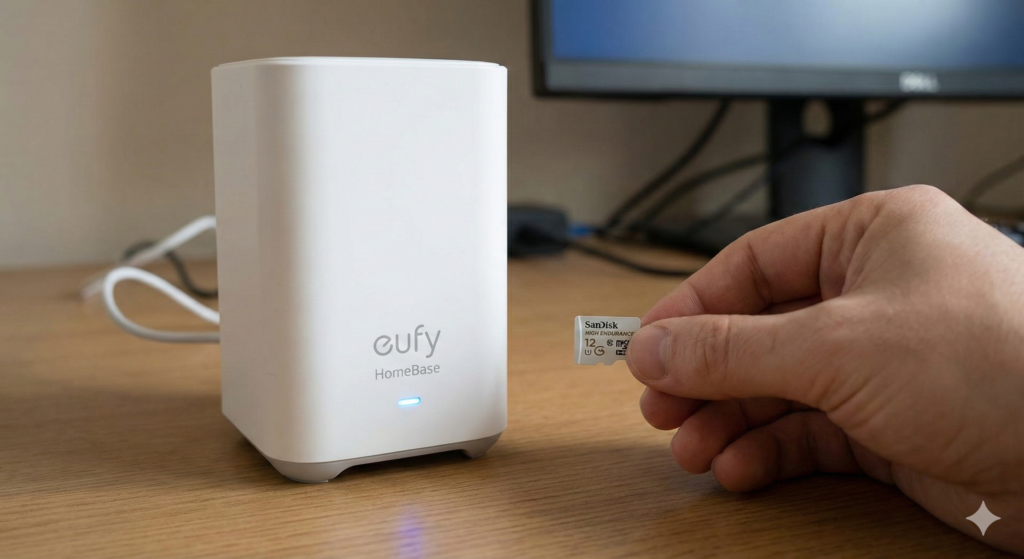
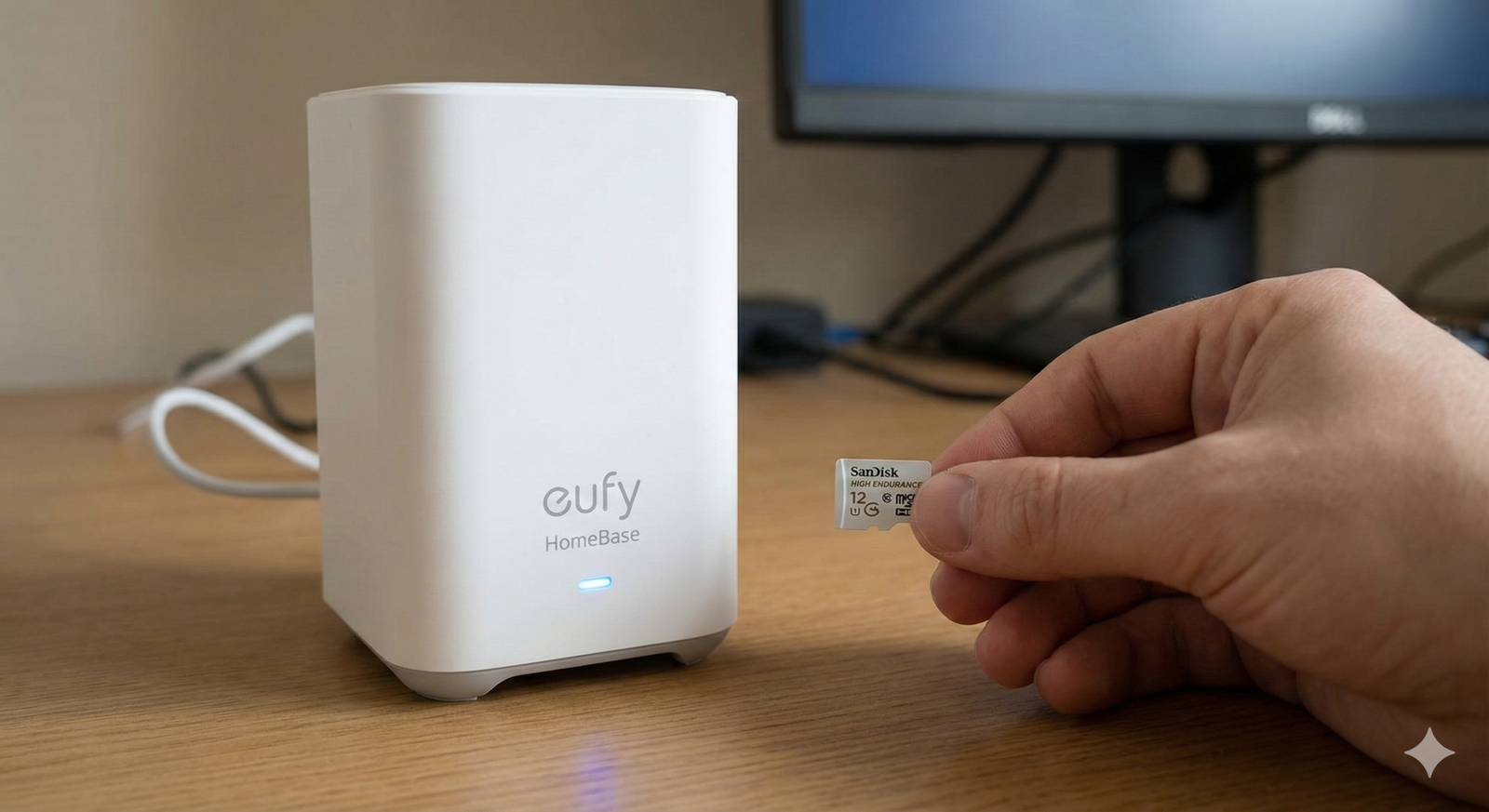
Local storage hubs like the Eufy HomeBase keep your footage safe indoors, with zero monthly fees.
⚠️ The #1 Mistake: Buying the Wrong SD Card
This is where most people fail. They grab the cheapest MicroSD card they find on Amazon. Do not do this.
Security cameras write data continuously. Standard SD cards are made for photos (write once, read many). If you put a standard card in a camera, the memory cells will burn out within months due to excessive “Write Cycles.”
The Engineering Fix: You need a “High Endurance” or “Max Endurance” card. These use different NAND flash technology designed to be overwritten thousands of times.
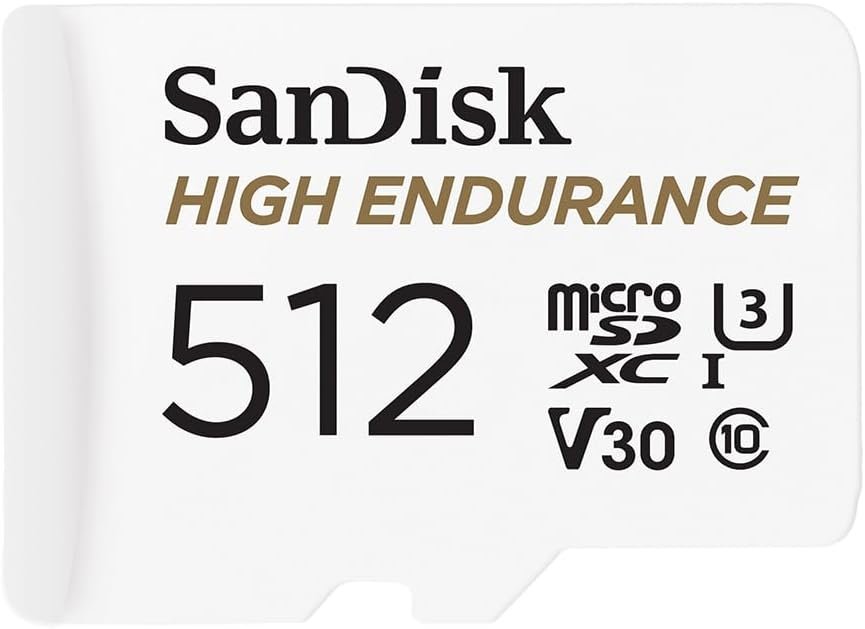
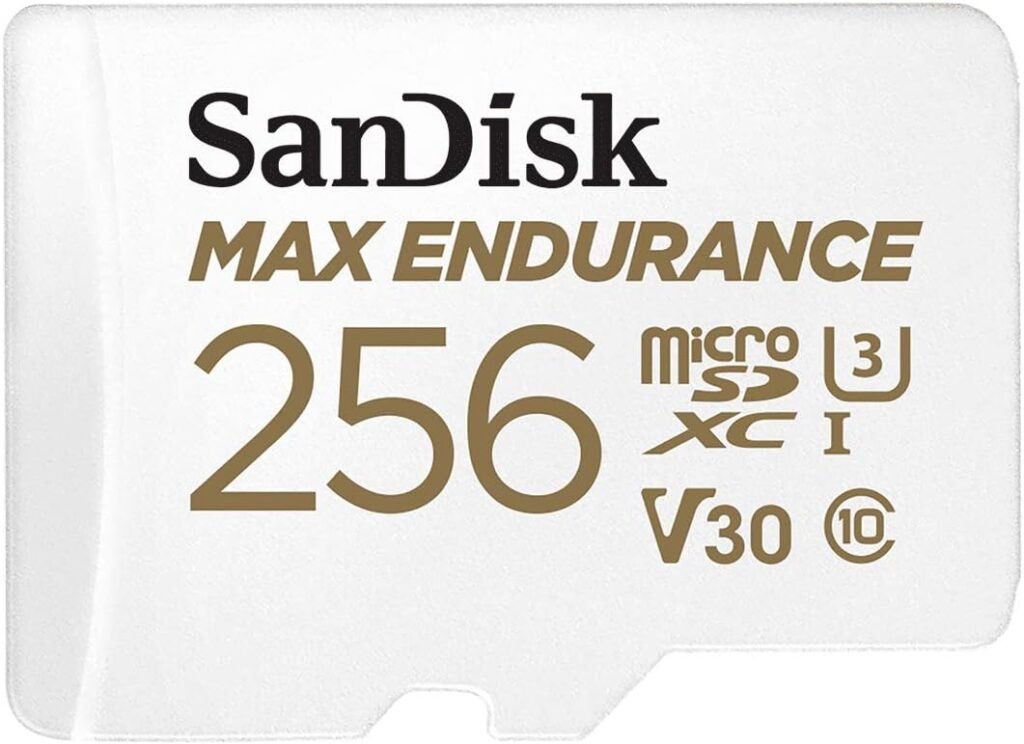
- Recommended: SanDisk High Endurance or Samsung PRO Endurance. They cost $5 more but last years instead of months.
Top Subscription-Free Camera Systems (2026)
Here are the ecosystems that respect your wallet and your data.
1. The Best “Smart” System: Eufy Security (HomeBase 3)
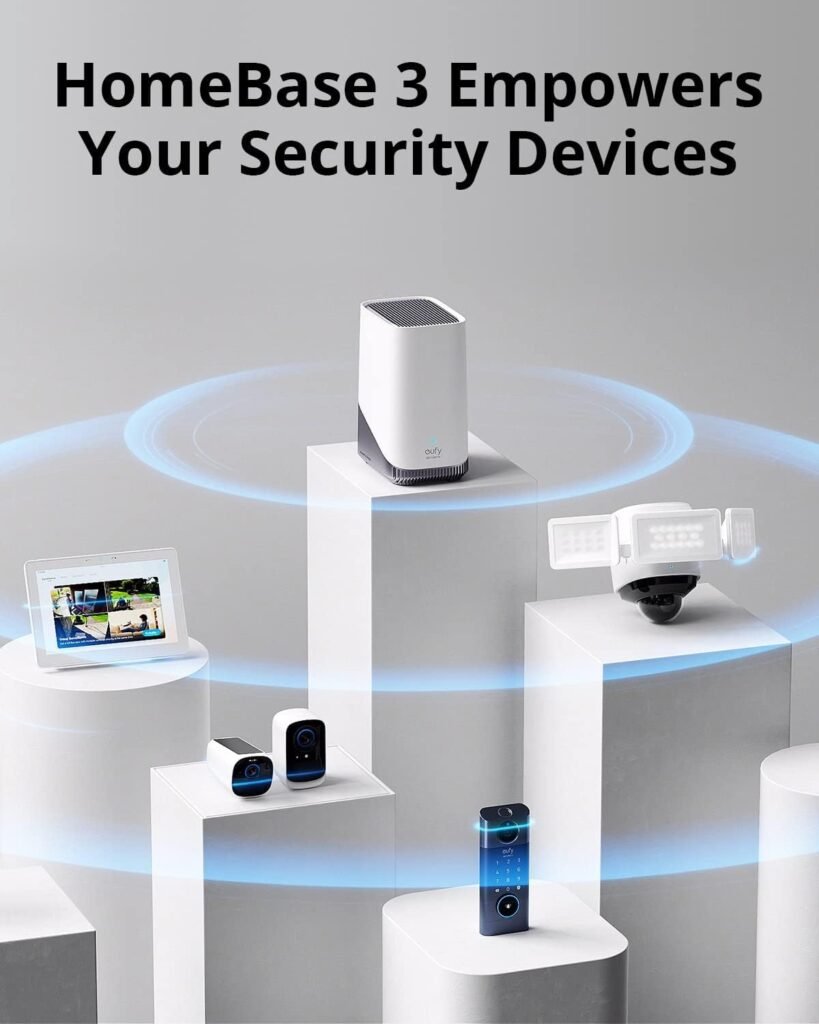
Eufy uses a hybrid approach. The cameras connect wirelessly to a central hub (HomeBase 3) inside your house.
Pro Tip: This works perfectly with the Solar Cameras I reviewed yesterday.
Why I like it: The AI processing (detecting humans vs. pets) happens locally on the hub. You can install a standard 2.5″ Hard Drive or SSD (up to 16TB) into the HomeBase and store years of footage with zero monthly fees.
2. The Flexible Workhorse: Reolink Ecosystem
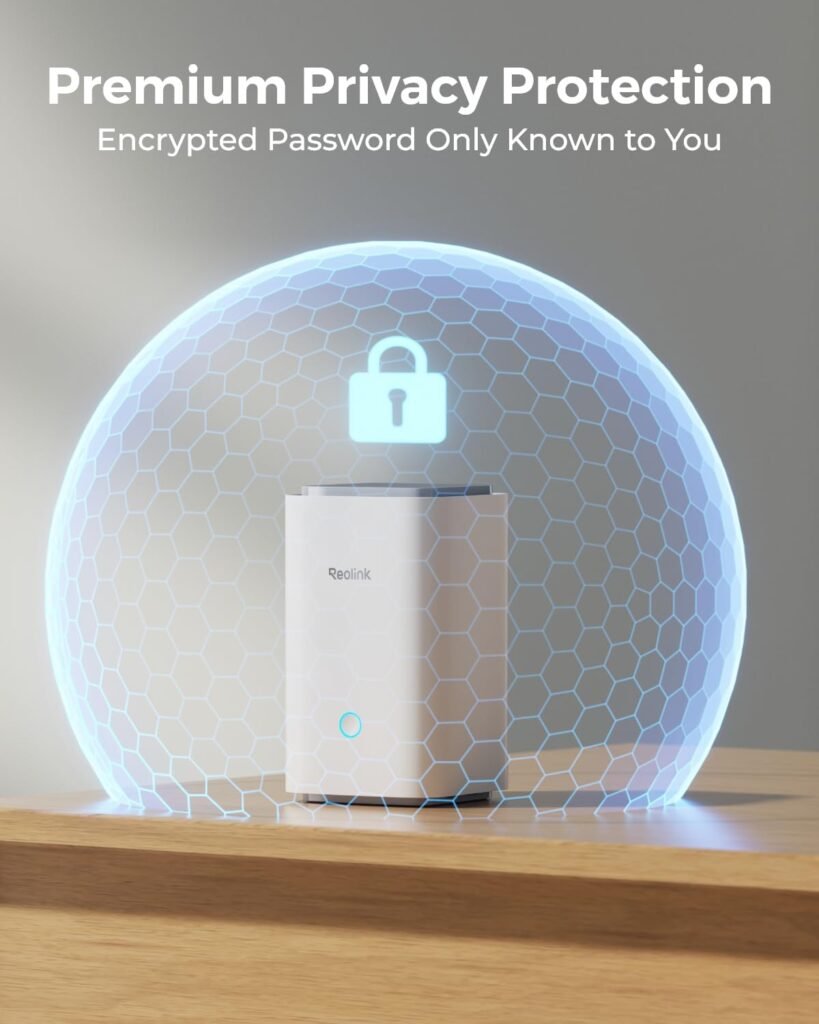
Reolink is the favorite of the DIY community because they allow you to record to a MicroSD card inside the camera OR to a dedicated NVR (Network Video Recorder).
Why I like it: Total freedom. You can start with one camera and an SD card. Later, if you want 24/7 recording, you can buy their NVR and link everything up. No mandatory subscriptions, ever.
3. The Budget Pick: TP-Link Tapo Series
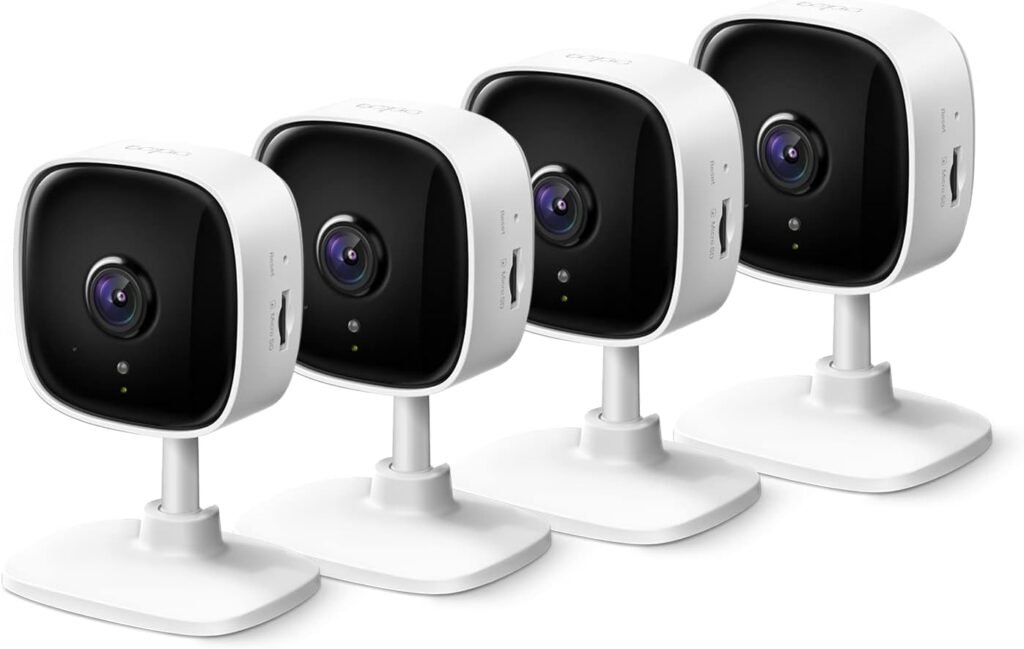
For indoor use or budget outdoor setups, the Tapo line is fantastic.
The Setup: Pop a High Endurance SD Card into the slot, and you have full playback controls in the app.
Common Myth: “If I don’t use Cloud, I can’t watch remotely”
False. Modern local storage cameras use P2P (Peer-to-Peer) encryption. When you open the Reolink or Eufy app on your phone at work, it creates a secure tunnel directly to your camera/hub at home to stream the footage. You get the same “app experience” without the monthly bill.
One Critical Vulnerability (And How to Fix It)
If you use Cloud, and a thief steals your camera, the video is safe on the server. If you use Local Storage (SD Card) and a thief steals the camera, they steal the footage too.
The Engineer’s Fix:
- Mount High: Place cameras out of reach.
- Use a Hub/NVR: If you use a system like Eufy HomeBase or a Reolink NVR, the recorder is locked safely inside your house. Even if they smash the camera outside, the video is already safe on your hard drive indoors.
- Power Protection: Since your storage is local, if the power goes out, recording stops. Connect your HomeBase or NVR to a UPS Battery Backup to ensure you keep recording even if a thief cuts the power.
The Bottom Line
Stop renting your security. For the price of one year of subscriptions, you can buy a massive hard drive or high-quality SD cards that will last a decade.
Take control of your data. Go local.