
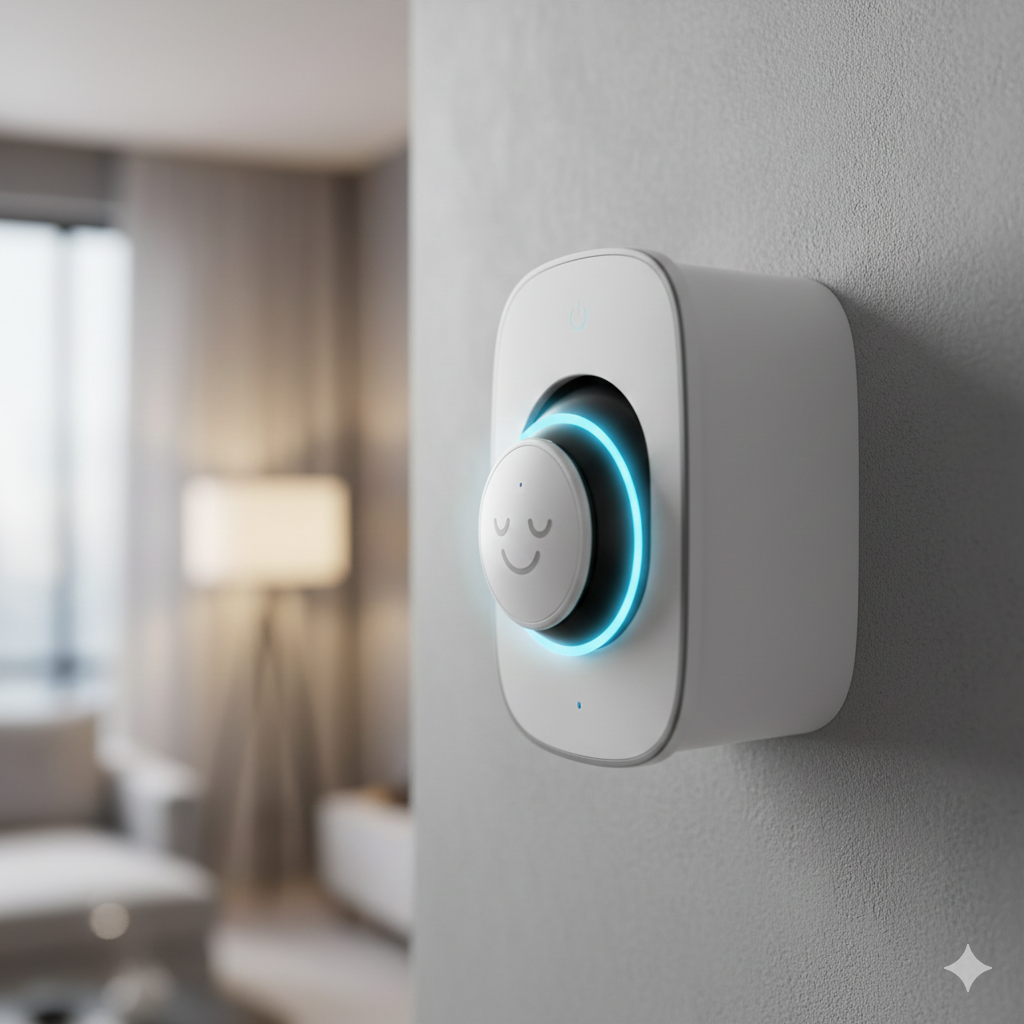
Intro: It is the modern homeowner’s nightmare. You buy a security camera to protect your family, but instead, you end up wondering: “Is someone watching me in my own living room?”
You are not being paranoid. It happens.
In 2024, a major camera brand had a glitch where 13,000 users accidentally saw thumbnails from other people’s cameras. Before that, employees at other tech giants were fired for accessing customer videos.
The good news? You don’t need to throw your cameras in the trash. You just need to lock them down.
Here are the 3 settings you must change today, and the specific cameras to buy if you want 100% privacy.
Transparency Note: This article contains affiliate links. As an Amazon Associate, I earn from qualifying purchases at no extra cost to you. This helps support the blog.
1. The “2FA” Rule (Do Not Skip This)
If you do only one thing after reading this, do this.
Most camera hacks aren’t “Matrix-style” coding genius. They are simple “credential stuffing.” Hackers take a password you used on Netflix or LinkedIn (that leaked years ago) and try it on your camera account.
The Fix: Enable Two-Factor Authentication (2FA) immediately in your app settings. This forces the app to ask for a text message (SMS) code or email code every time someone tries to log in. Even if a hacker has your password, they can’t get in without your physical phone.
2. Stop “Port Forwarding” (The Old School Mistake)
If you followed a YouTube tutorial from 2015 to set up your cameras for remote viewing, you might have opened “ports” on your router.
In plain English: You unlocked a window in your digital house so you could peek in, but now anyone walking by on the internet can peek in too. Tools like Shodan crawl the web looking for these open ports specifically to hijack cameras.
The Fix: Go to your router settings and turn off Port Forwarding / UPnP for your cameras immediately. Use the manufacturer’s official app (which uses secure P2P tunnels) or a VPN to view footage remotely. Never expose a camera directly to the open internet.
Never expose a camera directly to the open internet. Also, remember that even a secure local system needs power to record. Ensure your router and NVR stay online during an outage with a UPS Battery Backup.
3. The “Cloud” Trap vs. Local Storage
Most popular cameras (Ring, Nest) upload your video to their servers. This means your private moments physically live on a computer owned by Amazon or Google. While they have high security, “the cloud” is always a target.
The Fix: If you want zero risk of a cloud leak, stop using the cloud. Buy a camera that records to a local microSD card or a HomeBase inside your house. For a deep dive into the best hardware for this, read my Engineer’s Guide to Local Security Camera Storage.
The Best Cameras for “Paranoid” Privacy (Our Top Picks)
If you are buying a new camera and value privacy above all else, these are the only models we recommend.
1. The “Physical Privacy” King: Eufy Indoor Cam S350
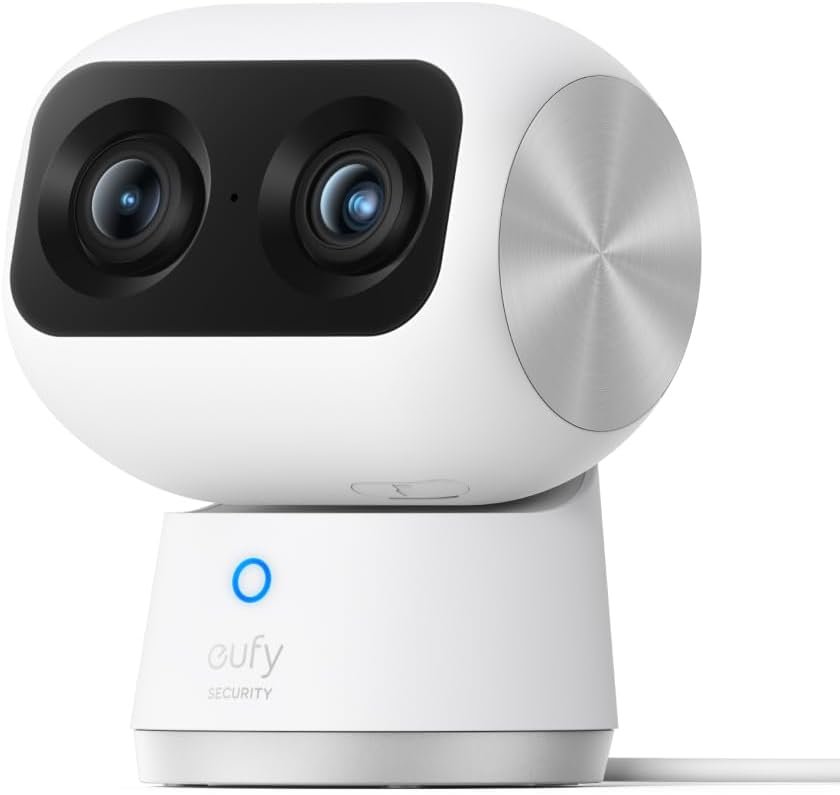
Most cameras can be turned “off” in the app, but how do you know it’s really off? The Eufy S350 solves this with physics. When you switch it to “Privacy Mode,” the lens physically rotates 180 degrees and stares into its own plastic casing.
Bonus: It records locally to a microSD card, so no monthly fees.
Why we love it: You can visually see that it’s not watching you.
2. The Apple User’s Fortress: Logitech Circle View
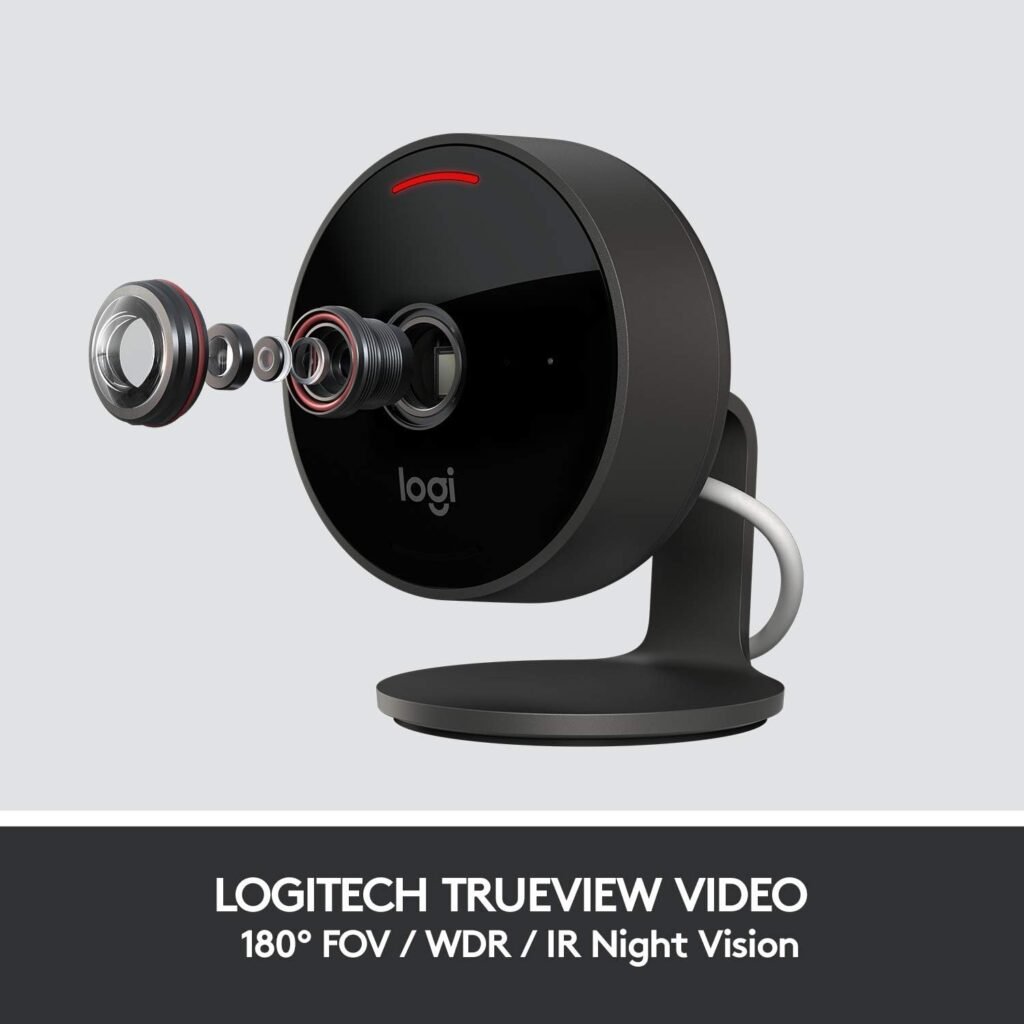
If you use an iPhone, you have a secret weapon: HomeKit Secure Video. The Logitech Circle View is built exclusively for Apple. It encrypts your video before sending it to iCloud. Even Apple cannot watch your video because they don’t have the key—only your iPhone does.
Why we love it: It’s strictly for Apple users. No unknown 3rd party apps required.
3. The “Cute” Privacy Guard: Aqara Camera Hub G3
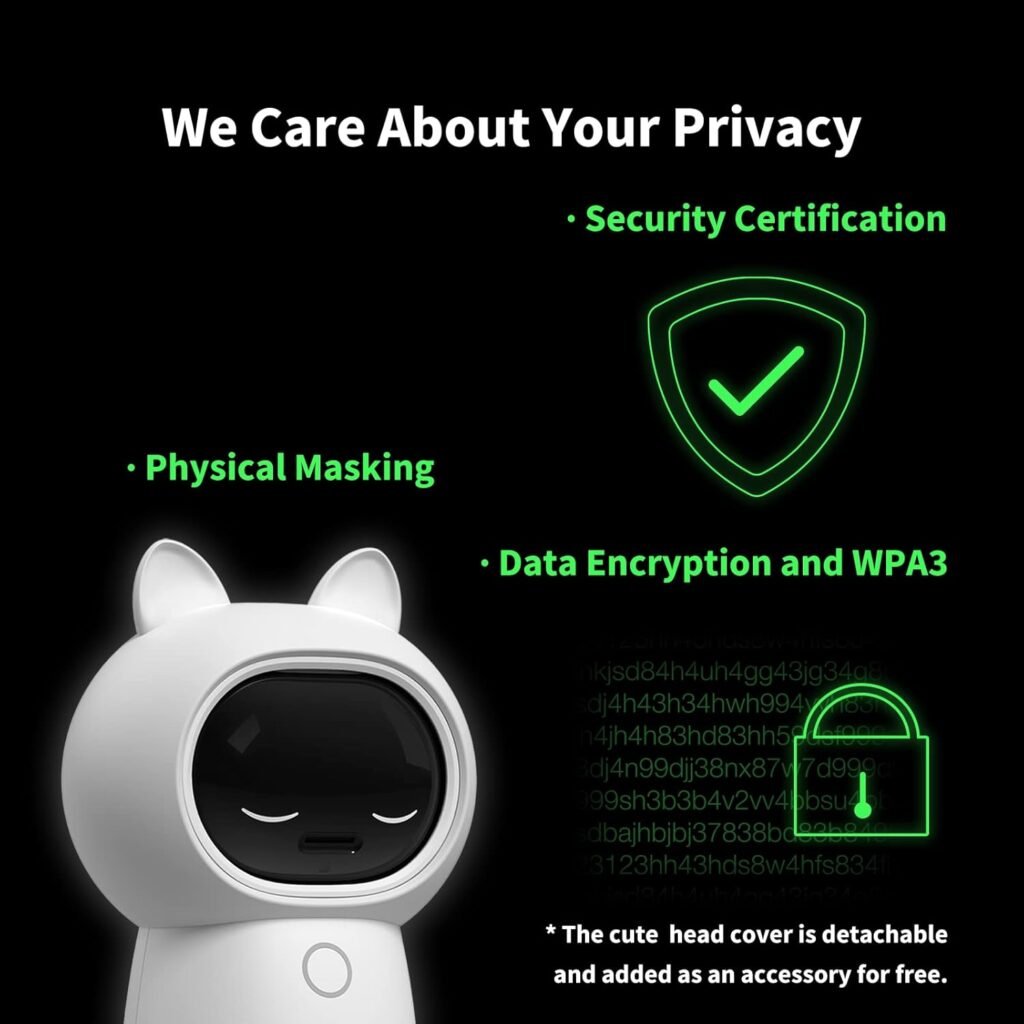
This camera has a cult following for a reason. When privacy mode is active, the lens rolls up inside the head and a cute “sleeping face” (eyes closed) appears on the plastic casing.
Why we love it: It gives you an instant visual indicator that the camera is “asleep.” Plus, it’s a powerful 2K pan-and-tilt camera that works as a Zigbee hub.
4. The “Anti-Cloud” Outdoor Beast: EufyCam 3 (S330)
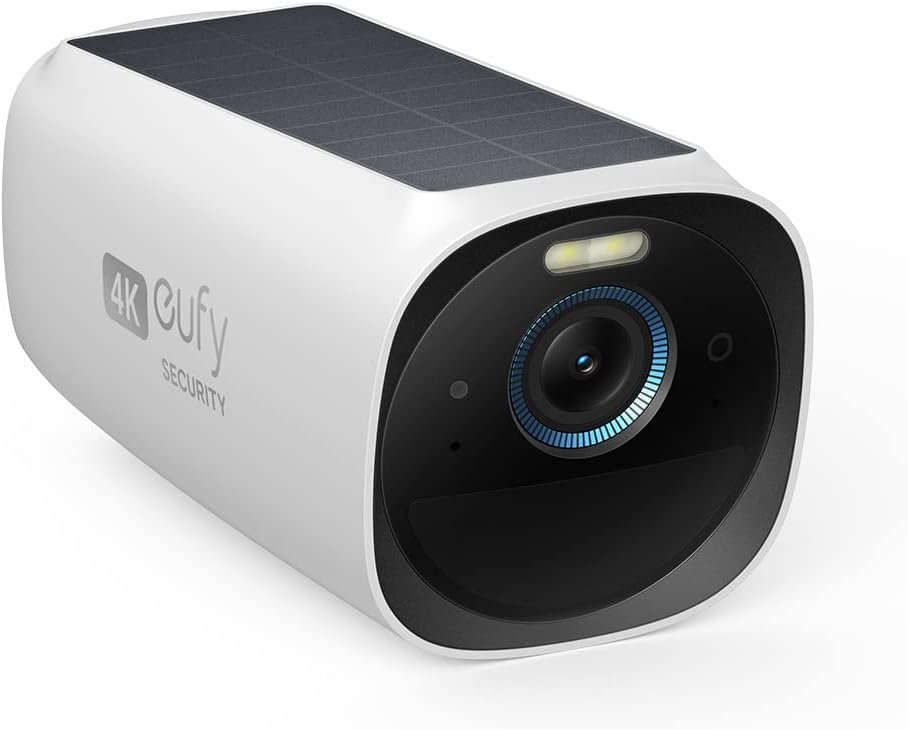
For outdoor security without the monthly “cloud tax,” this is the heavyweight champion. The EufyCam 3 kit comes with a “HomeBase” hard drive that sits inside your house. The cameras send video to the box, not the internet.
Why we love it: Face recognition happens locally. Your data never leaves your living room unless you want it to.
The EufyCam 3 (S330) is the heavyweight champion for outdoor security. Not only does it keep your data local, but it’s also solar-powered. If you want to know more about how solar charging works in the winter, check out my full guide on Solar Security Cameras here.
Summary: Fight for Your Privacy
Privacy isn’t dead, but you have to be proactive.
- Turn on 2FA on every app.
- Prefer cameras with Physical Shutters (like the Eufy S350).
- Store footage Locally whenever possible.
Sleep tight (and privately).