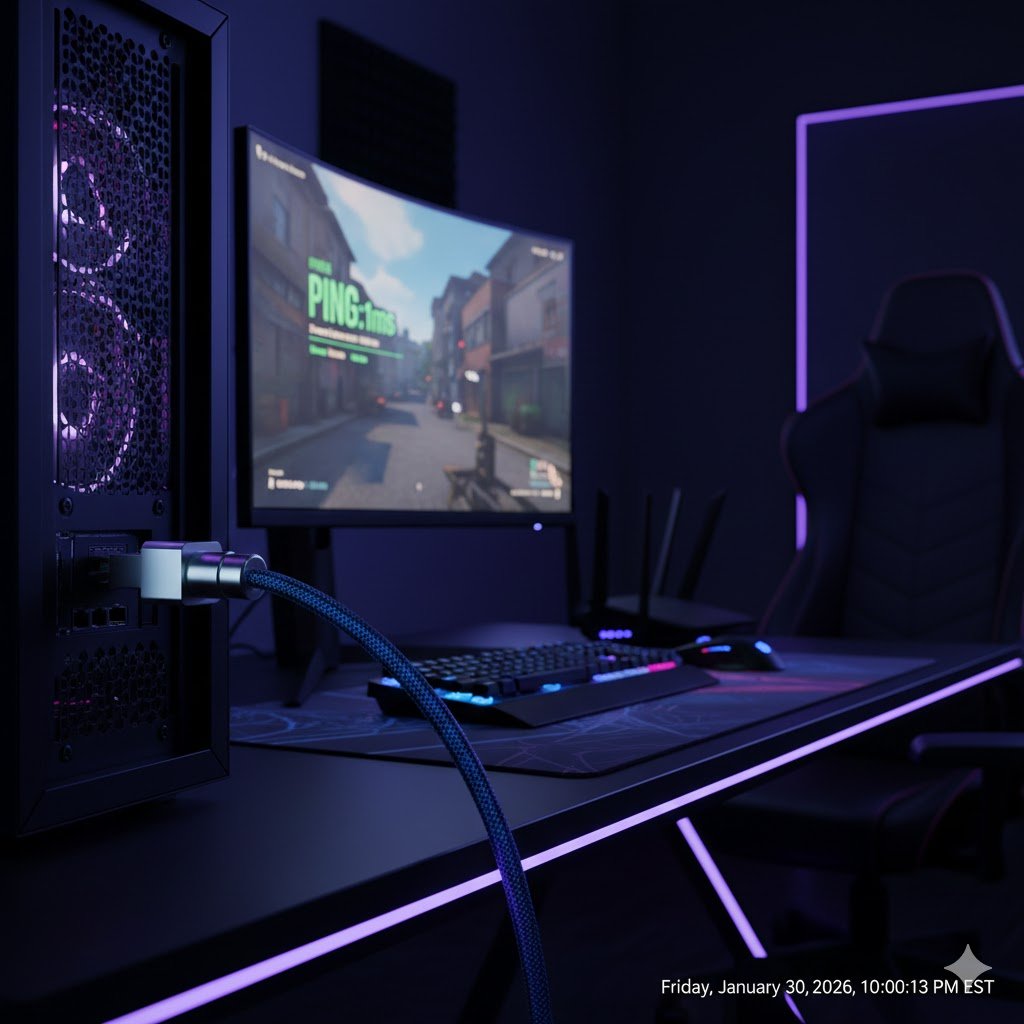
Is Cat8 worth it for home gaming? A telecom engineer explains why 40Gbps cables might be overkill for your PS5 and what you should buy instead to get the best ping.
If you search for “Ethernet cable” on Amazon right now, you will be bombarded with gold-plated connectors, braided nylon exteriors, and promises of “40Gbps Hyper Speed.” These are the Cat8 cables, and they are marketed aggressively to gamers looking to lower their ping in Call of Duty or Valorant.
But as a Telecommunications Engineer who designs critical network infrastructure for a living, I look at these product pages and see a lot of marketing fluff obscuring the physics.
Does a PS5, Xbox Series X, or a high-end Gaming PC actually benefit from a Cat8 Ethernet cable? Or are you just burning money? Let’s look at the data.
Transparency Note: This article contains affiliate links. As an Amazon Associate, I earn from qualifying purchases at no extra cost to you. This helps support the blog.
What is Cat8, Actually?
Category 8 (Cat8) is a legitimate standard recognized by the TIA/EIA. It is designed for Data Centers, not living rooms.
Its specifications are impressive:
- Frequency: 2000 MHz (2 GHz)
- Speed: Up to 40 Gbps
- Distance: Up to 30 meters (approx. 98 feet)
In a server room, where we connect switches to servers over short distances, this bandwidth is useful. But bringing this technology into a residential environment often creates more problems than it solves.
The “Bottleneck” Reality
Network speed is determined by the “weakest link” in the chain. Think of your network like a highway system. If you drive a Ferrari (Cat8 Cable) but the speed limit is 25mph (your Internet Plan), you are still going to drive at 25mph.
Let’s look at the typical home gaming setup:
- Your ISP Plan: Likely between 300 Mbps and 1 Gbps.
- Your Router’s WAN Port: Usually 1 Gbps (sometimes 2.5 Gbps on newer models).
- Your Console/PC: The PS5 and Xbox Series X have 1 Gbps network cards.
The Engineer’s Verdict: Even if you use a cable capable of 40 Gbps (Cat8), your PS5 can physically only accept 1 Gbps. You are connecting a firehose to a kitchen faucet. The water flow (data) will not increase.
Will Cat8 Lower My Ping?
This is the most common myth. The short answer is no.
Latency (Ping) is primarily determined by the physical distance between your home and the game server, and the processing hops in between.
The signal propagation speed (how fast electricity travels through copper) is roughly the same in Cat5e, Cat6, and Cat8 cables. As long as your current cable isn’t damaged, upgrading to Cat8 will not magically reduce your ping from 20ms to 5ms.
The Hidden Downsides of Cat8 in Homes
You might be thinking, “Well, it doesn’t hurt to have the best, right?” Actually, it might.
Stiffness and Routing Cat8 cables require heavy shielding (S/FTP) to block interference at high frequencies. This makes the cable thick and rigid. It is very difficult to route around corners, behind desks, or under carpets without damaging the internal foil.
The Ground Loop Issue Because Cat8 is shielded, it uses metal connectors that are designed to be grounded. In enterprise equipment, we have dedicated grounding bars. In a home, if you plug a shielded cable between two devices with different electrical potentials (and poor home grounding), you can introduce noise or “ground loops,” which ironically can cause connection drops.
My Recommendation: The “Sweet Spot”
For 99% of home users and gamers, the correct engineering choice is Cat6a or even standard Cat6.
- Cat6: Supports 1 Gbps perfectly, and up to 10 Gbps over short distances (up to 55 meters). It is flexible, cheap, and easy to hide.
- Cat6a: Supports 10 Gbps up to 100 meters. This is the “future-proof” standard for homes.
If you want to wire your house for the next 10 years, install Unshielded (UTP) Cat6a. It avoids the grounding headaches of Cat8 while delivering speed that is 10x faster than what your PS5 can currently use.
Engineer’s Picks: What You Should Actually Buy
Here are the cables I personally recommend based on build quality and specifications.
1. The Smart Choice (Best Overall)
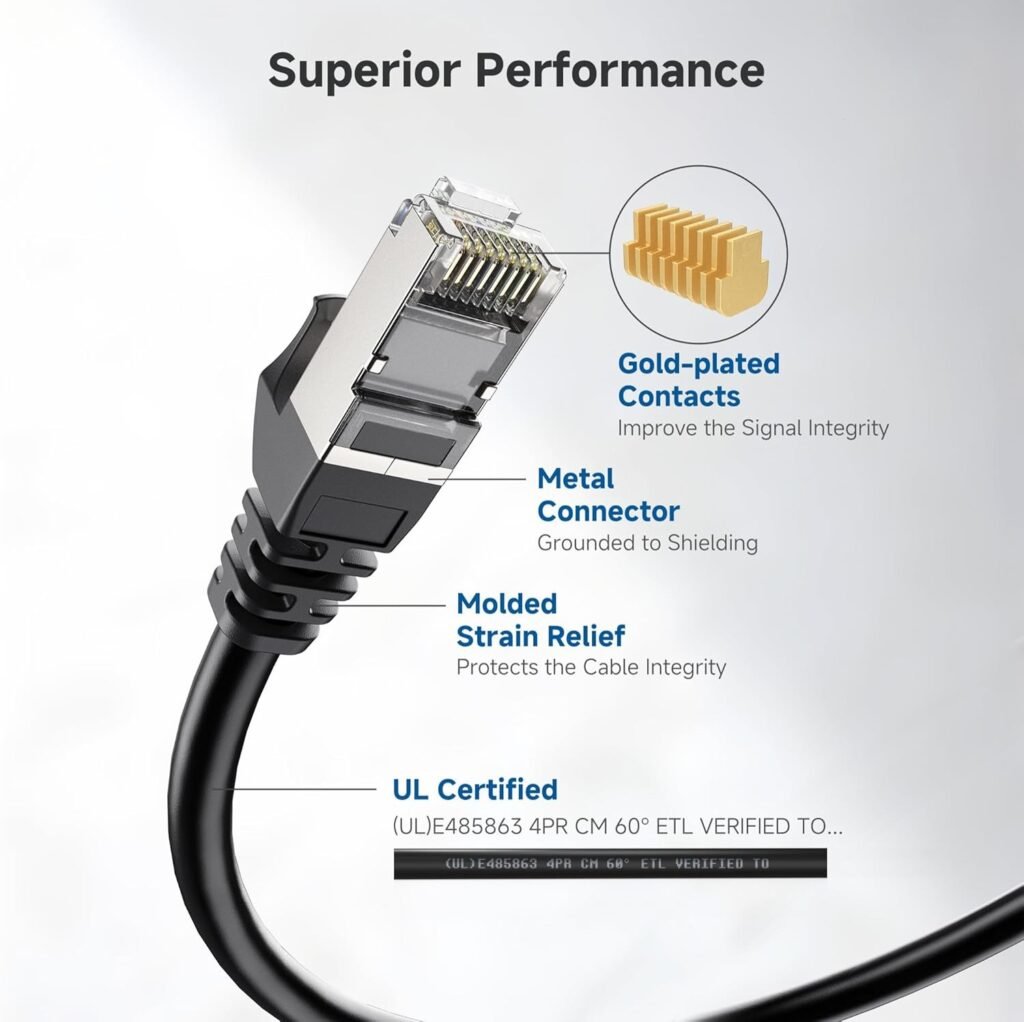
Cable Matters Snagless Cat 6a
This is the gold standard for home networking. It is UTP (Unshielded), meaning it’s flexible and avoids ground loop issues, but certified for 10 Gigabit speeds. It’s all you will ever need for gaming.
2. The “Hidden” Choice (Best Flat Cable)
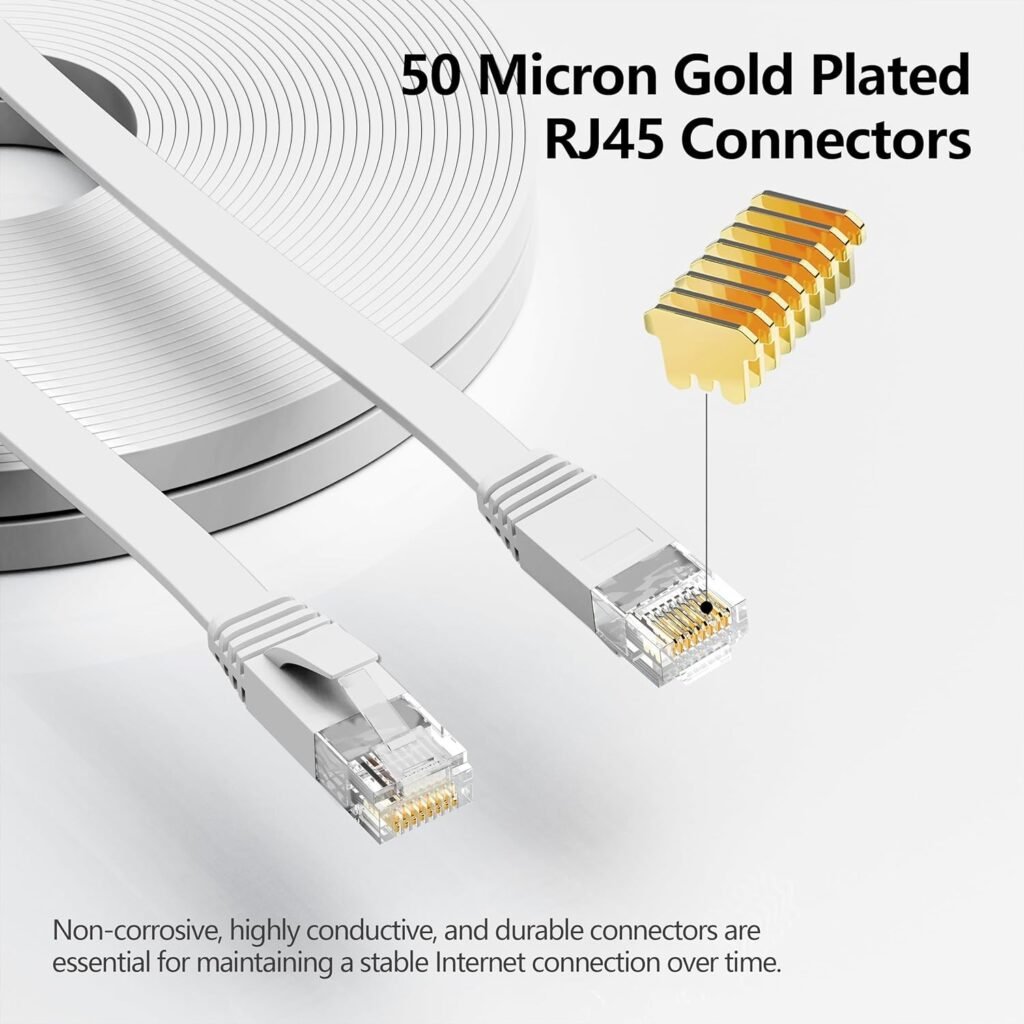
Jadaol Cat 6 Flat Ethernet Cable
If you need to run a cable under a rug or along a baseboard to reach your console, this is the best option. While I usually prefer round cables for durability, Jadaol makes a reliable flat cable that hits full Gigabit speeds without the bulk.
3. The “Overkill” Option (If you insist on Cat8)
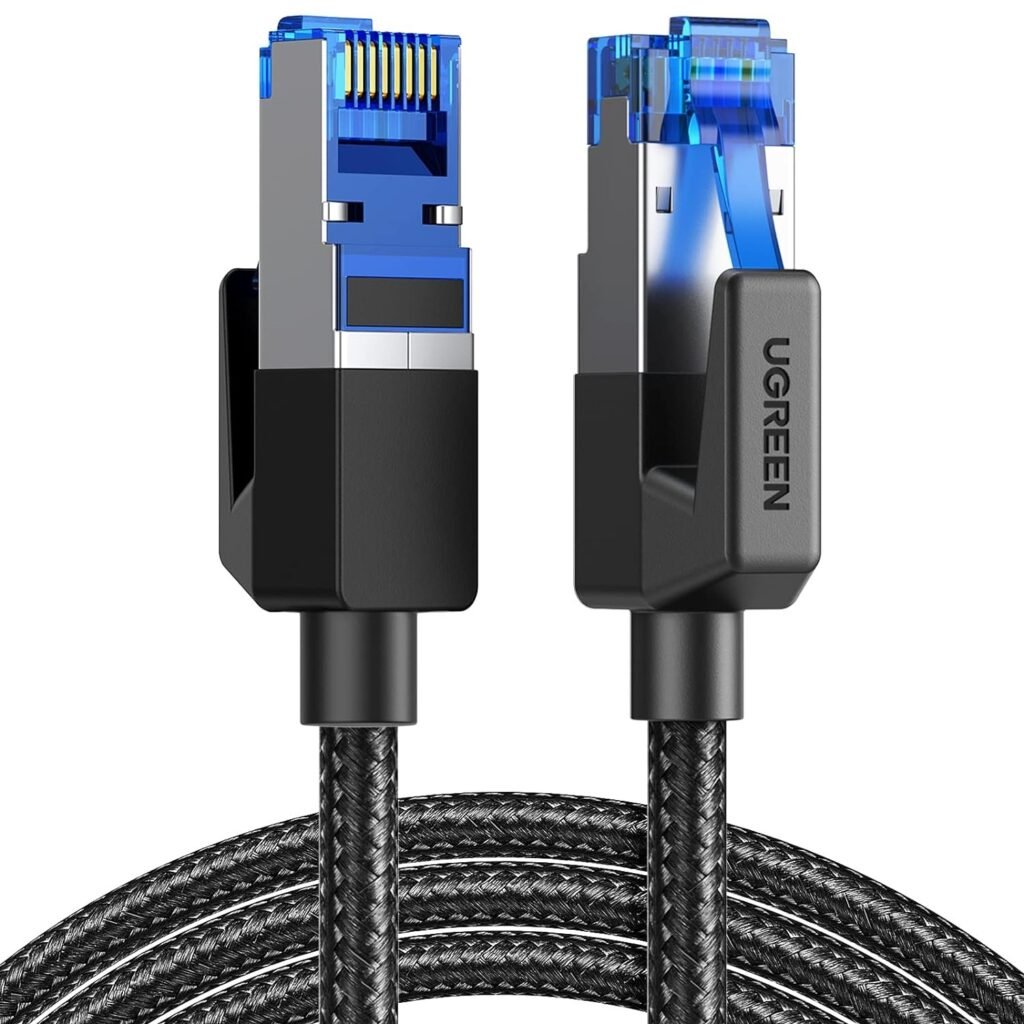
UGREEN Cat 8 Ethernet Cable
If you simply must have the highest number on the box, or if you are connecting a high-end NAS to a 10Gb switch, UGREEN makes a decent Cat8. Just be aware it is stiff and overkill for a game console.
Useful Articles and Reviews that can assist you:
- Is Your Security Camera Spying on You? How to Block It (The “Zero Trust” Guide)
- The Insurance Discount Myth: Is Ring Alarm Actually Worth It?
- Hunting Energy Vampires: How a $12 Gadget Lowered My Bill
- Left the Garage Open in a Blizzard? The $30 Smart Fix
- Heat Pump Water Heater in Winter? How I Cut My Bill in Half (at 20°F)
- Power Outage? Why Your Camera and WiFi Failed During the Blizzard (And How to Fix It)
- Best Cheap Security Cameras for 2026 (That Don’t Force a Monthly Fee)