It happens every Friday night. You order pizza, sit on the couch, and hit “Play” on that new HBO or Netflix show everyone is talking about.
And then… you wait. The loading circle spins. The app feels sluggish. The video starts pixelated before finally clearing up 30 seconds later.
Your first instinct is to grab your phone, check your Wi-Fi signal, and maybe reboot the router. You might even feel like calling your ISP to complain about your internet speed.
Stop right there.
I am a Network Engineer, and I see this happen constantly in homes with perfect, lightning-fast internet. If YouTube plays instantly on your phone or tablet connected to the same Wi-Fi, but takes forever to load on your 65-inch TV, your internet is innocent.
The villain is sitting right in front of you. It’s your Smart TV.
The “Smart” TV Lie
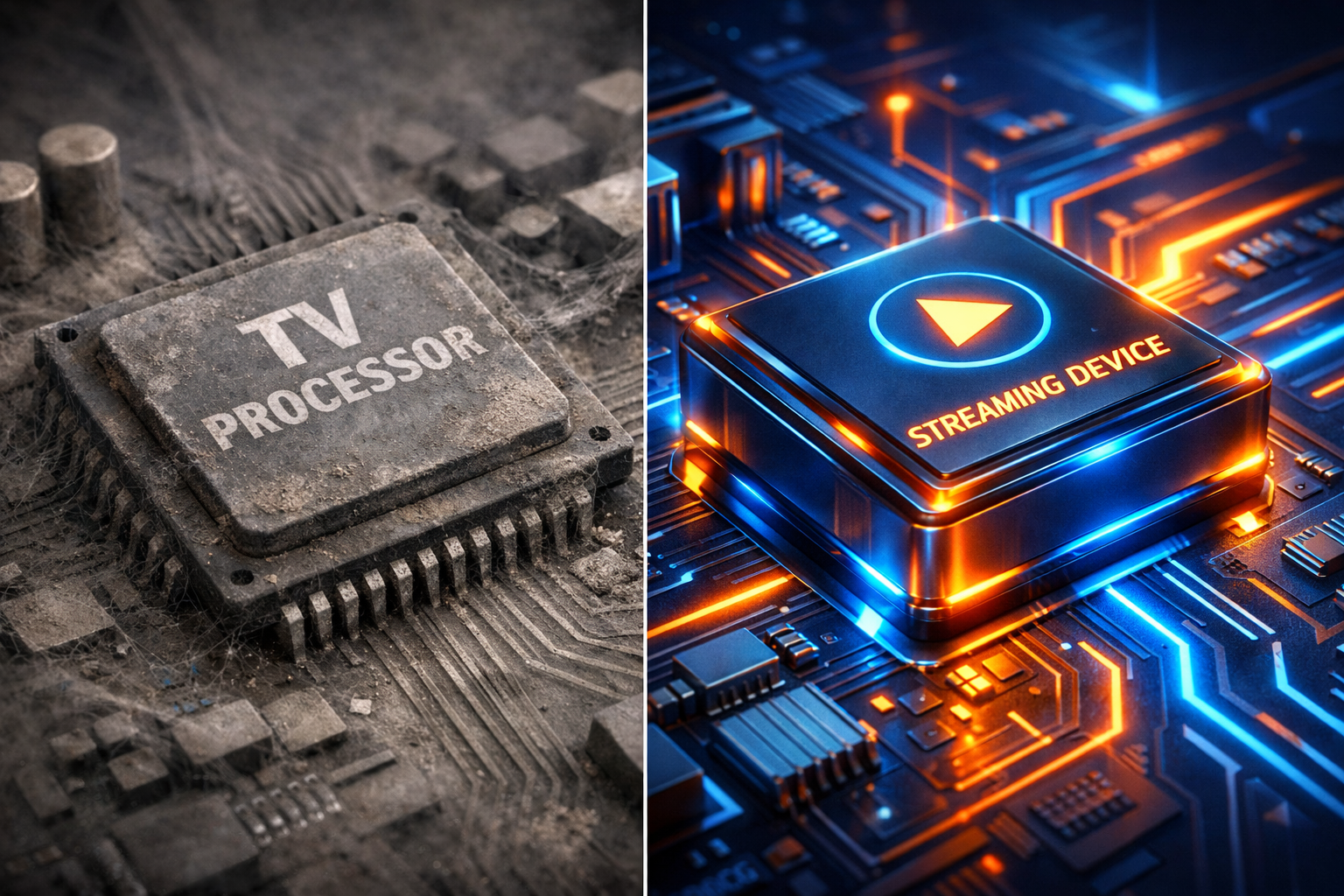
Here is the dirty secret of the TV industry: Manufacturers spend 90% of their budget on the screen OLED panels, local dimming, vibrant colors—and they save pennies on the computer chip that runs the apps.
When you bought your TV three or four years ago, that cheap processor was “okay.” But apps like Netflix, Prime, Disney+, and especially Max (formerly HBO) get updated constantly. They become heavier, more complex graphically, and demand more processing power.
Your internet connection is a wide-open highway. But your TV’s internal processor is an old engine that can’t go over 40mph. No matter how fast your internet is, that engine won’t go faster.
Transparency Note: This article contains affiliate links. As an Amazon Associate, I earn from qualifying purchases at no extra cost to you. This helps support the blog.
Solution 1: The “Hard Reboot” (Free Fix)
Before you spend any money, try this Engineer’s trick.
Most people never actually turn off their TVs; they just put them to “sleep” (standby mode). This means apps stay open in the background, clogging up the system memory (RAM) for months.
Try this right now:
- With the TV on, unplug the power cord directly from the wall socket.
- Wait 60 seconds. (This ensures all capacitors discharge and the memory clears).
- Plug it back in and turn it on.
This forces the TV to clear its cache and reload the operating system fresh. You might be surprised at how much snappier the menus feel immediately after.
Engineer’s Corner: The “Fast Start” Illusion
You might notice your TV turns on instantly. This is due to a feature often called “Quick Start” or “Instant On.”
The Engineering Reality: This feature keeps the operating system in a suspended state (hibernation) instead of shutting down. Over weeks, memory leaks in poorly coded apps (common in streaming services) pile up, causing the system to crawl.
Pro Tip: Go into your TV settings > System > Power, and turn OFF “Quick Start” occasionally. It will take 10 seconds longer to turn on, but your apps will run fresh every time.
Solution 2: The “Brain Transplant” (The $50 Fix)
If the reboot helped but the lag came back a few days later, it’s time to fire your Smart TV’s operating system. You don’t need a new TV; you just need a new “brain” for it.
By bypassing the slow, built-in apps and using a dedicated streaming stick, you get a processor designed specifically for speed.
My Recommendations for the Average Home:
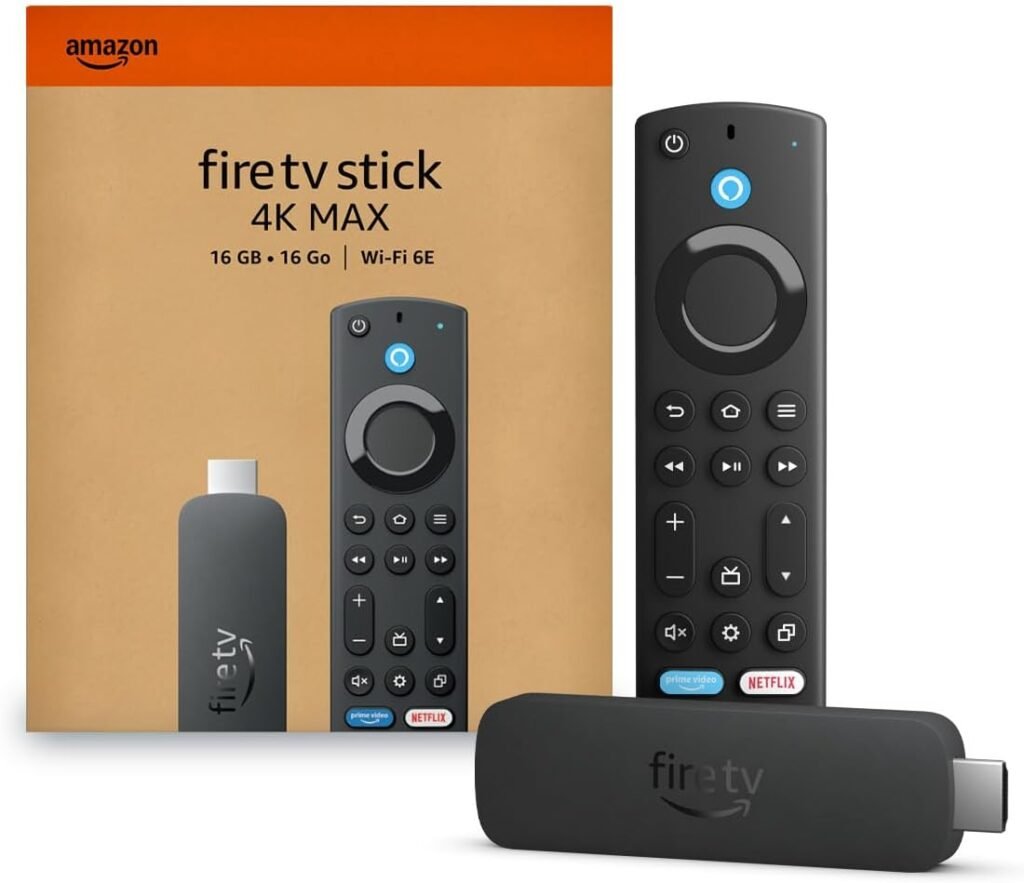
- Amazon Fire TV Stick 4K Max If you want the best bang for your buck, get the “Max” version. It has a significantly faster processor than the standard stick and supports Wi-Fi 6E. It flies through menus compared to a standard Samsung or LG interface.
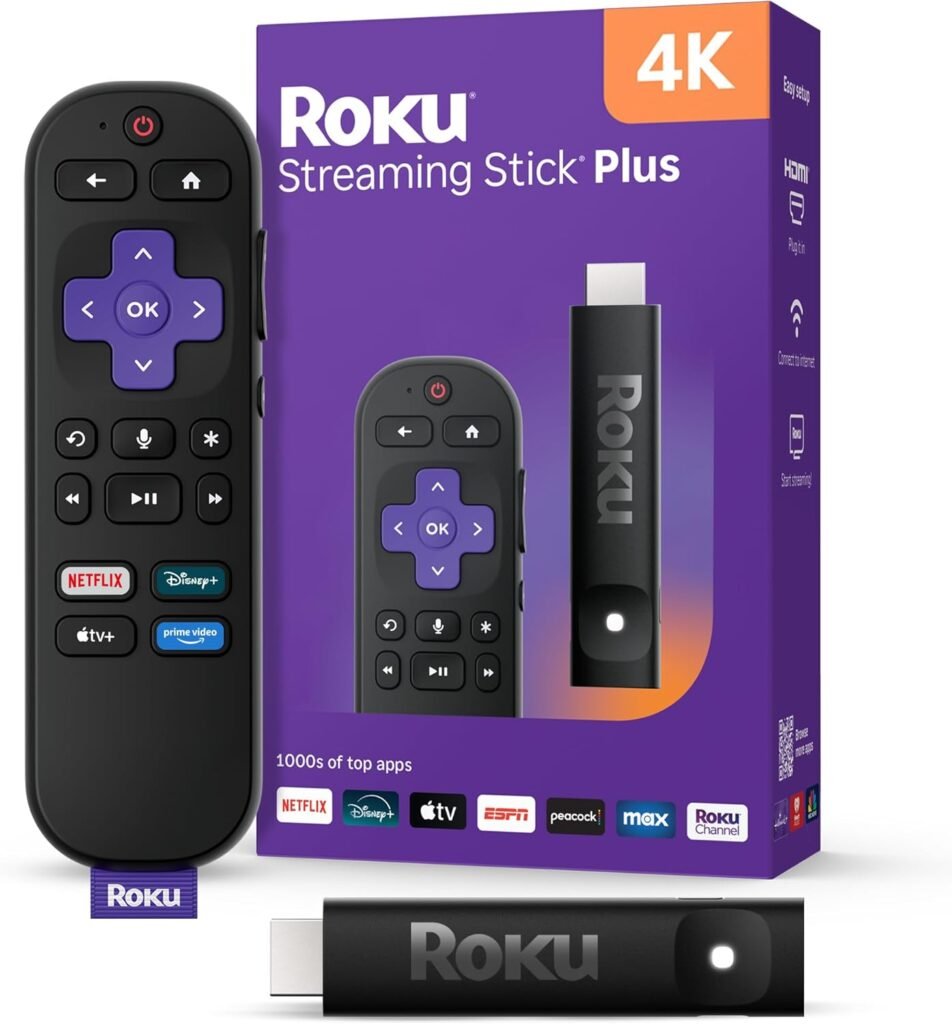
- Roku Streaming Stick 4K If you want something dead simple that just works. The interface is clean, it doesn’t lag, and it hides neatly behind your TV.
Solution 3: The “Nuclear Option” (The Enthusiast Choice)
If you are like me and you hate any lag, or if you stream high-quality files from a local server (like Plex), you need heavy-duty hardware.
In the networking world, there is one undisputed king:
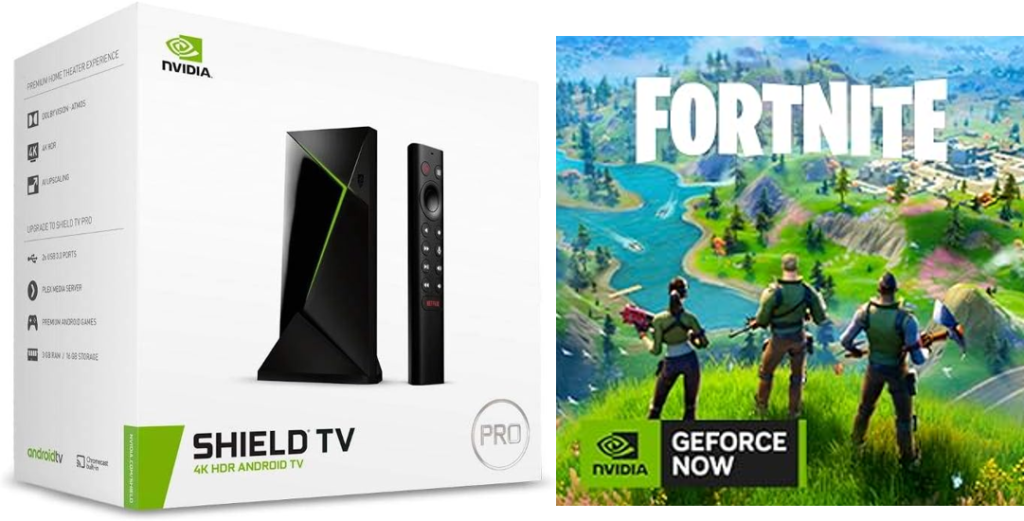
- Nvidia Shield TV Pro This device is legendary among home theater enthusiasts. It’s future-proof. Here are engineering reasons that cheaper sticks can’t match:
- AI Upscaling: It uses a neural network trained by Nvidia to take grainy 1080p video (like older YouTube videos or sports) and rebuild it into crisp 4K in real-time. It feels like magic.
- Gigabit Ethernet: Unlike many modern devices that are removing ports, the Shield gives you a true Gigabit LAN port. If you wire this to your router, buffering becomes mathematically impossible.
- Lossless Audio Pass-through: If you have a soundbar or surround sound system, the Shield can pass the raw audio signal (Dolby Atmos/TrueHD) directly to your speakers without compressing it.
- It’s a Secret Game Console: This is the killer feature. Through Nvidia’s GeForce NOW, it can play AAA games like Fortnite, Cyberpunk, or Call of Duty directly from the cloud. You connect a Bluetooth controller (Xbox or PS5 controller), and suddenly your bedroom TV is a gaming station without needing a $500 console.
- It is more expensive, yes. But it replaces a streamer and a game console.
🛠️ Engineer’s Corner: Speed vs. Picture Quality
Important Warning: The devices above will fix the lag and buffering, making your TV feel instant. However, they cannot physically upgrade your TV’s screen.
Think of it like putting a Ferrari engine in an old sedan. It will start fast, but it won’t corner like a sports car. If your TV has poor contrast (blacks look grey) or low brightness, a streaming stick won’t fix that.
Coming Soon: Confused about 60Hz vs 120Hz? Nits vs Lumens? OLED vs QLED? I am writing a deep-dive guide on “How to Read TV Specs like an Engineer” so you don’t get scammed on your next purchase. Stay tuned.
Summary
Don’t let a slow interface ruin your movie night. If your TV feels sluggish but your phone is fast, don’t upgrade your internet plan—upgrade your streaming device.