Walking into a Best Buy or scrolling through Amazon for a new TV is a nightmare.
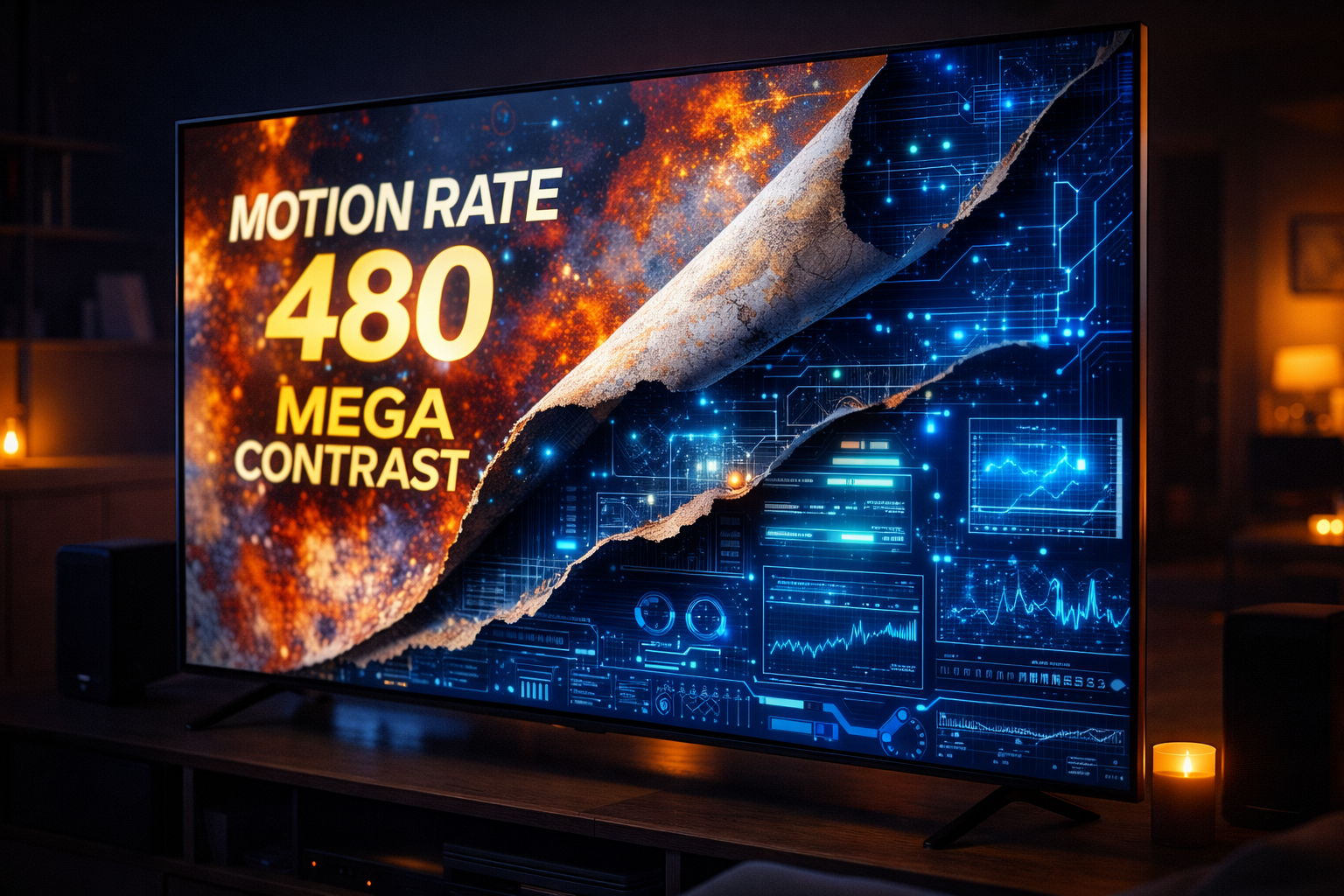
You are bombarded with acronyms: QLED, OLED, ULED, NanoCell, Mini-LED. Then come the numbers that sound impressive: “Motion Rate 240,” “High Dynamic Range,” “2,000 Nits.”
It feels like you need a PhD in Physics just to buy a screen to watch football.
Here is the truth: 90% of those specs are marketing fluff designed to confuse you. As a Network Engineer, I look at hardware datasheets for a living. Today, I am going to teach you how to ignore the noise and focus on the three numbers that actually matter to ensure you don’t get ripped off.
Not ready to spend $1,500 today? If your current TV has a decent screen but the apps are just too slow or buggy, you might not need a whole new TV. You might just need a “brain transplant.” 👉 Read this first: Stop Blaming Your Wi-Fi: How to Fix a Slow Smart TV for $50
Transparency Note: This article contains affiliate links. As an Amazon Associate, I earn from qualifying purchases at no extra cost to you. This helps support the blog.
1. Brightness: The “Nits” vs. “Lumens” Rule
If you buy a projector, you look for Lumens. If you buy a TV, you must look for Nits.
- The Science: A “Nit” is a unit of visible light intensity.
- Why it matters: If your living room has windows, you need a TV that can “fight” the sun.
- < 300 Nits: (Budget TVs). You will see your own reflection more than the movie during the day.
- 500-1000 Nits: (Mid-Range). Good for most rooms.
- > 1000 Nits: (High-End). The sun can be shining directly on it, and the picture will still look vibrant.
Engineer’s Warning: Manufacturers often hide the “Nit” count on cheaper models. If a TV box screams “Amazing Brightness” but doesn’t list the specific number, assume it is dim.
2. Smoothness: The “Fake Hz” Scam
This is the biggest lie in the industry, and it catches almost everyone.
You know that Refresh Rate (measured in Hertz or Hz) determines how smooth motion looks.
- 60Hz: Standard. Good for movies and casual TV.
- 120Hz: Excellent. Essential for PS5, Xbox Series X, and fast-paced Sports.
The Scam: Companies invent fake marketing terms like “Motion Rate 120,” “TruMotion 240,” or “Effective Refresh Rate.” If a TV says “Motion Rate 120,” it is usually just a 60Hz panel blinking its backlight fast to trick your eye. It is not real 120Hz.
The Fix: Always look for the “Native Refresh Rate.” If the spec sheet doesn’t explicitly say “Native 120Hz,” assume it is the slower 60Hz.
Manufacturers often cut costs on the internal processors, making apps feel sluggish. (By the way, if your current TV is buffering, check out my guide on the $50 fix here).
3. The Panel: OLED vs. The Rest
When engineers argue about picture quality, we usually debate two technologies. Forget the confusing acronyms; it comes down to this:
Option A: OLED (The King of Quality)
- How it works: Each pixel is its own light bulb. To show black, it turns off completely.
- The Result: Infinite contrast. Perfect blacks. The best picture quality money can buy.
- Best for: Dark rooms, Movie nights, Gaming.
Option B: Mini-LED (The Brightness Monster)
- How it works: Thousands of tiny LEDs behind the screen blast light through the pixels.
- The Result: Insanely bright. Great colors. No risk of “burn-in” (screen retention).
- Best for: Bright living rooms with lots of windows, Sports.
The Engineer’s Recommendations (2026 Edition)
If I had to buy a TV today with my own money, these are the only four I would look at. Each serves a specific engineering purpose.
1. The “Best Overall” (The Safe Bet)
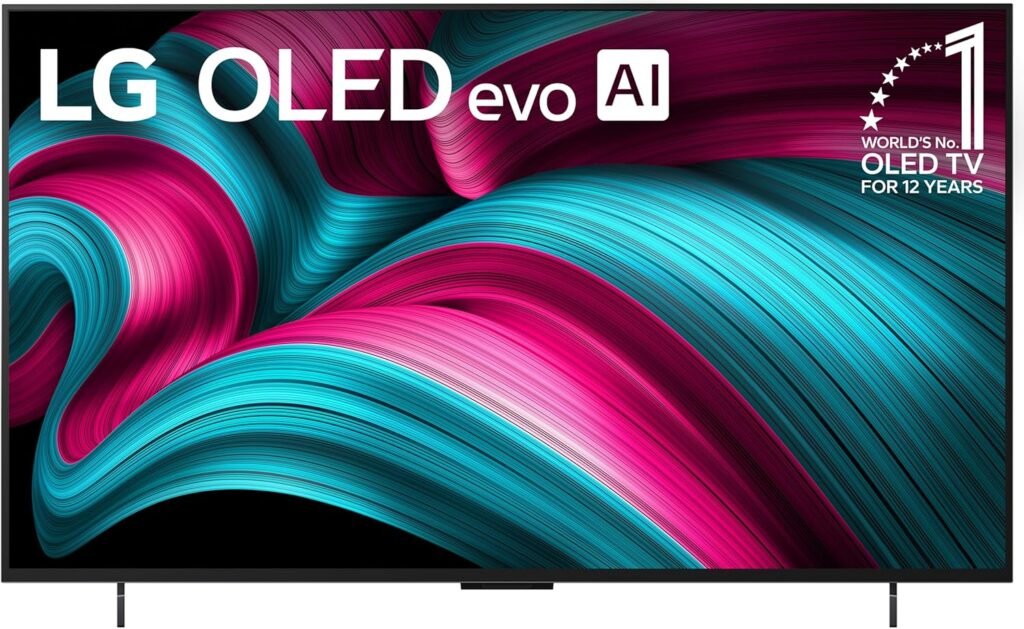
- LG C-Series OLED (C4/C5) This is the gold standard. It has a Native 120Hz panel, perfect blacks, and supports Dolby Vision (the best HDR format used by Netflix). It’s the TV most tech reviewers have in their own homes for a reason.
2. The “Color Volume” King (QD-OLED)
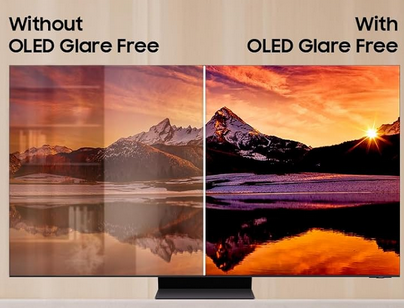
- Samsung S95 Series Engineer’s Note: Samsung refuses to support Dolby Vision, which is annoying. However, their QD-OLED panel technology is technically superior to LG’s in pure brightness and color saturation. If you love popping colors and gaming in a bright room, this is the best panel hardware on the market, period.
3. The “Cinema Purist” (Processing King)
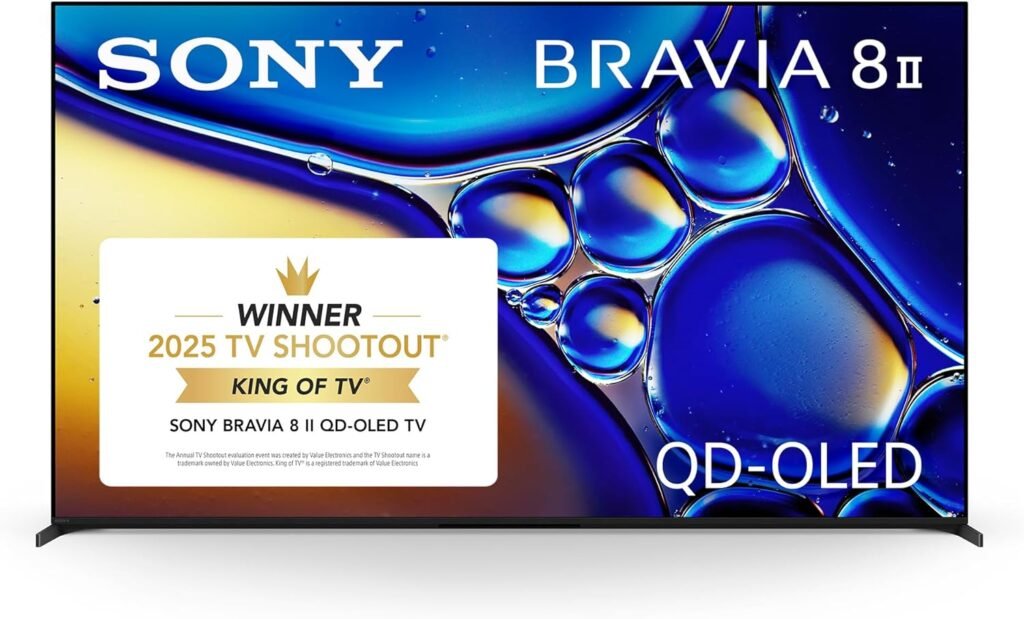
- Sony Bravia 8 / A80L OLED Sony uses the same OLED panels as LG, but their XR Processor is better. It handles motion smoothing and upscaling (making HD content look like 4K) better than any other brand. If you watch a lot of movies, get this.
4. The “Budget” Miracle (Mini-LED)
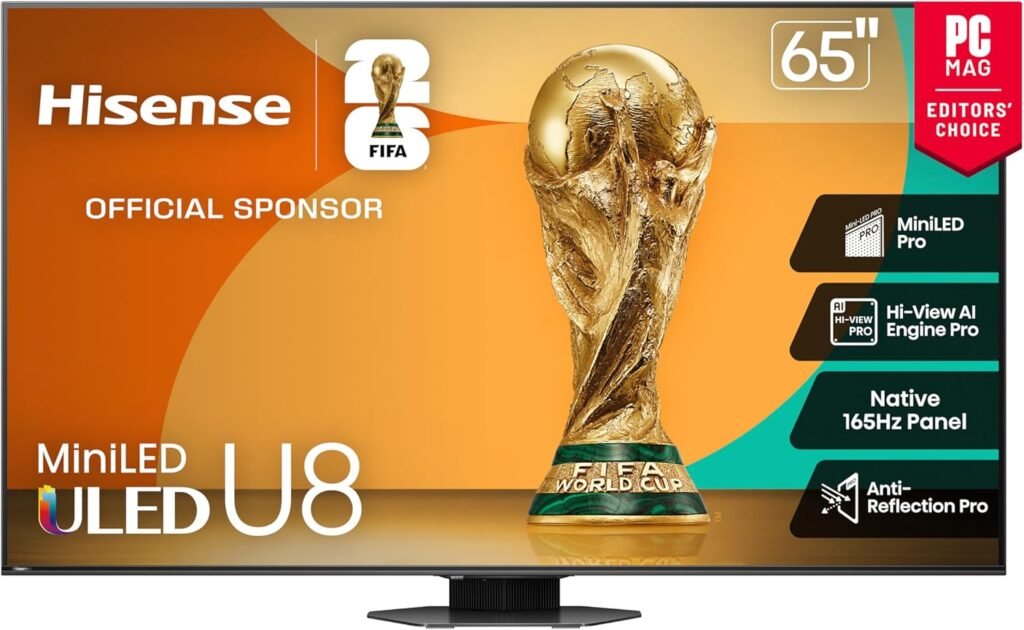
- Hisense U8 Series Don’t laugh at the brand name. Hisense is engineering miracles lately. This TV hits 1,500+ Nits of brightness for half the price of a Samsung or Sony. It is the undisputed best bang-for-your-buck on the market.
Engineer’s Corner: Why “Contrast Ratio” is a Lie
You will often see boxes boasting “1,000,000:1 Dynamic Contrast!” Ignore this number completely.
The Trick: Manufacturers measure the brightest white pixel while the TV is at max power, and the darkest black pixel while the TV is basically turned off. It’s not a real-world scenario.
The Truth: Only OLEDs have true “Infinite” contrast because they can turn off individual pixels. On any other TV type (LED/QLED), ignore the ratio and look for “Full Array Local Dimming”. The more dimming zones, the better the real contrast.
Conclusion
Don’t let the acronyms scare you. When shopping, check the Nits for brightness, ensure it says “Native 120Hz” for smoothness, and choose between OLED (Quality) or Mini-LED (Brightness). Everything else is just noise.
One last tip before you buy: Even the best OLED TVs listed above have operating systems that will eventually slow down. To get the best performance, I always recommend bypassing the built-in “Smart” features entirely. 👉 Find out why: Tired of Lag? Use This Secret Engineering Trick Instead of Buying a New Router