
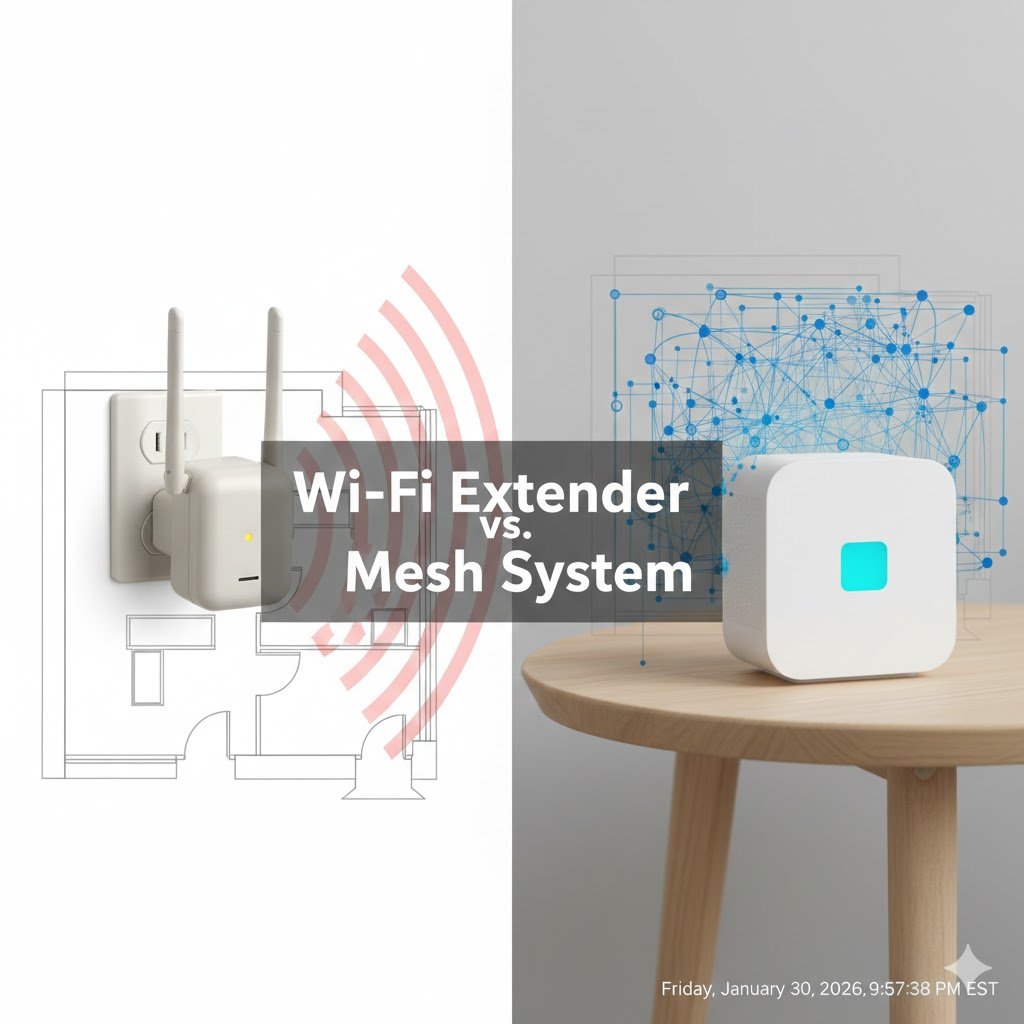
We have all been there. You have a “dead zone” in the master bedroom or the basement. You go to Amazon, buy a $25 Wi-Fi Extender that looks like a little robot, plug it into the wall, and expect miracles.
But a week later, you realize your internet is still slow, your phone clings to the wrong signal, and you have to manually switch between MyHomeWiFi and MyHomeWiFi_EXT just to load a YouTube video.
As a Telecommunications Engineer, I get asked about this constantly. The truth is simple: Wi-Fi Extenders are obsolete technology. If you want stable internet in a large home, you need a Mesh System.
Here is the engineering explanation behind why your extender sucks, and why I personally switched to Mesh.
Please note: This article contains affiliate links. As an Amazon Associate, I earn from qualifying purchases.
The Engineering Problem: The “Half-Duplex” Trap
To understand why extenders are slow, you have to understand how Wi-Fi radios work.
Wi-Fi is a Half-Duplex protocol. This means a device can either transmit OR receive data, but not both at the same time. Think of it like a Walkie-Talkie conversation: you have to say “Over” before the other person can speak.
Here is what happens with a cheap Extender:
- The Extender listens to your Router (Receives Data).
- It stops listening.
- It repeats that data to your Phone (Transmits Data).
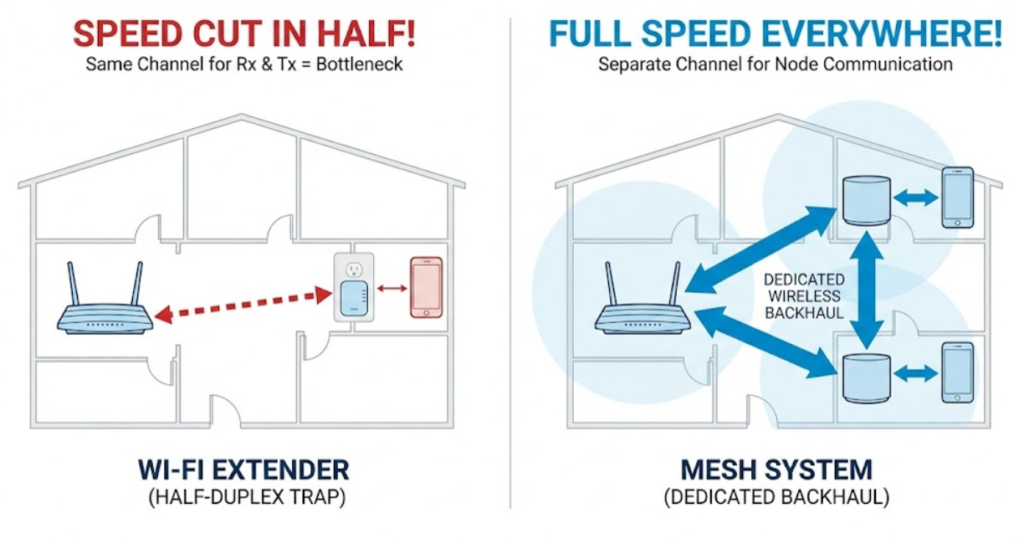
Because it has to switch back and forth on the same radio channel, it effectively cuts your bandwidth in half immediately. If you pay for 500 Mbps, the best you can possibly get through a single-band extender is 250 Mbps. In reality, with overhead and interference, you will be lucky to see 50-100 Mbps.
Why Mesh is Different: The “Backhaul”
Mesh systems (like Eero, TP-Link Deco, or Netgear Orbi) solve this using multiple nodes that talk to each other intelligently.
The key difference is the Backhaul. Good Mesh systems dedicate a specific radio channel just for the communication between the units. This creates a dedicated “highway” for data to travel from the satellite unit back to the main router, without clogging up the Wi-Fi channel your phone is using.
The Result: You get full speed (or very close to it) even at the far end of your house.
The “Sticky Client” Problem (Roaming)
Another major annoyance with Extenders is that your phone hates switching networks. You can walk from your living room to your bedroom, standing right next to the Extender, but your phone will stubbornly hold onto the weak signal from the Router downstairs.This happens because standard Extenders do not support active roaming protocols (802.11k/v/r).
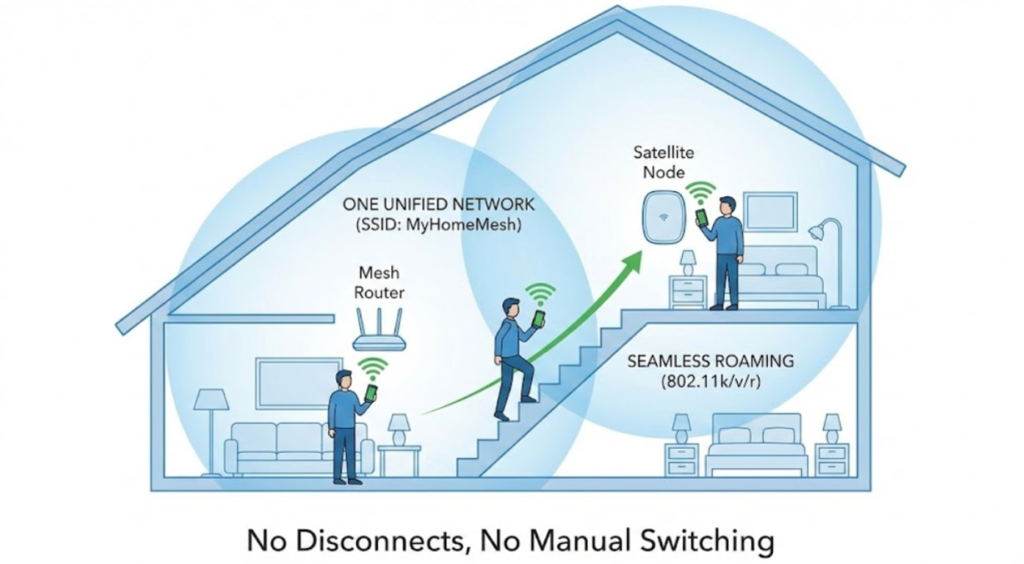
Mesh solves this.
Mesh nodes act as a single, unified network (One SSID). The system actively monitors your signal strength (RSSI) and communicates with your phone to “hand over” the connection to the closest node seamlessly. You can walk from the front door to the backyard while on a FaceTime call without a single glitch.
Does Mesh Wi-Fi Work Outdoors? (The Smart Yard Reality Check)
Before you buy a new Mesh system solely to get a Wi-Fi signal to your backyard for your outdoor cameras or smart irrigation controllers, you need to know a harsh engineering truth: Mesh nodes hate brick walls. > While a Mesh system is infinitely better than a cheap extender inside the house, placing a Mesh node in your garage or near a thick exterior wall will still cause a massive drop in signal (attenuation). If your main goal this spring is to automate your lawn care or fix a freezing outdoor camera, you might actually need a dedicated wired solution. Check out my [Ultimate Smart Watering Wi-Fi Guide] to see exactly how to punch a strong Wi-Fi signal through your exterior walls without spending a fortune.
What I Use in My Home
I live in a multi-story home here in Maryland, and I personally use the Amazon Eero system. As an engineer, I appreciate that it self-optimizes. It scans the RF environment and adjusts channels automatically to avoid interference from neighbors. I don’t have to tinker with it. it just works.
Engineer’s Recommendations: The Best Mesh Systems for 2026
f you are ready to throw that cheap extender in the trash, here are the three systems I recommend.
1. The “Set It and Forget It” Choice (What I Use)
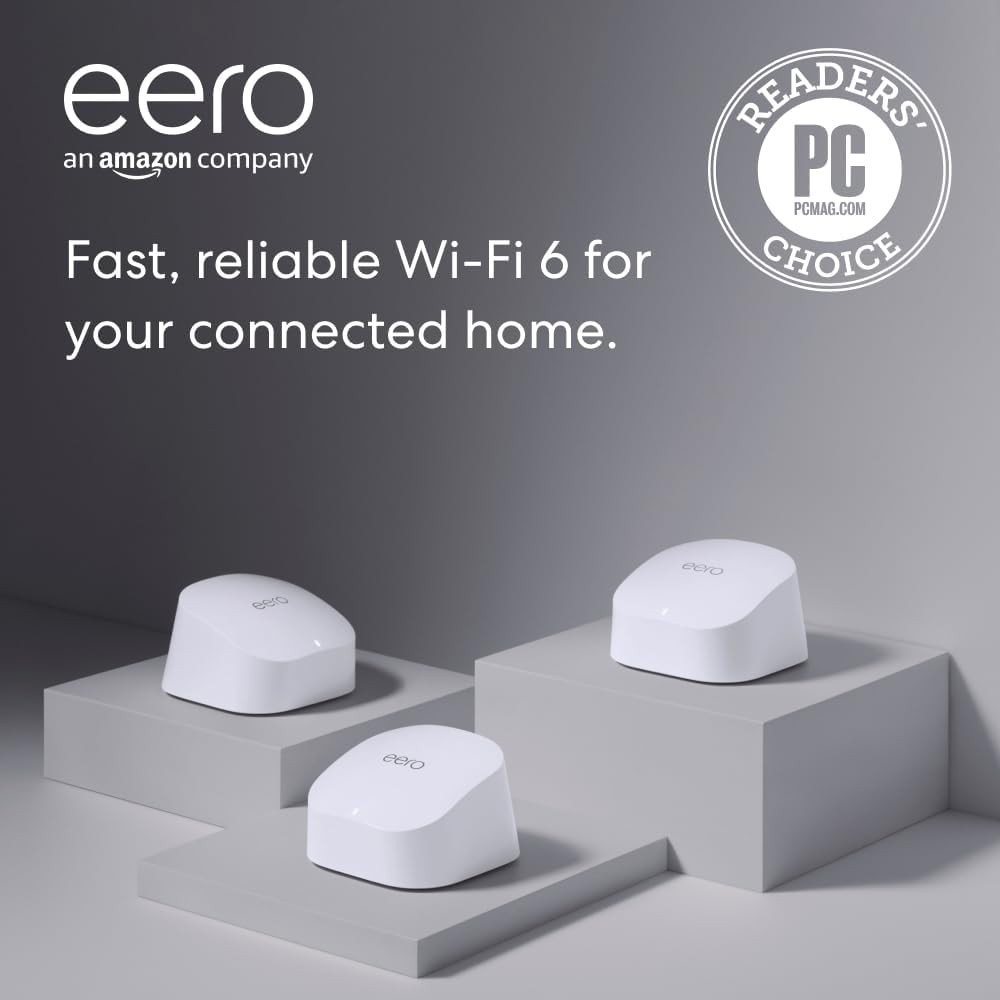
Amazon eero 6+ mesh Wi-Fi system This is the sweet spot in the Eero lineup. It supports Gigabit speeds, uses the 160MHz channel width for faster data transfer, and is incredibly stable. If you are deep in the Amazon ecosystem (Alexa, Echo), this is a no-brainer.
2. The Power User Choice (Wi-Fi 6E)
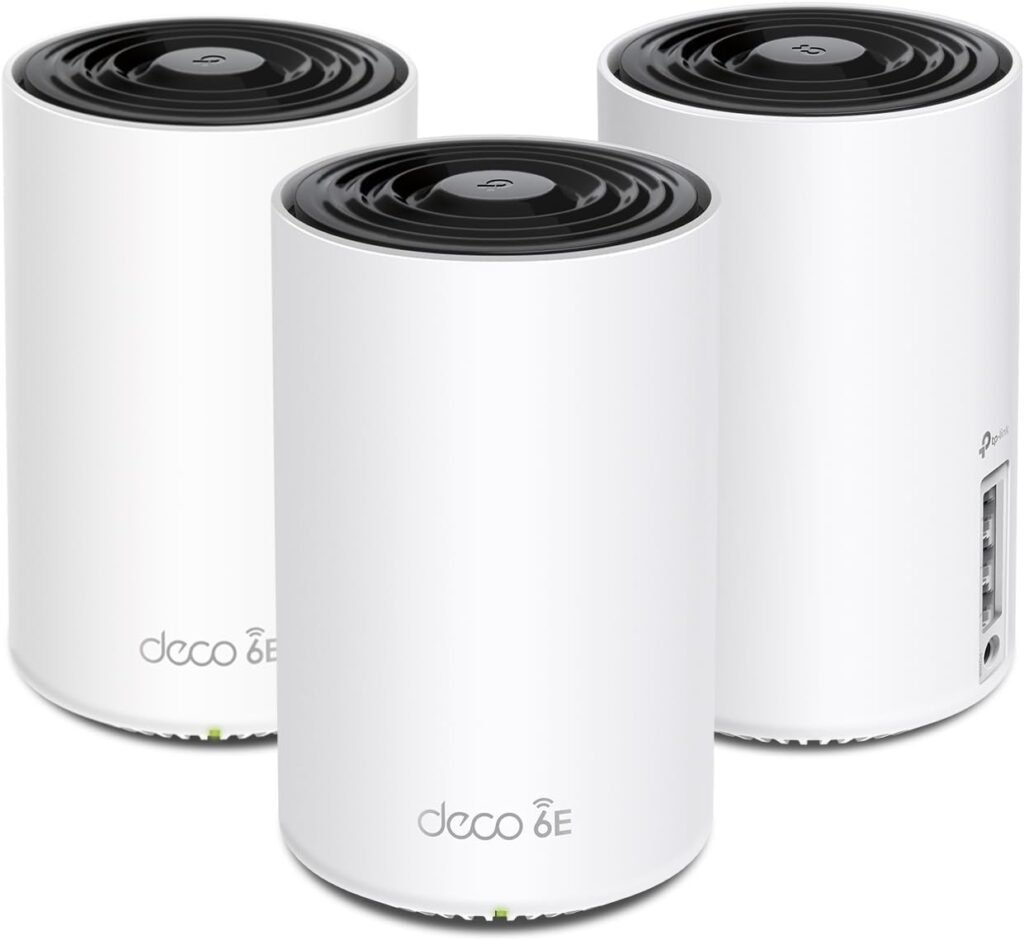
TP-Link Deco XE75 (Wi-Fi 6E) If you want raw performance, this is the best value on the market right now. It is a “Tri-Band” system that uses the new 6 GHz frequency specifically for the backhaul communication. This means zero interference from your neighbors’ old Wi-Fi. It is overkill for casual browsing, but perfect for gaming and 4K streaming.
3. The Budget Savior
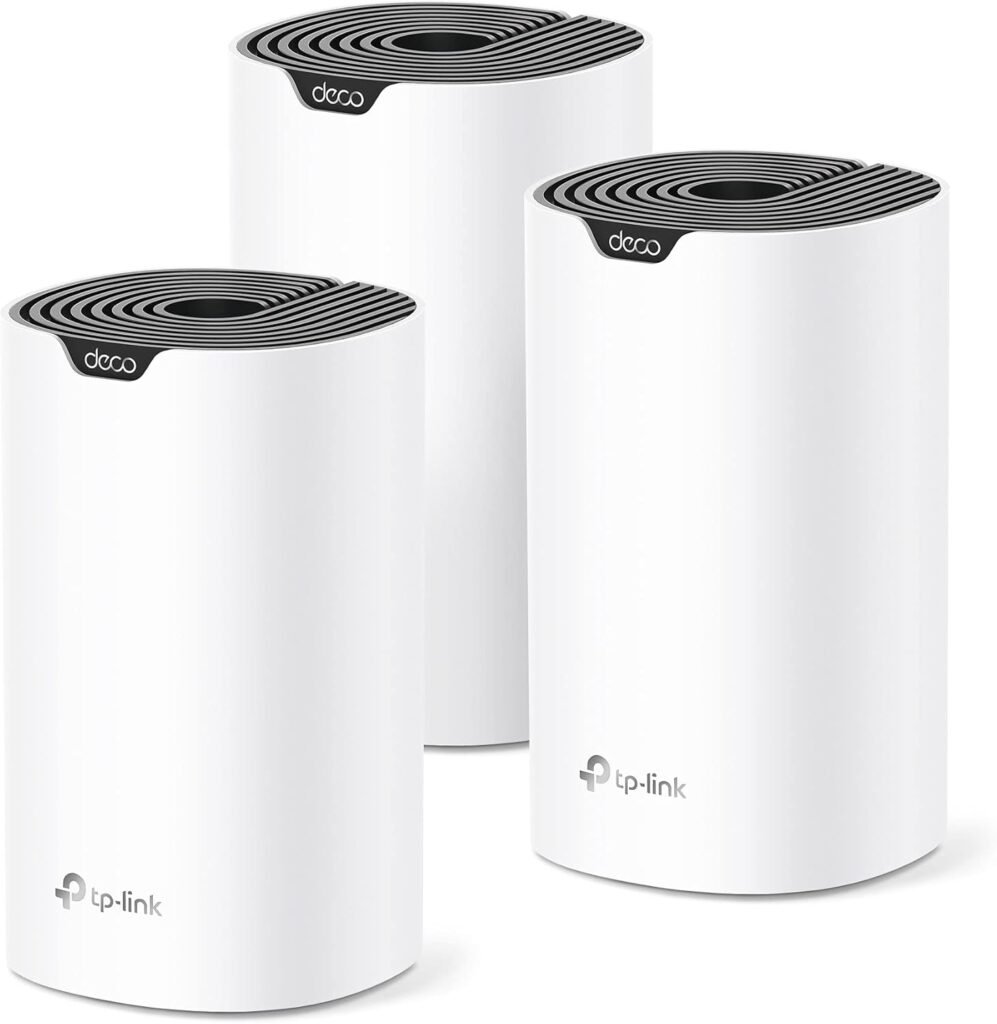
TP-Link Deco S4 (3-Pack) If you are on a tight budget but need to cover a large area, do not buy an extender. Buy this. It is older (Wi-Fi 5), but it is a true Mesh system. It is infinitely better than any extender and costs about the same as a high-end repeater.
Honorable Mention: The “Nuclear” Option (For Pros Only)
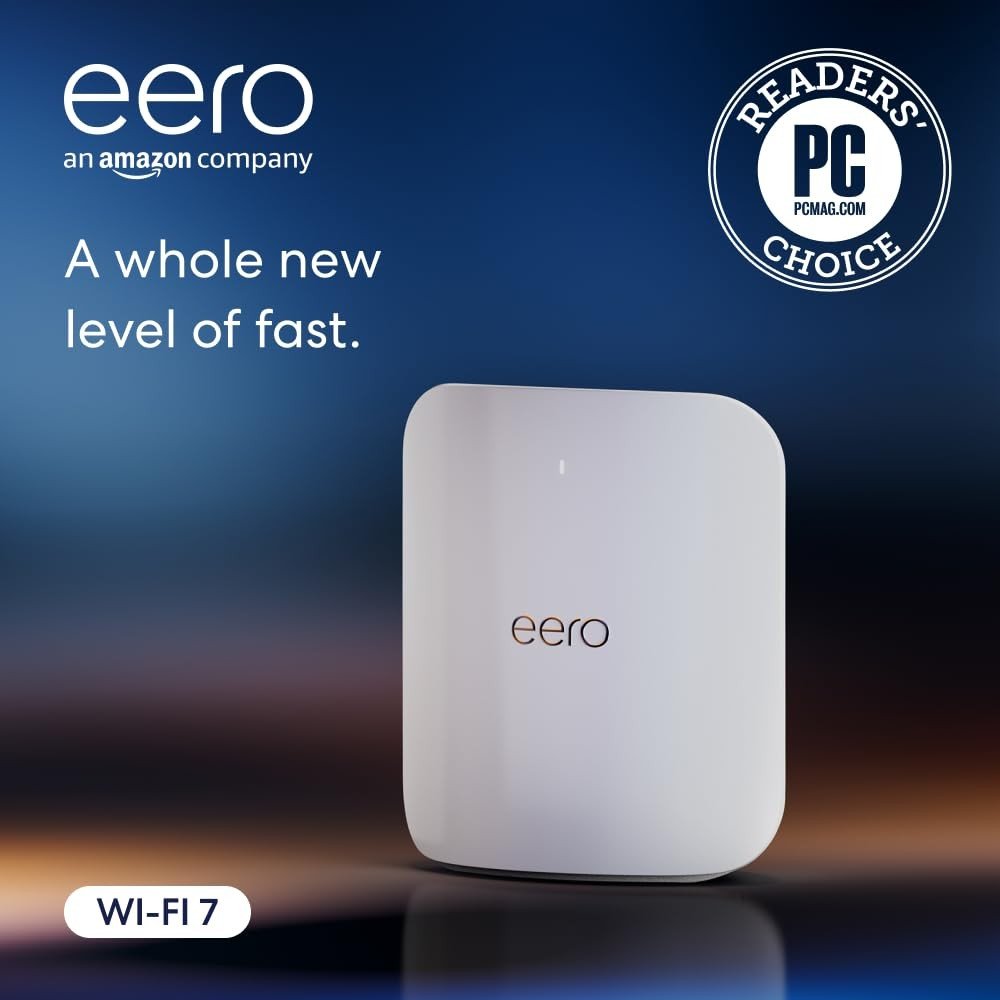
Amazon eero Max 7 (Wi-Fi 7): I have to mention this beast, even though it is overkill for 99% of homes. The Eero Max 7 is the new king of the hill. It features 10 Gigabit ports and the latest Wi-Fi 7 standard.
Who is this for? If you are a YouTuber uploading 4K videos daily, a Small Business with 50 devices, or if you simply have an unlimited budget and want the absolute fastest speed physics will allow.
I will be writing a full, dedicated deep-dive review on Wi-Fi 7 soon, as it deserves its own article. But if you want to future-proof your office today, this is the one.
Looking to prepare the unforgettable sleepover to your kids? Check this out: POV: You Just Hosted the Ultimate “Aesthetic” Sleepover (Here’s the Gadget List)