
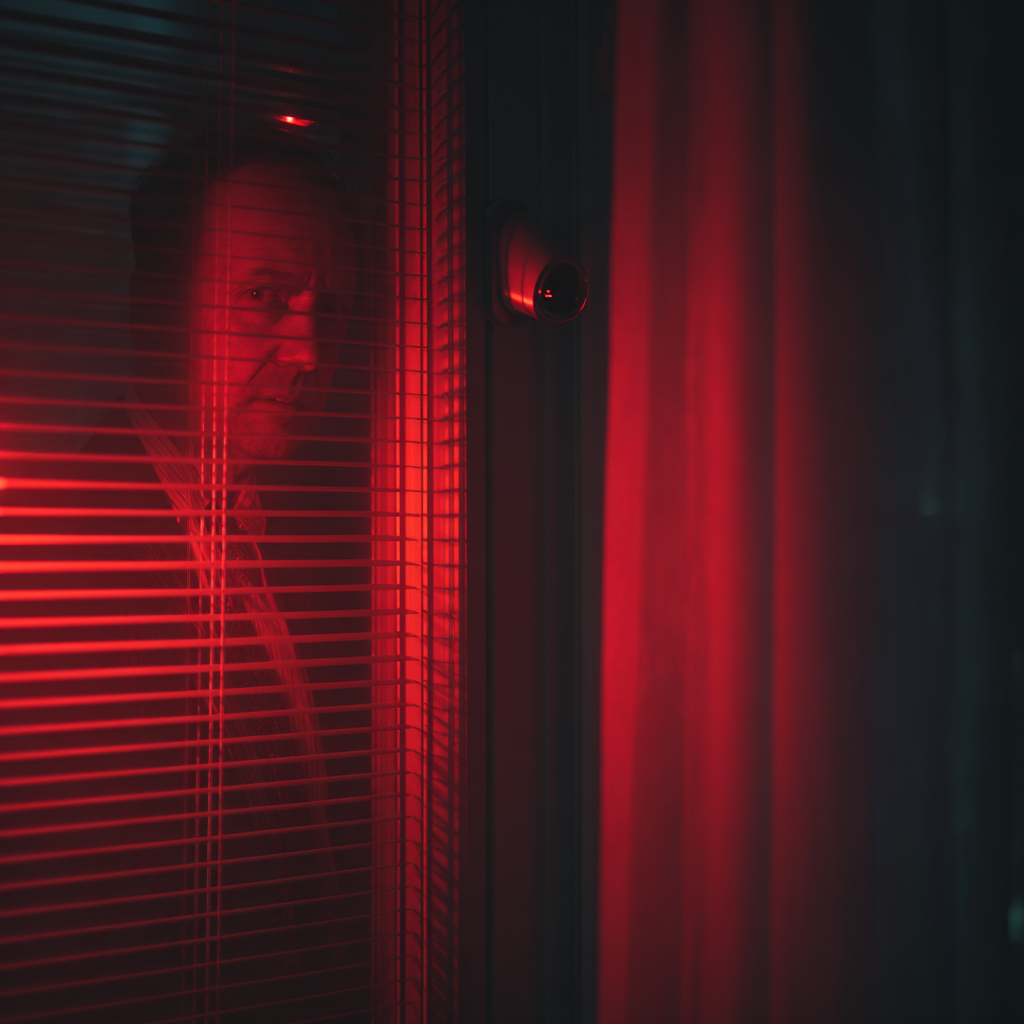
Everyone loves the idea of using technology to find a lost puppy, right? That’s exactly what Ring (Amazon’s home security brand) banked on with their highly publicized 2026 Super Bowl commercial. The ad promoted their new “Search Party” feature, which uses AI to scan footage from neighborhood cameras to track down runaway pets.
But the plan completely backfired.
What was supposed to be a cute, community-driven tool immediately raised a massive red flag about mass surveillance. Everyday consumers quickly realized a terrifying truth: if the system uses AI to track a dog across everyone’s street, it has the exact same power to track people.
The negative backlash grew so large that it dragged a much darker, behind-the-scenes secret into the light—one that should worry anyone who values their privacy. It turns out Ring had an active partnership with Flock Safety, a surveillance company focused on Automated License Plate Recognition (ALPR) and police monitoring systems.
The good news for regular consumers? Public pressure actually works. As recently reported by CNBC, Ring officially canceled its partnership with Flock Safety following the PR disaster generated by the Super Bowl ad.
But the scare is real. If you connect smart cameras to your home Wi-Fi, this plot twist changes the rules of the game. The line between protecting your front porch and feeding data into corporate surveillance systems is getting incredibly thin.
Here at Practical Network Guide, our priority is making sure you have total control over your home network. So, in this article, we are going to show you exactly how to lock down your current Ring privacy settings—and for those ready to ditch the cloud completely, we’ll reveal the best security cameras that keep your data 100% local.
How to Lock Down Your Ring Camera (Do This Today!)
If you already own a Ring doorbell and aren’t ready to throw it in the trash just yet, you need to take back control of your data. Grab your phone, open the Ring app, and follow these steps to lock the digital doors:
- Opt-Out of Information Sharing: Go to Control Center > Third-Party Service Providers. Turn off the options that allow Ring to share your information with third-party analytics and advertising companies.
- Turn on End-to-End Encryption (E2EE): Go to Control Center > Video Encryption > Advanced Video Encryption. By enabling E2EE, your videos are encrypted on the camera and can only be decrypted by your enrolled mobile device. Note: This disables some features like viewing on Echo Shows, but it’s worth it for total privacy.
- Disable “Neighbors” App Notifications: Go to Control Center > Neighbors and disable the sharing features. You bought a camera to protect your home, not to act as a neighborhood watch hub for corporate AI.
Transparency Note: This article contains affiliate links. As an Amazon Associate, I earn from qualifying purchases at no extra cost to you. This helps support the blog.
Ditch the Cloud: Top 3 Privacy-First Alternatives
If the Ring and Flock controversy was the last straw for you, it’s time to move to cameras that don’t rely on cloud storage. By keeping your footage on your local network, you starve the corporate machines of your data. Here are our top picks for private, subscription-free security:
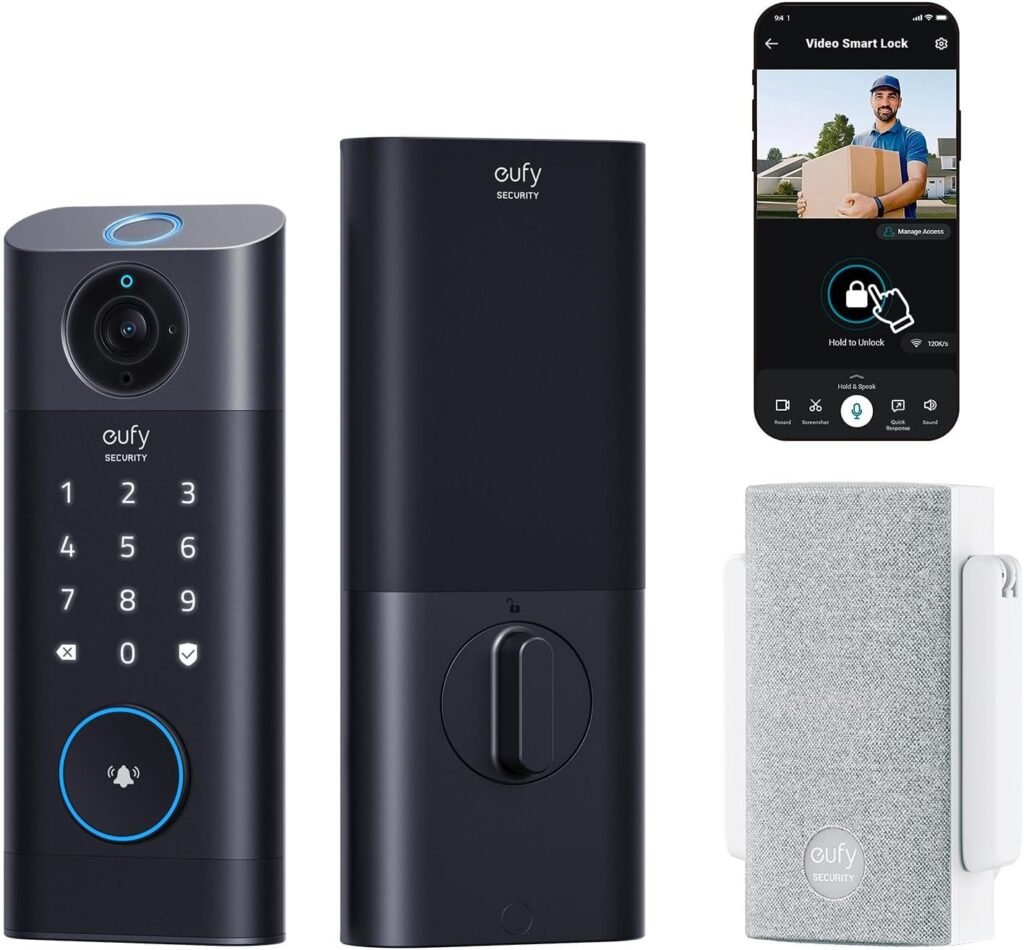
1. eufy Security S330 (eufyCam 3)
If you want premium features without the privacy invasion, eufy is a top contender. The eufyCam 3 connects to a local HomeBase unit that stores all your footage on a built-in hard drive inside your house.
- Why it’s great for privacy: The AI processing (like human and vehicle detection) happens locally on the HomeBase, not in the cloud. Plus, there are zero monthly fees.
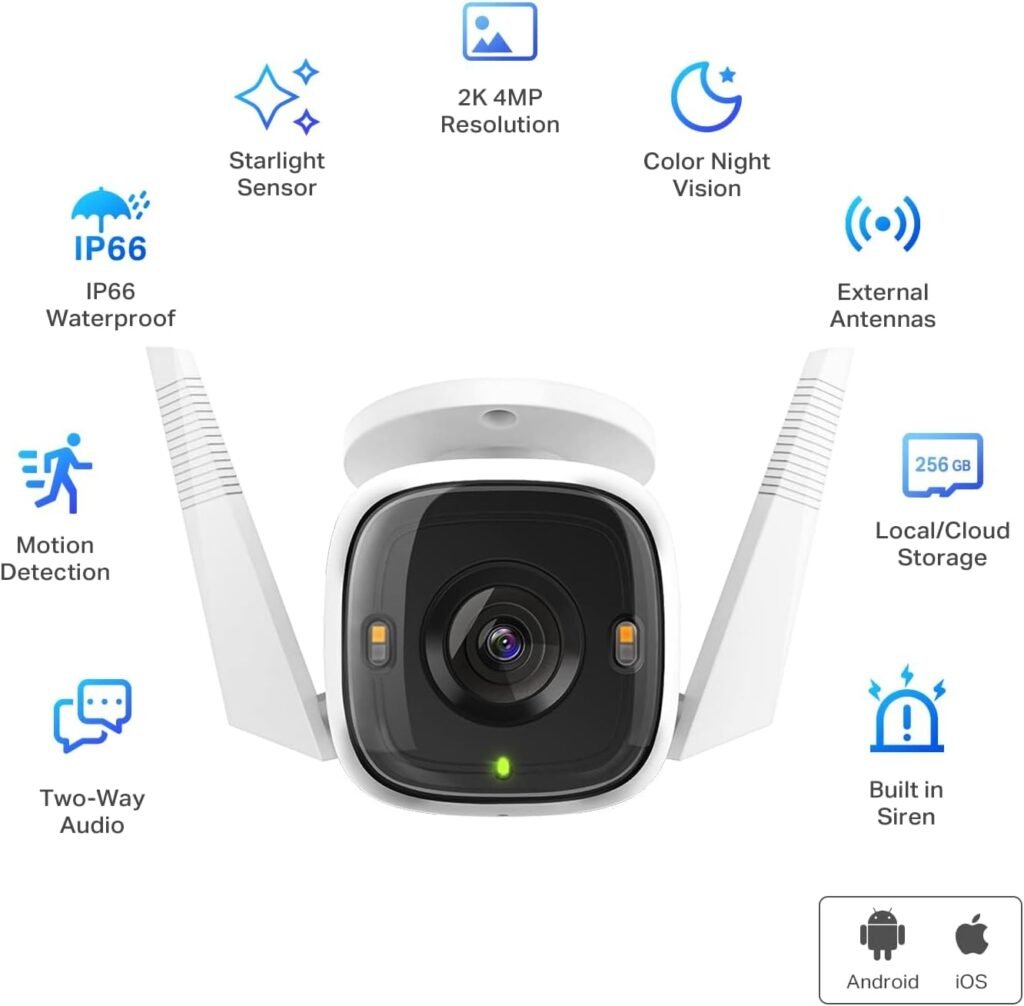
2. TP-Link Tapo C320WS
For the budget-conscious homeowner who still wants a rock-solid Wi-Fi connection, the Tapo line is incredible. It’s cheap, reliable, and gives you total control.
- Why it’s great for privacy: It records directly to a local MicroSD card (up to 256GB). You can completely block it from accessing the outside internet through your router settings and still view the footage locally via the Tapo app.
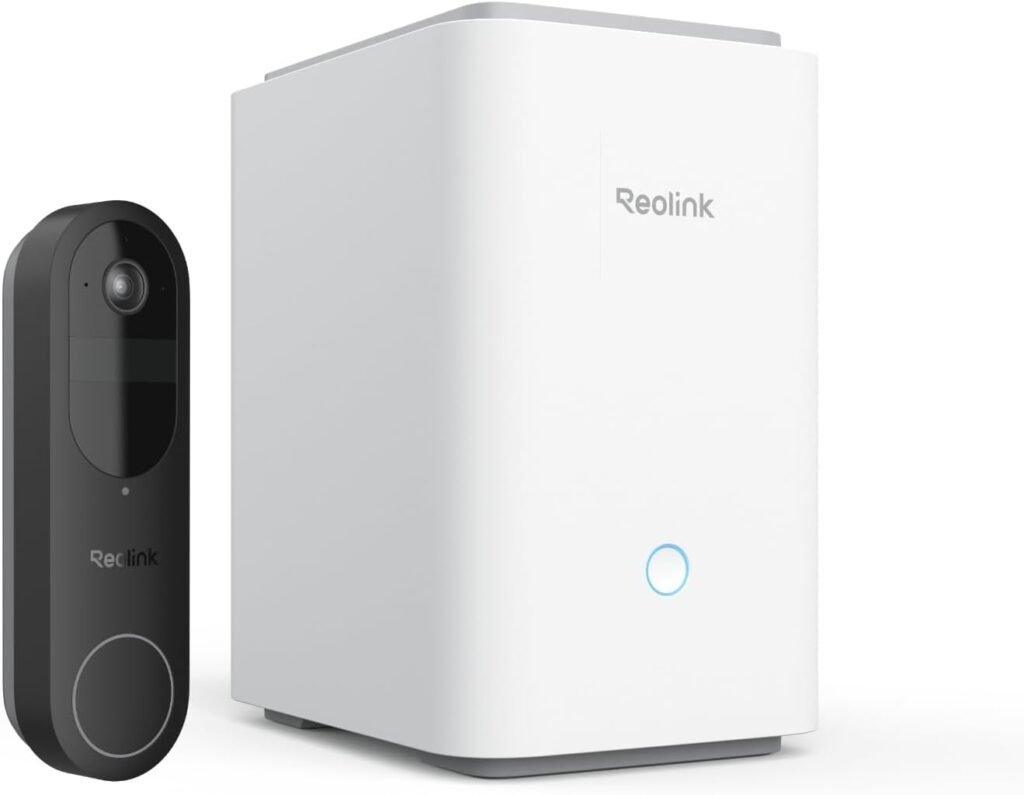
3. Reolink Argus Track (or Reolink NVR Systems)
If you’re serious about your home network, Reolink is the enthusiast’s choice. They offer everything from battery-powered Wi-Fi cameras to full Power over Ethernet (PoE) setups.
- Why it’s great for privacy: Reolink cameras play incredibly well with local setups. You can record to a MicroSD, a dedicated Reolink NVR, or even your own DIY home server (like Blue Iris or Frigate). Your data never has to see the light of the internet if you don’t want it to.
The Bottom Line
You shouldn’t have to sacrifice your family’s privacy just to see who left a package at the door. Whether you decide to lock down your Ring settings or switch to a local-storage alternative, the most important step is taking action. Take control of your home network today.