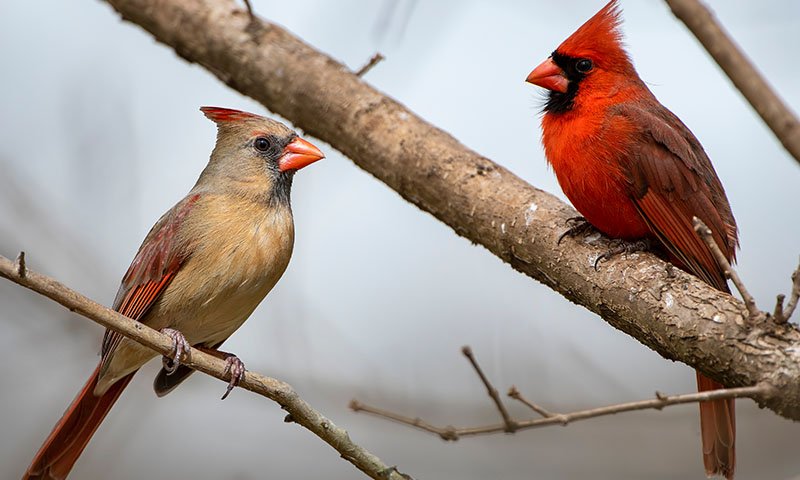
The notification pops up on your phone: “Northern Cardinal spotted!” Your heart skips a beat. You tap the alert, eager to see that brilliant red spring plumage in HD. But instead of a majestic bird, you get a black screen, a spinning wheel, and endless buffering. By the time the video finally loads, the Cardinal is long gone.
You might be tempted to blame the smart camera, but the real culprit is a clash between nature and networking.
Here is the harsh reality of backyard birding: birds are terrified of your house. If you mount that expensive smart feeder right next to your living room window just to get a strong Wi-Fi signal, the motion and reflections will scare off the beautiful, shy birds. The only wildlife you are going to capture is that one cheeky neighborhood squirrel, who is completely unafraid of windows and is currently getting chubby off your expensive birdseed.
To actually attract the “kings” of the yard—like Cardinals, Blue Jays, or Goldfinches—that feeder needs to be out in their territory. Experts recommend placing feeders at least 15 to 20 feet away from your windows, preferably near a tree or large bush where they feel safe retreating.
But pushing the feeder deep into the yard creates a massive engineering problem: your home router was never designed to punch a Wi-Fi signal through exterior brick walls and travel across the lawn to stream live, High-Definition video. The further away you place it to escape the squirrel, the worse the buffering gets.
Here is the practical guide to outsmarting the chubby squirrels, fixing your backyard Wi-Fi dead zones, and finally getting those National Geographic-worthy clips straight to your phone.
Check this another Spring tip: The Ultimate Smart Watering Guide: The $80 “Hacker” Fix vs. The “Dumb Box” Swap (And Why Your Wi-Fi is Failing Both)
Transparency Note: This article contains affiliate links. As an Amazon Associate, I earn from qualifying purchases at no extra cost to you. This helps support the blog.
The 4 Steps to the Perfect Smart Bird Setup
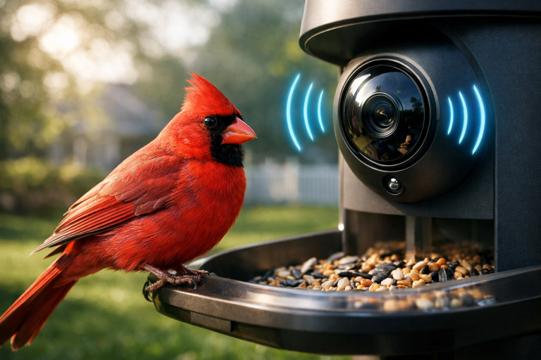
If you moved your feeder 20 feet away to give the birds some peace, you now have to bridge the gap between nature and technology. To stream high-definition video of that Northern Cardinal, you need the right gear and a strong connection. Here is how to build the perfect setup, explained simply:
1. The Foundation: Which Smart Feeder Should You Buy? (Bird Buddy vs. Netvue)
If you are shopping for your first smart feeder this spring, you will quickly notice two brands dominating the market. Here is the engineer’s breakdown of which one actually deserves your money:
The Bird Buddy (The “Premium” App Experience)
- The Good: It has the most beautiful app. It gamifies the experience, sending you digital “postcards” of the birds that visit so you can collect them.
- The Catch: It relies heavily on cloud storage. If you want high-resolution videos and long-term storage, you are forced into a paid monthly subscription. The battery also drains faster on weak Wi-Fi unless you buy the expensive solar roof add-on.
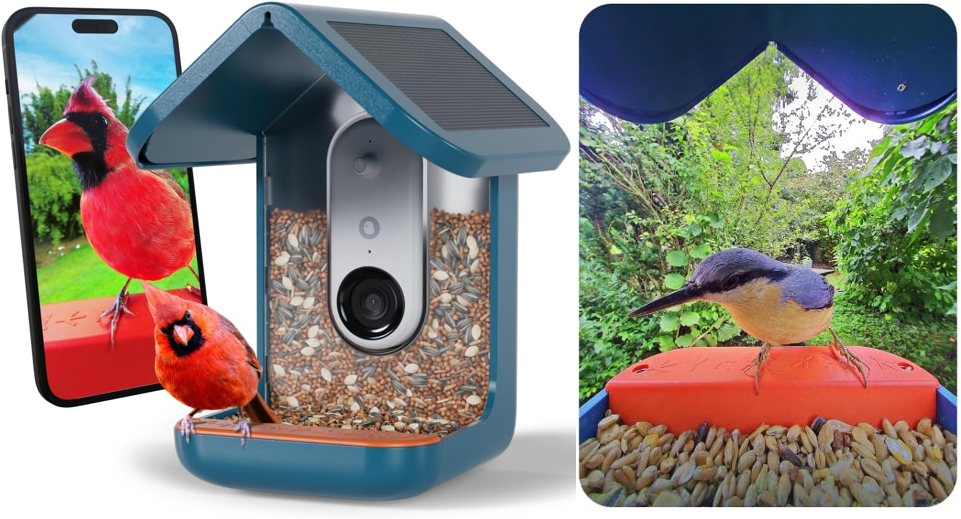
The Netvue Birdfy (Why I Prefer and Recommend This One)
- The Good: It is built like a rugged outdoor security camera. But the absolute best feature. The reason I personally prefer the Netvue, is the MicroSD Card slot. You can record all your 1080p/2K bird videos locally for free. Zero monthly subscription fees.
- The Catch: The app isn’t quite as “cute” as the Bird Buddy, and the AI might occasionally confuse a sparrow for a finch, but the hardware is rock solid.
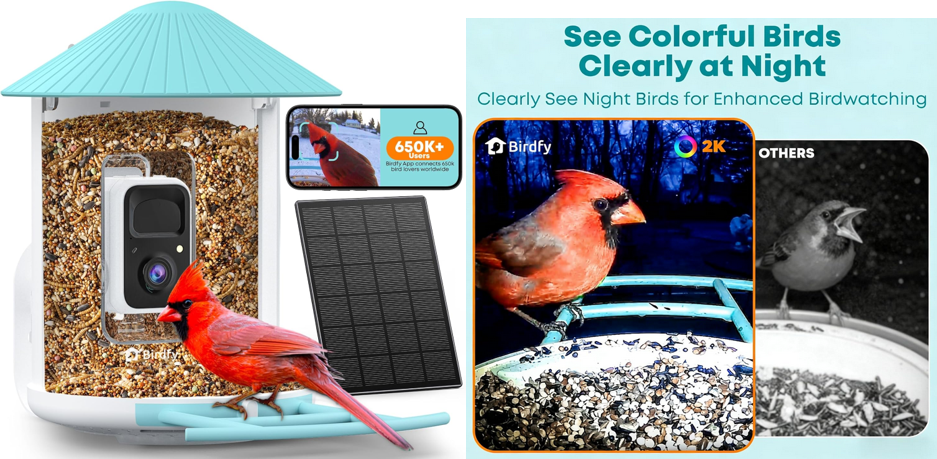
The Verdict: If you hate monthly subscriptions and want a device with incredible battery life (especially the bundle that includes the solar panel), get the Netvue Birdfy. It is the most practical, cost-effective choice for a smart yard.
2. The “Open Door” Window Trick (The Free Fix)
- The Problem: Think of your Wi-Fi signal like a flashlight beam. If you shine it at a thick brick wall or a metal garage door, the light stops. Your home router is trapped behind heavy materials, so the signal never reaches the bird feeder in the tree.
- The Solution: Move your Wi-Fi router (or a Mesh network node, like an Eero) out from behind the TV and place it right next to a glass window that looks out at the bird feeder.
- Why this is awesome: It costs zero dollars! To a 2.4GHz Wi-Fi signal, standard window glass is practically invisible. The internet flows right through the window like an open door, giving your camera the strength it needs to send video without buffering.
If you want to upgrade your home internet DIY, check this article: Stop Buying Wi-Fi Extenders: Why Mesh is the Only Real Fix (Engineer’s Verdict)
3. The Solar Panel Cheat Code (Infinite Battery)
- The Problem: Imagine trying to talk to a friend across a giant football field. You have to scream to be heard, right? That is exactly what your smart feeder’s antenna does when the house Wi-Fi is far away. It “screams” to send the video back to your router, which completely drains the camera’s battery in just a few days.
- The Solution: Always buy the smart bird feeder version that comes with a Solar Panel
- Why this is awesome: It is an infinite power cheat code. The sun keeps the battery charged up to 100%, giving the camera all the energy it needs to “scream” its video back to the house. Best of all? You never have to climb a ladder to take a dirty bird feeder down just to plug it into a wall charger.
4. The Wi-Fi Megaphone (The Ultimate Fix – No Network cables needed)
- The Problem: The window trick isn’t reaching the tree, and running network cables through your exterior brick walls to install an antenna is a nightmare. You need a powerful Wi-Fi signal outside, but you absolutely do not want to drill holes in your house.
- The Solution: You need a dedicated Outdoor Wireless Mesh Node, specifically the TP-Link Deco X50-Outdoor.
- Why this is awesome: Unlike regular indoor routers that will die in the rain, this one is completely weatherproof. The best part? It connects to your home’s existing Wi-Fi network completely wirelessly. You just mount it on your back patio, plug it into a standard outdoor electrical outlet, and it acts like a giant Wi-Fi megaphone for your entire yard. Your smart bird feeder gets a perfect connection for 4K video, your smart sprinklers stay online, and you didn’t have to run a single data cable!
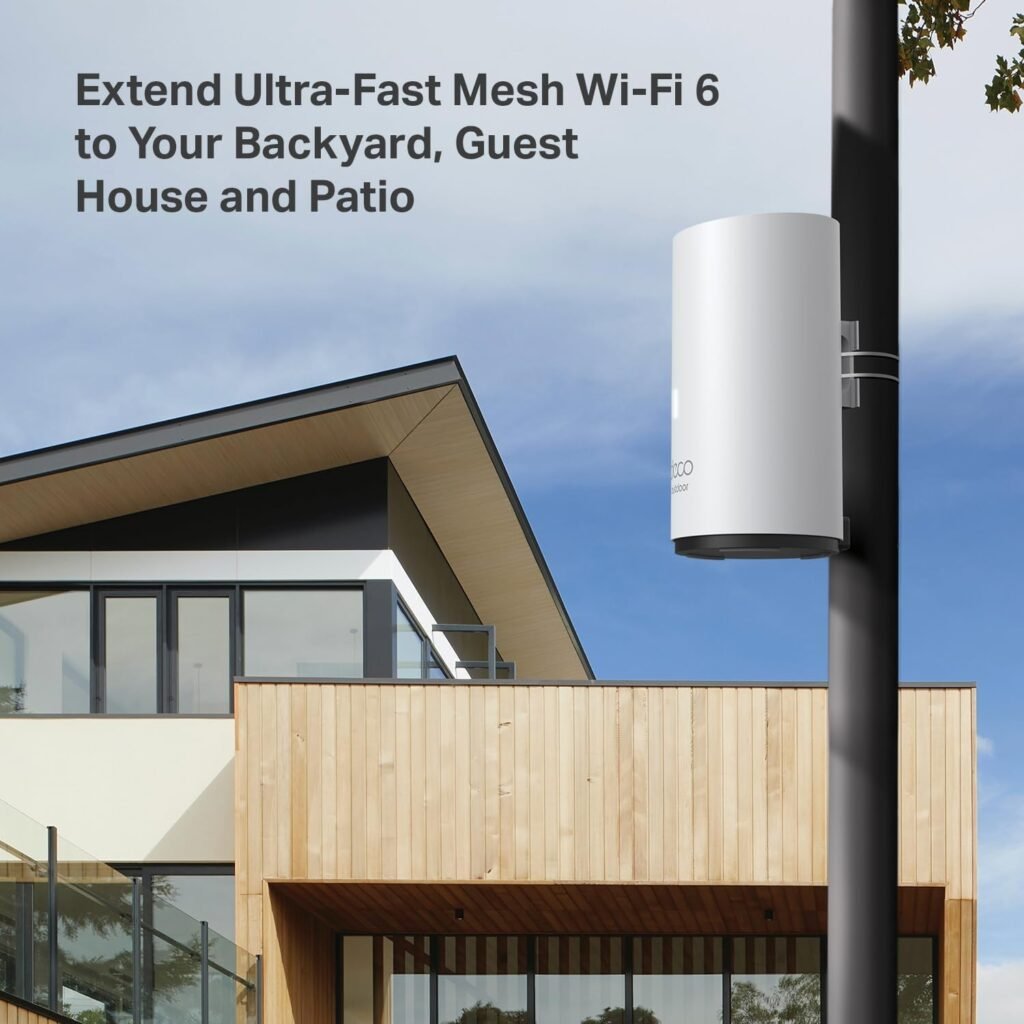
Don’t forget the brain. The following piece will connect to your existing Xfinity/Verizon modem.
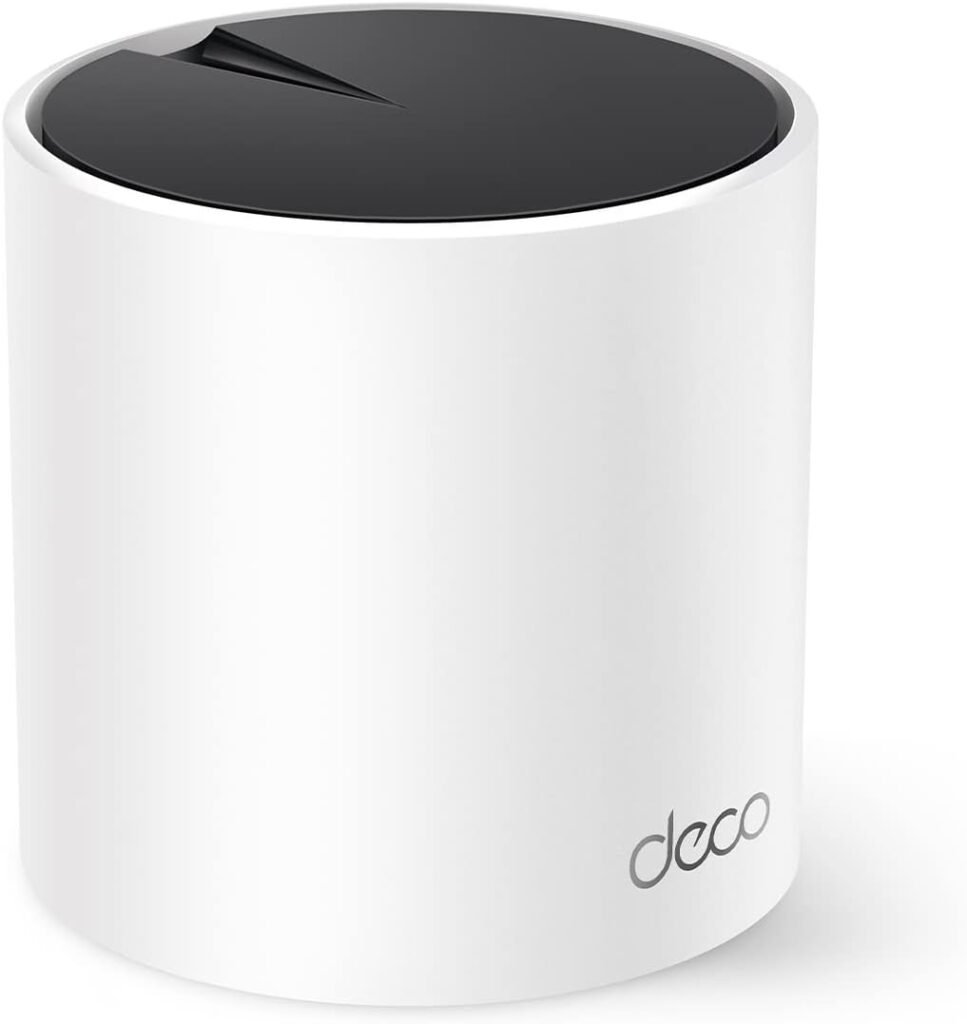
Here are other tips: Stop Buying Wi-Fi Extenders: Why Mesh is the Only Real Fix (Engineer’s Verdict)
🎁 Bonus Tip: The “Squirrel Stalker” AI Camera
What if you want to watch the wildlife, but you don’t want a dedicated bird feeder? Or maybe you just want to keep an eye on that chubby squirrel raiding your garden?
Enter the Auto-Tracking PTZ (Pan-Tilt-Zoom) Camera.
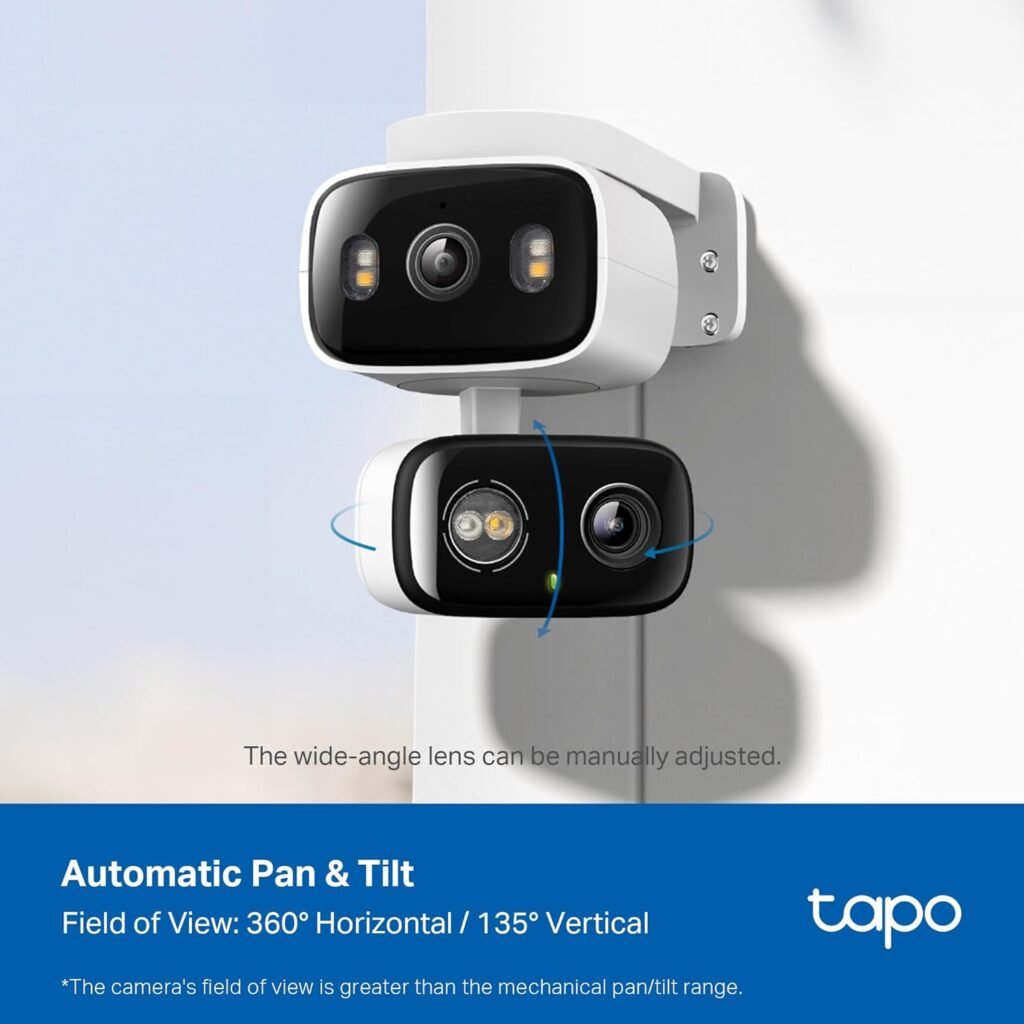
Models like the TP-Link Tapo C520WS are absolute game-changers for backyard nature watching. Instead of a fixed lens, these cameras use onboard Artificial Intelligence to detect if a shape is a person, a vehicle, or an animal.
When the squirrel enters the yard, the camera physically rotates on its base, zooming in and following the animal across the lawn in crystal clear 2K or 4K resolution. It’s like having your own personal National Geographic camera operator mounted to your garage! Just remember: these cameras stream massive amounts of video data, so making sure your outdoor Wi-Fi is strong (Step 3 above) is mandatory.