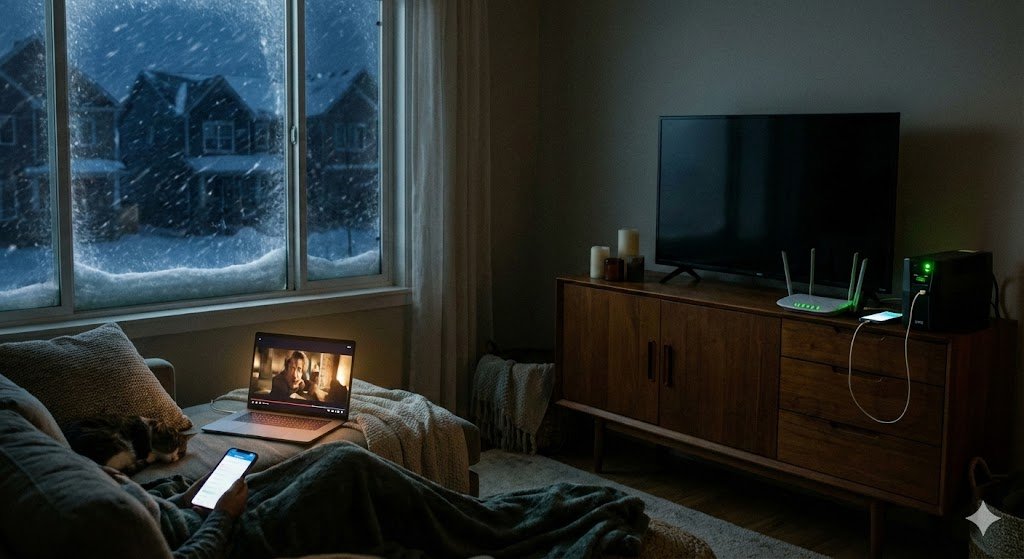
If you are reading this on your phone while shivering in the dark in Tennessee, Texas, or Mississippi, I have good news and bad news.
The Bad News: The ice storm didn’t just snap power lines; it snapped the cable lines (Coax/Fiber) that connect your house to the world. Even if you have a generator, your Xfinity or Spectrum internet might be dead for days.
The Good News: Look at the top corner of your phone screen. See those “5G” bars? That is your lifeline.
Right now, you are probably trying to work by “hotspotting” your laptop to your phone. It drains your battery, the connection drops if you walk to the kitchen, and your smart home cameras are still offline.
Stop struggling. Here is how to turn that 5G signal into “Unbreakable Internet” for your entire house—automatically.
Transparency Note: This article contains affiliate links. As an Amazon Associate, I earn from qualifying purchases at no extra cost to you. This helps support the blog.
Step 1: Keep the Heart Beating (Power)
Before we talk about internet tricks, let’s be real: If your router has no power, you have no internet.
You don’t need a massive generator to stay online. You just need a Mini-UPS (Uninterruptible Power Supply). It costs less than a dinner out and keeps your router running for 4-8 hours during a blackout.
- If you don’t have one yet, read this first: Router Battery Backup (UPS) Guide
Step 2: The Secret Weapon (“Dual WAN”)
Most people think their router is just a dumb box. But if you have a modern router (like an ASUS), it has a secret feature called “Dual WAN”.
Think of it like a spare tire.
- WAN 1 (Primary): Your cable internet (Comcast/AT&T).
- WAN 2 (Backup): Your 4G/5G connection.
When the ice storm snaps the cable line, a Dual WAN router says: “Oh no, the main line is dead! Switching to backup!” In seconds, your entire house is back online using cellular data. You don’t have to unplug anything. Your Zoom call reconnects automatically.
⚠️ Crucial Setting: “Failover” vs. “Load Balance” When setting this up, always choose “Failover Mode”, NOT “Load Balance”.
- Failover: Only uses your 5G data when the cable is broken. (Saves money).
- Load Balance: Uses your 5G data all the time to boost speed. Don’t do this. It will burn through your mobile hotspot data cap (usually 40GB-50GB) in two days, leaving you with no backup when you really need it.
Step 3: The “Cheap Fix” – Use Your Phone (yes you can!)
You don’t need to buy expensive enterprise gear. You just need an Android phone and a USB cable.
How to do it on an ASUS Router:
- Log into your router admin page.
- Go to WAN > Dual WAN.
- Enable “Dual WAN” and select USB as the Secondary WAN.
- Plug your Android phone into the router’s USB port.
- On your phone, turn on “USB Tethering”.
Boom. Your router is now sucking the 5G internet from your phone and blasting it out as Wi-Fi to your whole house. Your TV works. Your cameras work. Your laptop works.
Step 4: The “Pro Fix” (Dedicated 4G Router)
If you don’t want to mess with your phone settings, get a dedicated 4G LTE Router like the Cudy LT500. Unlike mobile hotspots, this device has huge external antennas (great for catching signal during a storm) and works with any SIM card out of the box.
How to connect it:
- Insert your SIM card into the Cudy router.
- Connect an Ethernet cable from the Cudy to the WAN Port on your main ASUS router.
- Set your ASUS router to “Dual WAN” using the WAN port as backup.
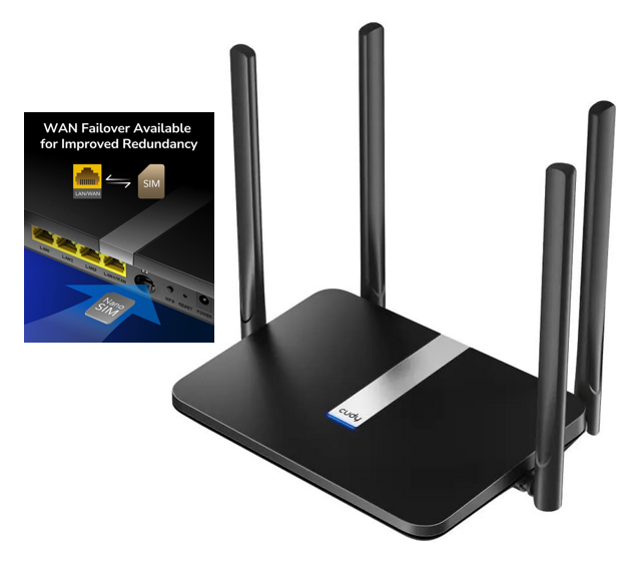
Avoid expensive locked hotspots. Get a dedicated home LTE router. Why: It is unlocked, has better antennas than a phone, and plugs directly into your router via cable.
Now, your house has a permanent “Emergency Line.”
Recommended “Survival” Gear
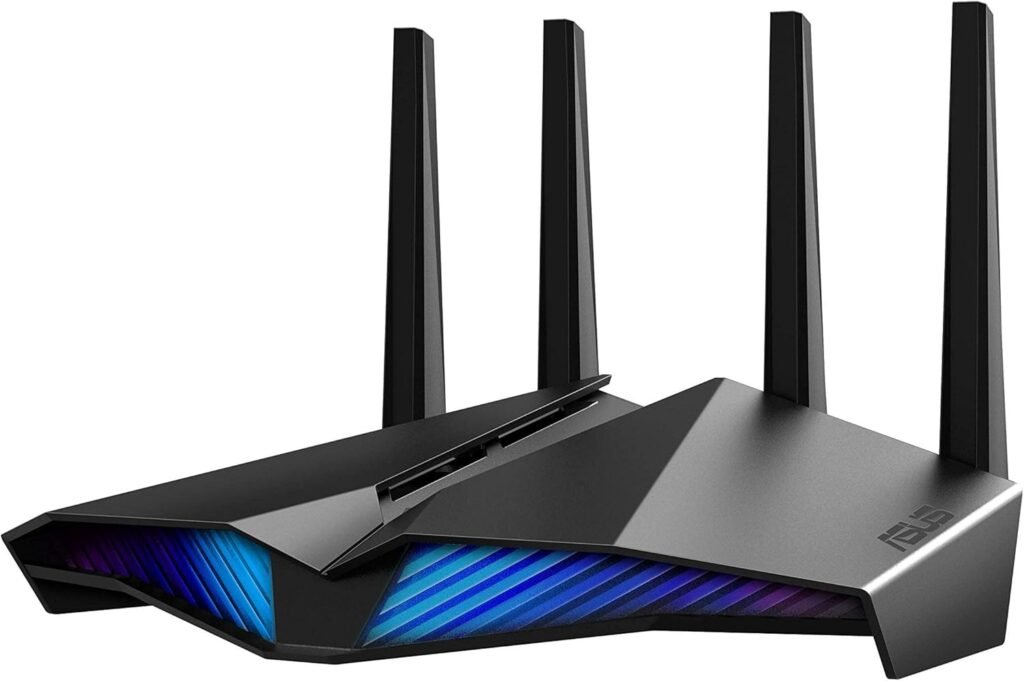
1. The Brains (Router with Dual WAN) You need a router ASUS RT-AX86U Pro (AX5700) that supports this feature natively. Why: It has the best “Android Tethering” support in the market. It just works.
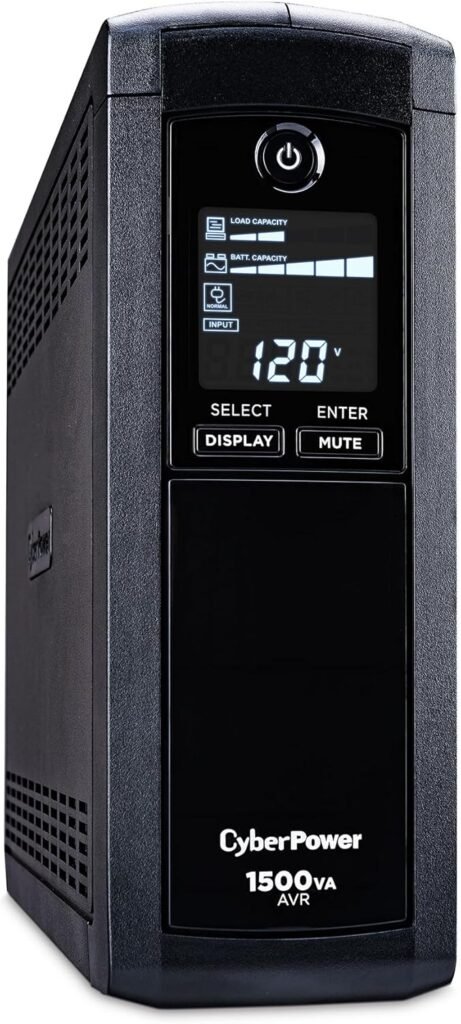
2. The Power (UPS) Don’t let the blackout kill your signal: CyberPower CP1500AVRLCD Intelligent LCD UPS Why: Keeps both your router and your modem alive.
(For smaller and cheaper UPS check the article: The $60 Device That Saves Your Internet During Storms (Router UPS Guide)
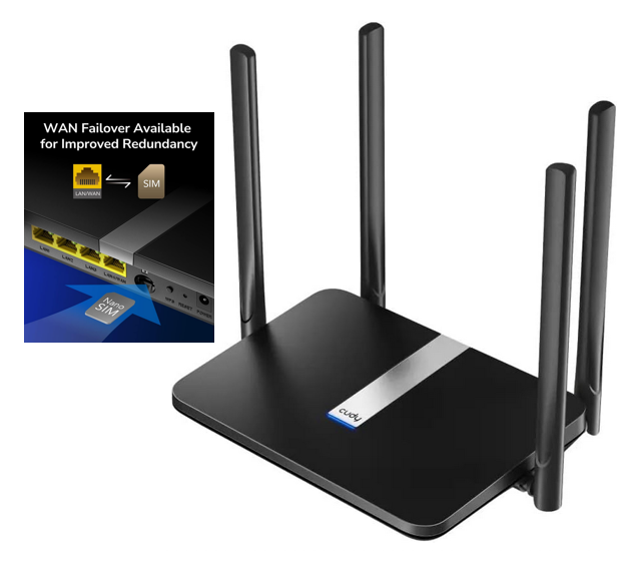
3. The Source (LTE Modem) If you want a permanent backup solution get the Cudy LT500.
Summary
The storm is unpredictable. Your internet shouldn’t be. Don’t wait for the cable guy (he isn’t coming until the ice melts).
- Get a UPS to keep the lights on the router.
- Use Dual WAN (Failover Mode) to switch to 5G automatically.
- Stay warm and keep watching Netflix while your neighbors stare at the wall.