
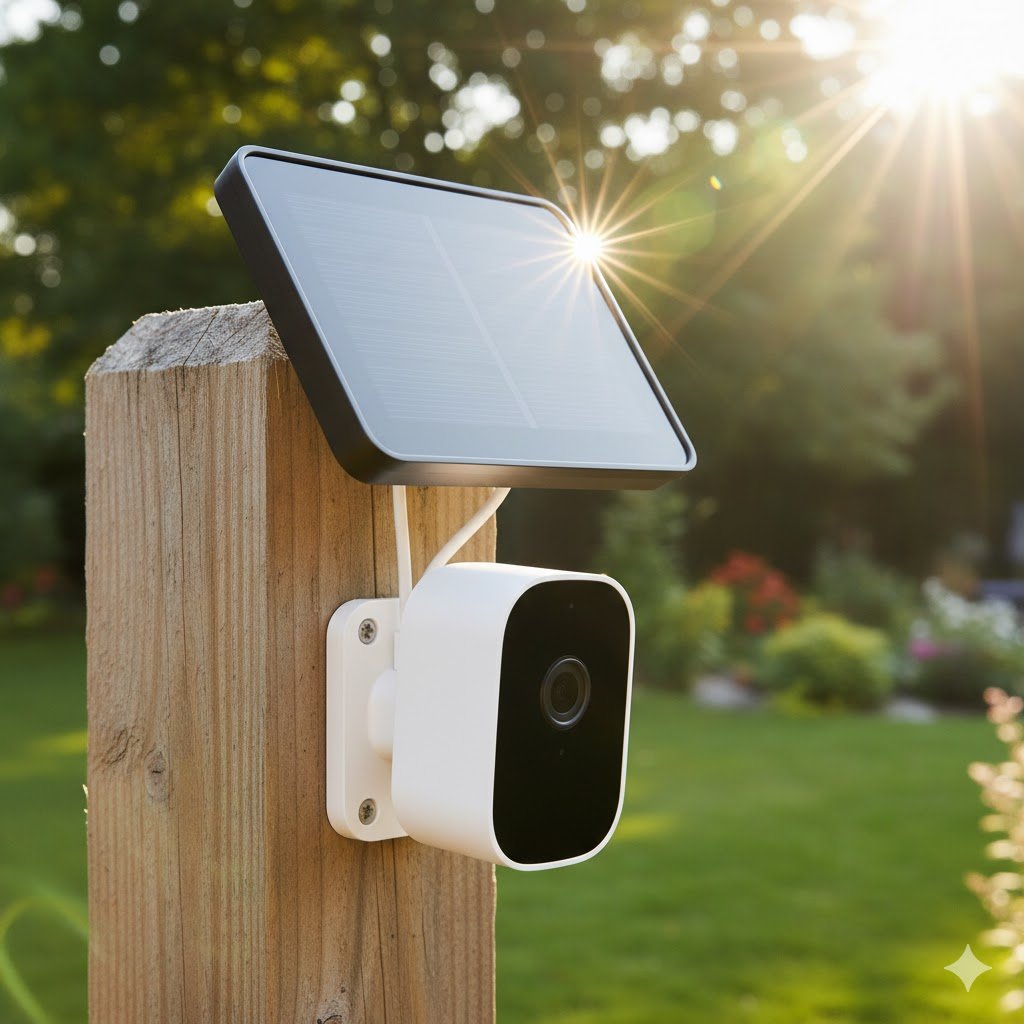
You bought a wireless security camera for the convenience. No wires to run, no drilling through brick. It felt like a victory.
Then, three months later, the notification pops up: “Battery Low.”
Now you are dragging a ladder out of the garage in the freezing cold to unscrew a camera, bring it inside to charge for 8 hours, and then climb back up to reinstall it. Suddenly, “wireless” feels like a lot of work.
As a network engineer, I believe technology should work for you, not give you chores. The solution isn’t going back to wired cameras; it’s using Solar Power correctly.
Transparency Note: This article contains affiliate links. As an Amazon Associate, I earn from qualifying purchases at no extra cost to you. This helps support the blog.
How Solar Security Cameras Actually Work (The Math)
Many people are skeptical. “Can a tiny 3-Watt solar panel really keep a camera running?”
The answer is yes, but you need to understand the energy budget.
Wireless cameras use PIR (Passive Infrared) sensors. Unlike wired cameras that record 24/7, battery cameras stay in “sleep mode” until they detect heat signatures (a person or animal). This consumes micro-amps of power.
When the camera wakes up to record a 15-second clip, it consumes significant power.
- Daily Consumption: An active camera might use 2% to 5% of its battery per day.
- Solar Input: A small solar panel can replenish 3% to 10% of the battery on a sunny day.
It is a game of Trickle Charging. You don’t need to fill the battery from 0% to 100% every day. You just need to put back slightly more than you used. If you do this, the battery technically never runs out.
The Engineer’s Rule: Integrated vs. Separate Panels
When shopping, you will see two form factors. Choosing the wrong one is the most common installation mistake.
1. Integrated Panels (The “Sleek” Look)
The solar panel is built right on top of the camera.
- Pros: Looks amazing. Zero cable clutter.
- Cons: The camera must be in direct sunlight. If you want to mount the camera under an eave or a porch roof for weather protection, the panel will be in the shade and won’t work.
2. Separate Panels (The “Flexible” Choice)
The panel connects to the camera via a 10ft (3m) cable.
- Pros: You can mount the camera in the shade (hidden) and mount the panel around the corner in direct sunlight.
- Cons: You have to manage a wire.
Top Picks for 2026
Here are the setups that pass the “set it and forget it” test.
1. The Premium All-In-One: EufyCam 3 (S330)
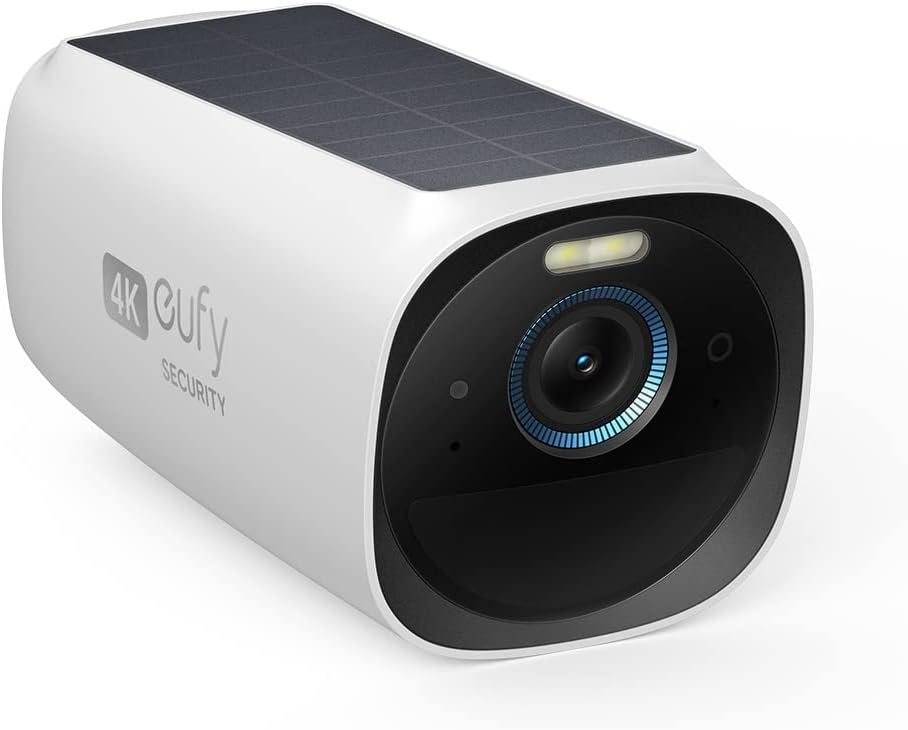
This is currently the king of solar cameras.
Best for: Walls that get direct sunlight all day.
Why I like it: It has the solar panel integrated into the top, but it’s highly efficient. It shoots in 4K resolution and, best of all, it requires NO monthly subscription. It records to a “HomeBase” inside your house.
2. The Best Value: Reolink Argus 3 Pro + Solar Panel
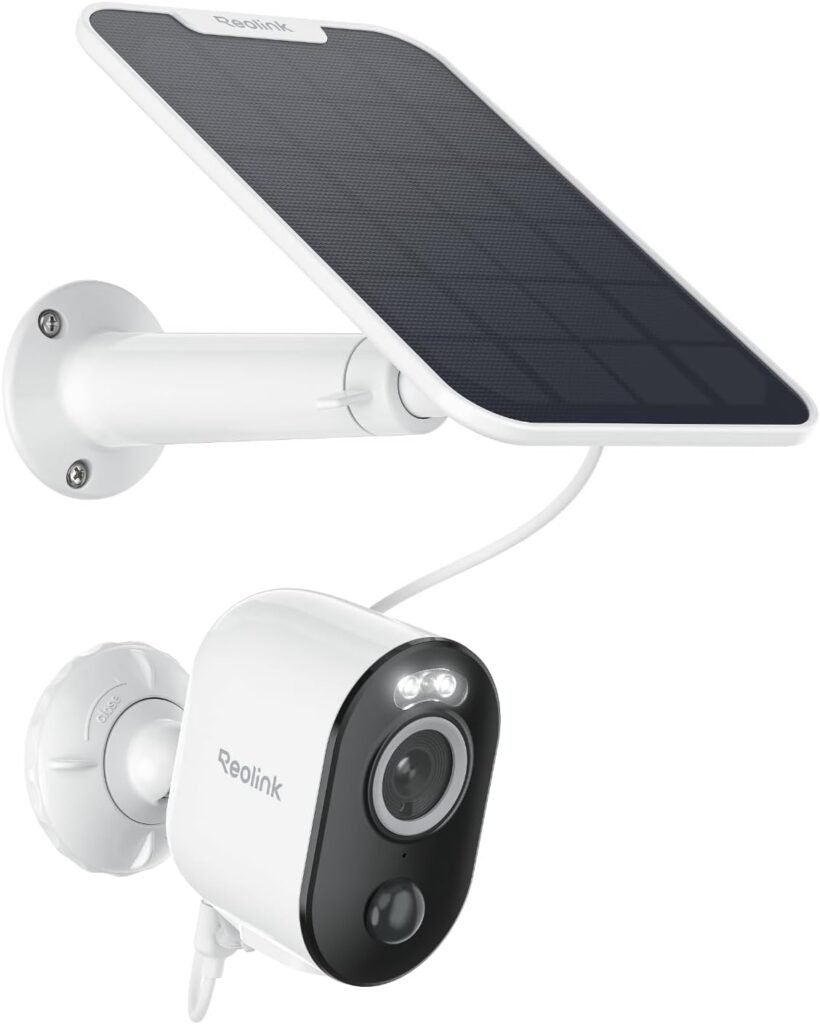
If you are on a budget, Reolink is unbeatable.
Best for: Porches, eaves, and shady areas.
Why I like it: It comes with a separate solar panel. This gives you the engineering flexibility to mount the camera under a porch while facing the panel South toward the sun. It also supports local SD card recording (no fees).
3. The Ecosystem Pick: Ring Stick Up Cam Solar
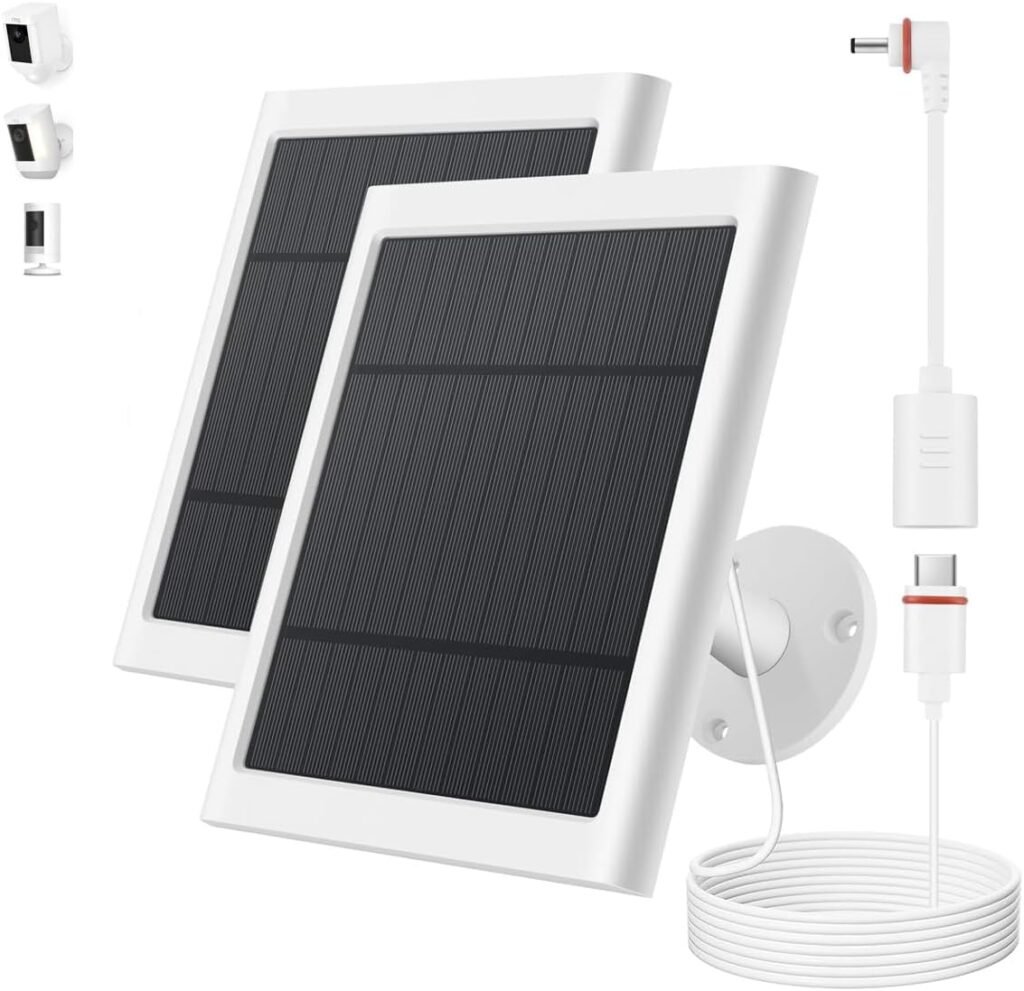
If you already have a Ring Doorbell, keep it simple.
- Why I like it: The app integration is flawless. However, note that you will likely pay a monthly fee to keep your video history.
Installation Tips for Maximum Efficiency
To make sure you never touch that ladder again, follow these rules:
- Face South (In the Northern Hemisphere): Your solar panel must face South to get maximum exposure throughout the day.
- The “Winter Tilt”: If the panel has an adjustable mount, tilt it up to about 45 degrees. This catches the lower winter sun and helps snow slide off.
- Wi-Fi Signal Strength: A 4K video stream requires a solid connection. If your camera is far from the house, your battery will drain faster because the radio has to “shout” to reach the router.
- Tip: If your outdoor signal is weak, don’t blame the camera. Check if your router is up to the task (read my guide on ISP Routers here).
The Verdict
Solar-powered cameras have graduated from “gimmick” to “essential.” For an extra $20-$30 per camera, you buy back your weekends. Stop climbing ladders. Let the sun do the work.
(Note: Solar cameras rely on your Wi-Fi working. Ensure your network stays online during storms with a UPS Battery Backup.)