
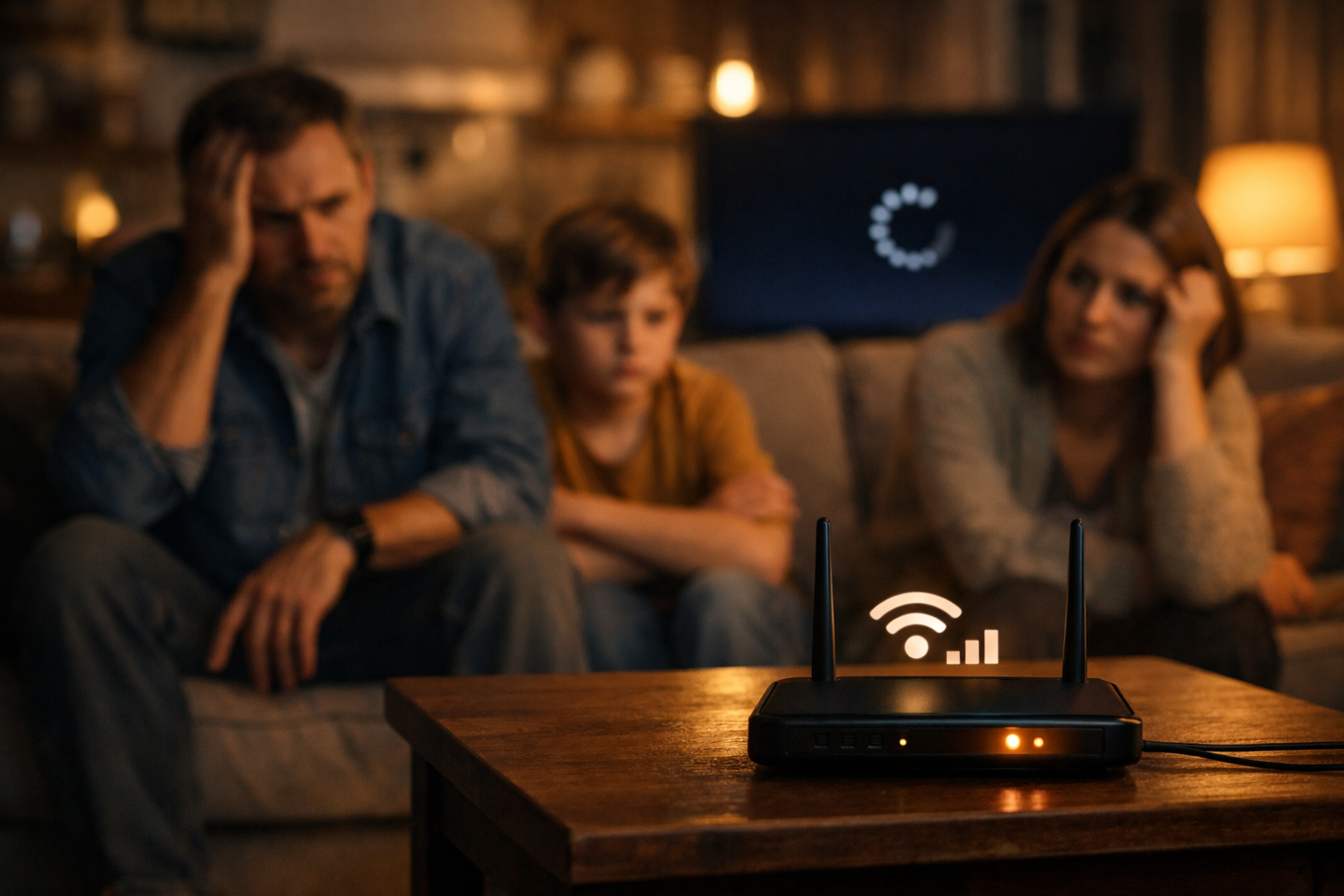
Paying for 300 Mbps but only getting 100? This might be why.
There’s a special kind of stress that only bad Wi‑Fi can create.
- Netflix buffers.
- Zoom freezes.
- Your kid yells from the other room.
- You run a speed test.
It says 300 Mbps. So why does everything still feel slow? I lived this.
Every night after 7 PM, my apartment internet turned into chaos. Streaming dropped quality. Video calls lagged. Even scrolling felt delayed.
And I was paying for 300 Mbps from Xfinity. Here’s what I eventually learned.
Transparency Note: This article contains affiliate links. As an Amazon Associate, I earn from qualifying purchases at no extra cost to you. This helps support the blog.
In a Hurry? Here’s the Fix
If your speeds never go above 90–95 Mbps, even though you pay for 300+:
- Your router likely has a 100 Mbps WAN port
- You need a Gigabit (1000 Mbps) router
- Apartments need better coverage (often mesh)
- Always buy for headroom, not minimum specs
Now let’s break it down.
The Apartment Problem
If you live in an apartment building, your Wi‑Fi isn’t alone.
It’s competing. Every unit has:
- Routers
- Smart TVs
- Consoles
- Cameras
- Smart devices
At night, everyone is online at the same time. That means:
- More interference
- More congestion
- More instability
My original router sat in a corner of the apartment.
- Signal was weak in some rooms.
- Strong in others.
- Unstable everywhere.
So I did what most people do. I upgraded to a mesh system.
The Mesh Helped… But Something Was Still Off
Coverage improved immediately.
- Dead zones disappeared.
- Roaming worked better.
- The house felt more stable.
But my speeds still never went above 94 Mbps. That number is important. If your internet constantly caps around 94–95 Mbps, that’s not random.
That’s usually a 100 Mbps hardware limit. And that’s exactly what I had.
The Mistake Almost Everyone Makes
I checked my router specs. The WAN port was: 10/100 Mbps (Fast Ethernet).
Not Gigabit. That means:
- My ISP delivered 300 Mbps
- My modem passed 300 Mbps
- My router physically limited it to 100
The bottleneck wasn’t Wi‑Fi. It was the port. And I never checked it. That cost me money.
Why This Matters More at Night
During the day, 100 Mbps can feel fine.
At night?
- Multiple streams
- Gaming
- Video calls
- Smart home devices
- Software updates
Suddenly 100 Mbps becomes a ceiling. When you hit that ceiling, everything slows down at once. That’s when arguments start. Not because your ISP is terrible. Because your hardware is limiting you.
The Upgrade That Finally Fixed It
I eventually upgraded again.
This time I made sure the system had:
- Gigabit WAN port
- Gigabit LAN ports
- Wi‑Fi 6
- Enough processing power
Once I did that:
- Speed tests matched my plan
- Streaming stopped buffering
- Zoom stabilized
- Gaming improved
- Smart devices stopped disconnecting
And most importantly? Silence.
No more “Is the internet down?” That’s what real improvement feels like.
How to Check If This Is Your Problem
Ask yourself:
- Do your speeds max out around 90–95 Mbps?
- Are you paying for more than 100 Mbps?
- Is your router older than 4–5 years?
- Does it say “Fast Ethernet” instead of Gigabit?
If yes — your router is likely the bottleneck.
The 3 Rules That Prevent This
1. Always Check WAN Port Speed
Minimum: Gigabit (1000 Mbps).
2. Buy With Headroom
If you have 300 Mbps, buy equipment that supports at least 1 Gbps.
3. Apartments Need Better Coverage
One cheap router in the corner is rarely enough. Coverage and throughput are different problems.
Fix both.
The Equipment That Makes Sense
Here are three solid approaches depending on your situation:
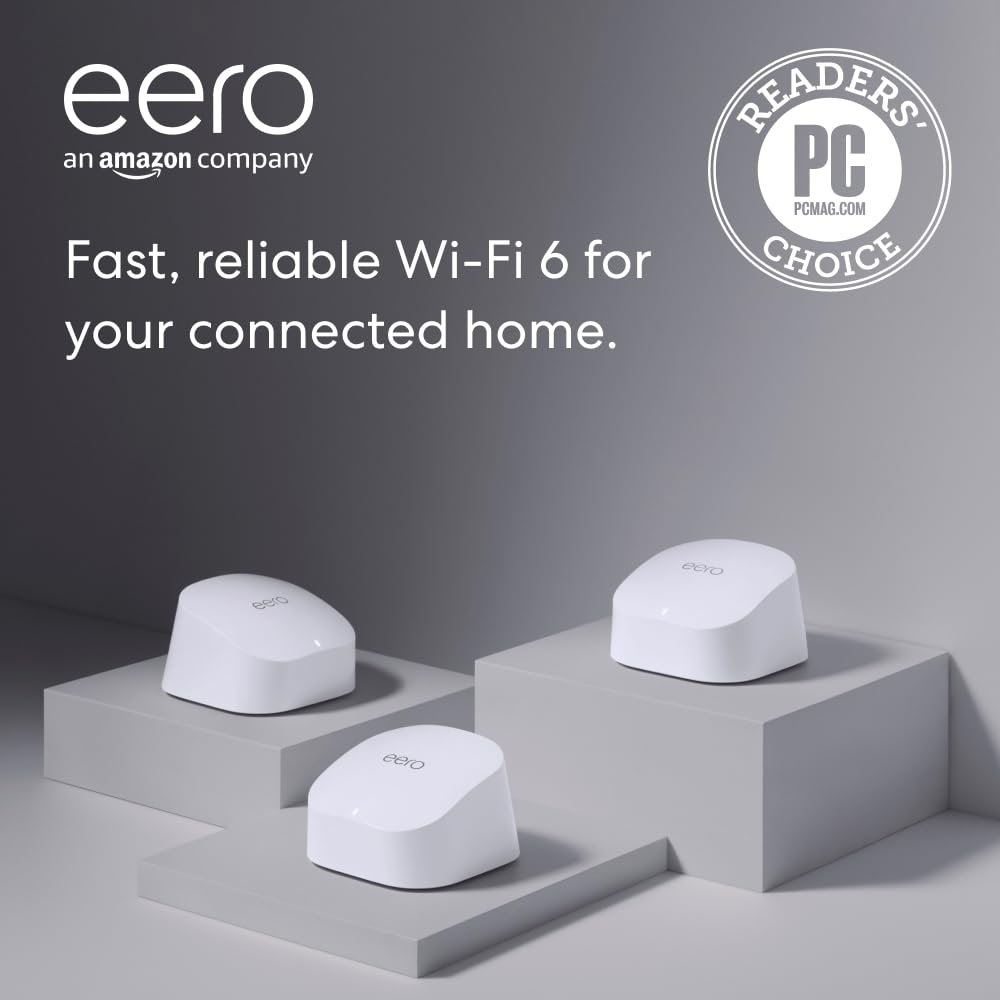
Best Overall – eero 6
Great balance of stability, simplicity, and futureproofing.
Gigabit ports. Wi‑Fi 6. Very stable for apartments and small homes.
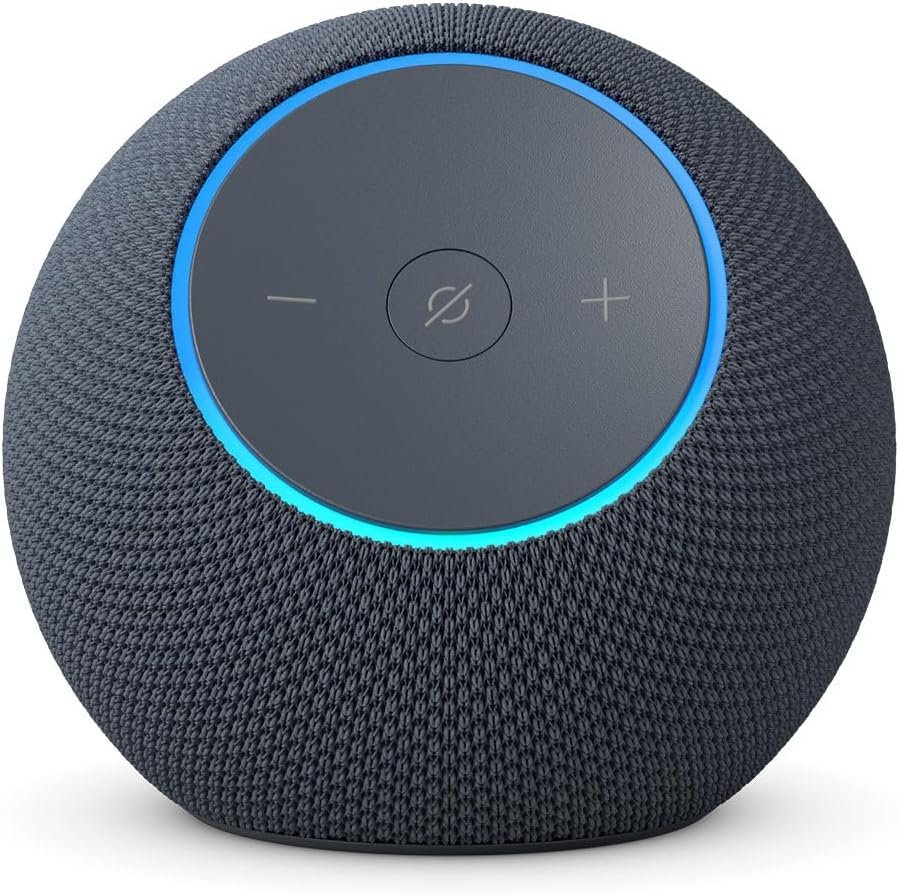
Bonus Tip: Your Amazon Echo can extend your WiFi coverage! Click below for more info
🔧 Engineer Corner (click to expand)
Bonus tip: Some Alexa/Echo devices can help extend coverage
If you use an eero system, some newer Echo devices can act as a small Wi‑Fi extender via
eero Built‑In. This can help with coverage in a weak room.
- It helps: signal coverage in certain spots (small boost).
- It does NOT help: it won’t increase ISP speed, won’t bypass a 100 Mbps WAN bottleneck.
- Think of it as: a “coverage helper,” not a full mesh replacement.
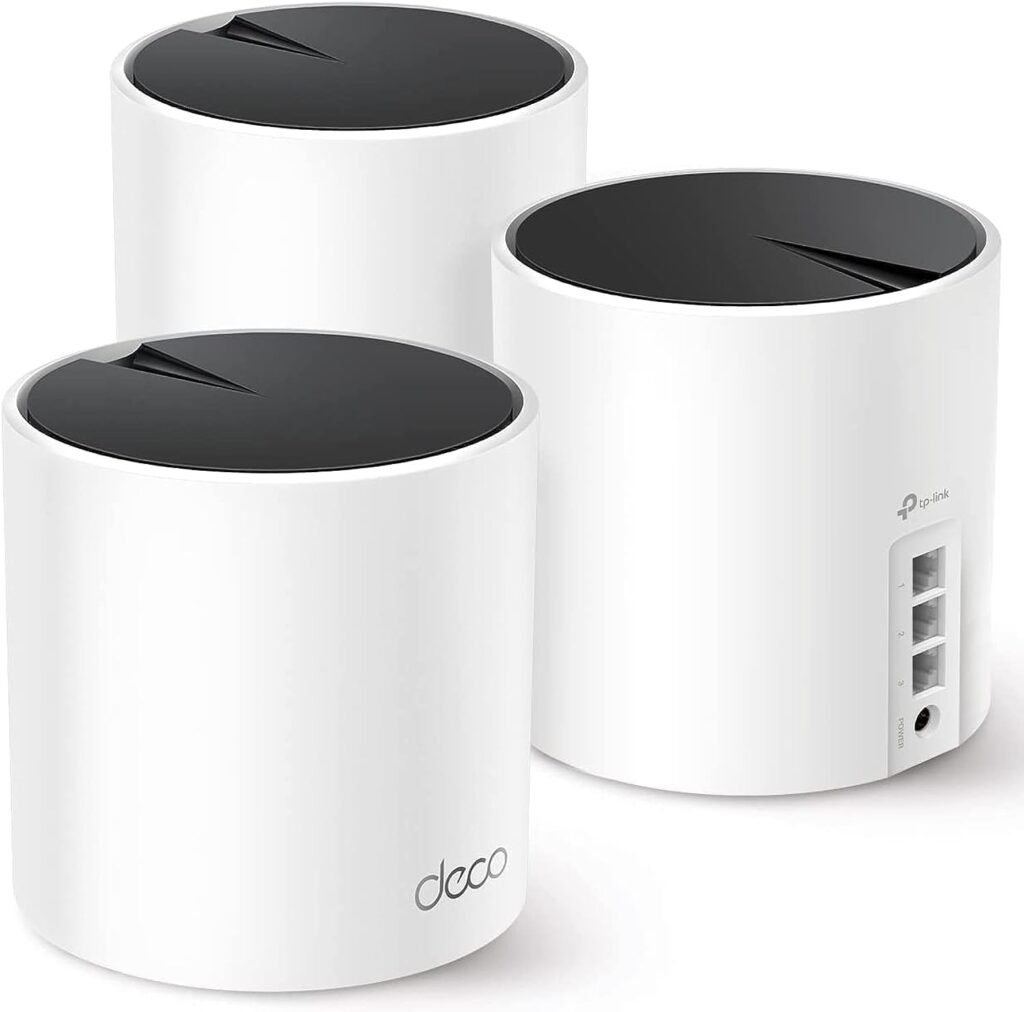
Engineer’s Choice – TP‑Link Deco X55
More control. Excellent value. Gigabit ports. Strong performance under load.
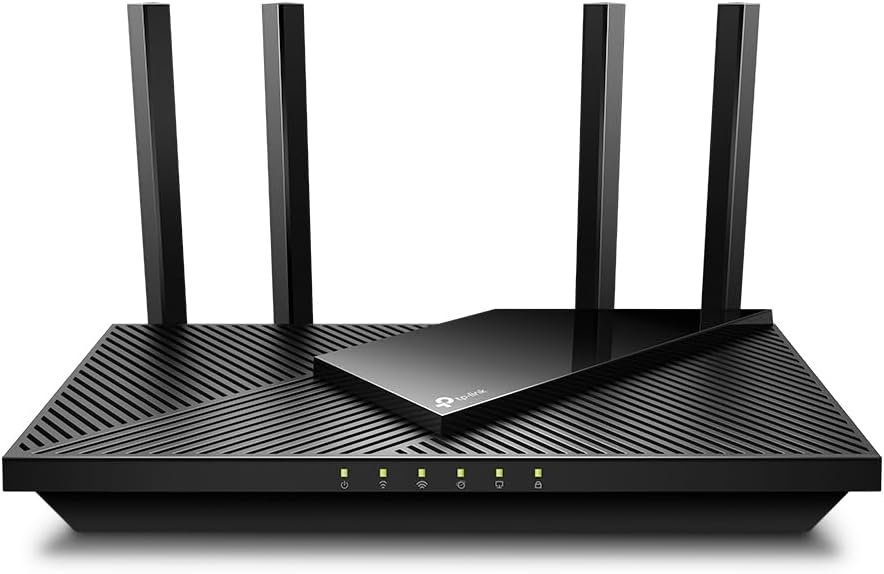
Budget Fix – TP‑Link Archer AX21
If you just need to remove the 100 Mbps bottleneck, this does it without overspending.
The key is not the brand.
It’s the ports.
Future‑Proof Option – eero 7
- Built for multi‑gig (2+ Gbps) internet plans
- Supports Wi‑Fi 7 and advanced spectrum efficiency
- Ideal for heavy device households
- Overkill for most 300 Mbps homes
- Great choice if you don’t want to upgrade again for 5+ years

Why This Actually Brings Peace
Internet problems don’t feel technical inside a house. They feel personal.
It feels like:
- You chose the wrong provider
- You cheaped out
- You don’t know what you’re doing
Most of the time? It’s a simple bottleneck. Once that ceiling disappears, the house calms down.
You stop thinking about the internet. And that’s the goal.
🔧 Engineer Corner (click to expand)
Why ~94–95 Mbps is a red flag
If your speed tests consistently top out around 90–95 Mbps, that usually points to a Fast Ethernet (100 Mbps) bottleneck.
Even if your ISP delivers 300 Mbps, a 10/100 WAN port can’t pass more than ~100 Mbps. In real life, protocol overhead often lands you around 94–95 Mbps.
Fast Ethernet vs Gigabit (in plain numbers)
- Fast Ethernet (10/100): up to 100 Mbps theoretical, often ~94–95 Mbps practical.
- Gigabit Ethernet (10/100/1000): up to 1000 Mbps theoretical, commonly 900+ Mbps practical in good conditions.
Why it feels worse at night
The “night slowdown” is usually a mix of:
- RF congestion (apartment buildings = many networks sharing the same spectrum)
- higher household demand (multiple streams, gaming, video calls, updates)
- bufferbloat / queueing when upload gets saturated
- hardware limits (WAN port speed, router CPU, poor QoS)
Two separate problems (don’t mix them)
- Coverage / roaming problem → solved by better placement or mesh.
- Throughput bottleneck → solved by Gigabit WAN/LAN + decent router/mesh hardware.
Quick checklist (engineer-style)
- WAN port: Gigabit minimum
- LAN ports: Gigabit minimum
- Wi‑Fi: Wi‑Fi 6 (or newer) if you’re buying today
- If your ISP is 300+ Mbps: buy equipment that comfortably supports 1 Gbps (headroom)
- Apartment/high-density: prioritize stability + roaming over flashy “max speed” marketing
Bottom line: if you’re paying for 300 Mbps but always seeing ~95 Mbps, you’re likely not “slow” — you’re capped.
Final Thought
If your internet “feels slow at night,” don’t start by upgrading your plan.
Start by checking your router’s WAN port.
You might already be paying for the speed you need.
You just aren’t allowed to use it.
Fix that tonight.
And enjoy the silence.
If you are new here, check those articles as a help to protect your family: