
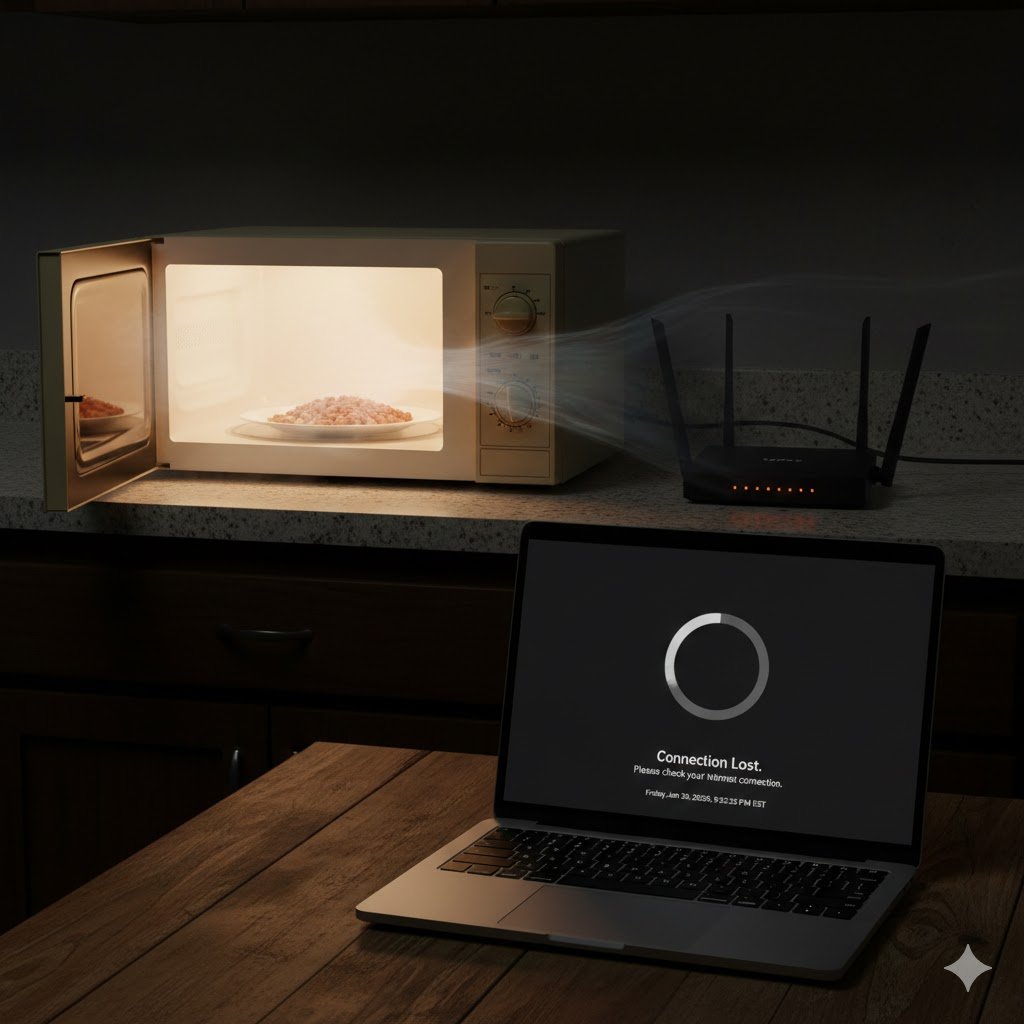
It’s a classic scenario: You are in the middle of an important Zoom call or an intense online gaming session. Suddenly, someone in the kitchen decides to heat up a slice of pizza. Your video freezes, your ping skyrockets to 999ms, and the connection drops.
As a Telecommunications Engineer, I get asked about this constantly. It’s not bad luck—it’s physics. Specifically, it’s a battle over Radio Frequency (RF) spectrum.
Here is the engineering breakdown of why your microwave is the natural enemy of your Wi-Fi and the steps you can take to achieve a bulletproof connection.
Transparency Note: This article contains affiliate links. As an Amazon Associate, I earn from qualifying purchases at no extra cost to you. This helps support the blog.
The Science: The 2.4GHz Battlefield
The reason for the interference is simple: They speak the same language.
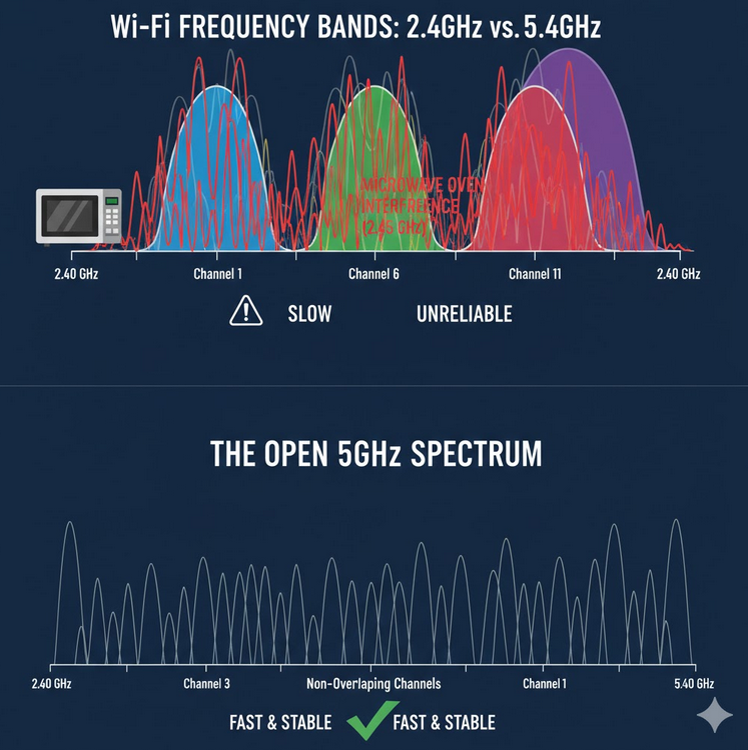
Most older Wi-Fi routers and many “Smart Home” devices operate on the 2.4GHz frequency band. Coincidentally, almost every household microwave oven also operates at approximately 2.45GHz.
The microwave uses a component called a magnetron to blast 2.45GHz waves through your food, causing water molecules to vibrate and create heat. While microwaves are shielded to keep this radiation inside, they aren’t perfect. Even a small amount of “RF Leakage” is enough to overwhelm the relatively weak signal coming from your Wi-Fi router.
Think of it like trying to have a whisper-quiet conversation (your Wi-Fi) next to a jet engine (the microwave). The jet engine doesn’t have to be “on” your frequency to drown you out—it just has to be loud enough.
The “Western Frontier” of Frequencies
It’s not just microwaves. The 2.4GHz band is the “Wild West” of home networking. It is crowded with:
- Bluetooth devices
- Baby monitors
- Cordless phones
- Zigbee smart hubs
Because this band is so narrow and crowded, there is very little room for your data to travel without hitting a “traffic jam.”
The Engineer’s Solution: How to Fix the Interference
1. The 5GHz Migration (Best Fix)
The most effective way to fix microwave interference is to stop using the 2.4GHz band for your critical devices. Unlike the 2.4GHz band, the 5GHz band is completely immune to microwave interference.
If your router supports “Dual Band,” ensure your laptop, console, or phone is connected to the 5GHz SSID. It has a shorter range than 2.4GHz, but it is significantly faster and cleaner.
2. Strategic Channel Selection
If you must use 2.4GHz (for older devices), you need to select the right channel. In the US, there are only three non-overlapping channels: 1, 6, and 11. Most routers are set to “Auto,” which often picks a bad channel. Using a Wi-Fi analyzer app, see which channel is the least crowded in your home and lock your router to it.
3. Upgrade to Wi-Fi 6E (The “Blue Sky” Solution)
If you live in a dense apartment complex where even 5GHz is getting crowded, it’s time to move to the 6GHz band. Wi-Fi 6E (and the upcoming Wi-Fi 7) opens up a massive new lane of traffic that is currently empty and free from any household interference.
Recommended Hardware for an Interference-Free Home
If you are tired of your connection dropping every time someone uses the kitchen, these engineer-approved systems are designed to handle high-interference environments:
1. The Ultimate Coverage:
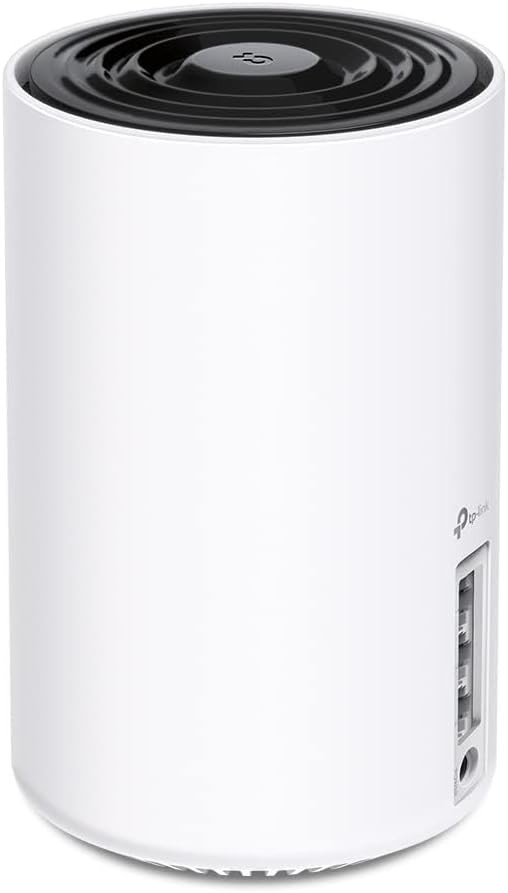
TP-Link Deco XE75 (Wi-Fi 6E): This is a Tri-Band Mesh system that includes the new 6GHz band. By moving your backhaul (the communication between nodes) to 6GHz, you bypass all household interference entirely.
2. The Power User’s Choice:
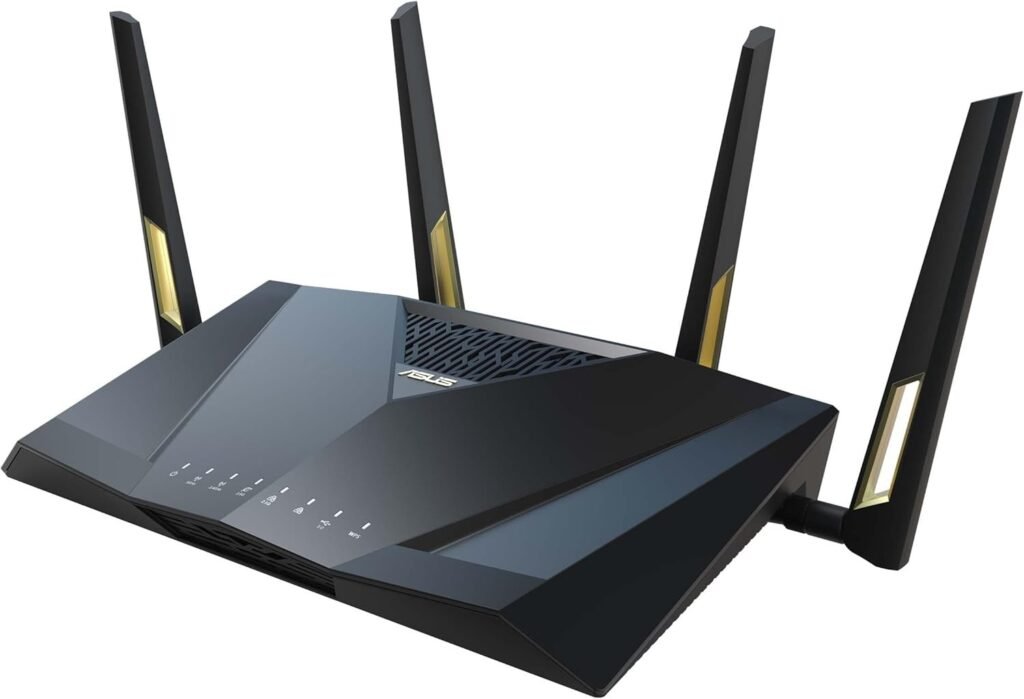
ASUS RT-AX88U Pro: This router offers incredible control over your frequency bands. It allows you to separate your 2.4GHz and 5GHz signals, ensuring your gaming PC never accidentally “downgrades” to the slower, interference-prone band.
The Verdict
Don’t let your kitchen appliances dictate your internet stability. By understanding the RF environment of your home and migrating your important devices to the 5GHz or 6GHz bands, you can enjoy a seamless connection—even during lunch hour.
If your 5GHz signal doesn’t reach your whole house, you likely need to upgrade your infrastructure. Check out my guide on Mesh Wi-Fi vs. Extenders to find the right setup for your home layout.