In my previous post, I tackled the biggest energy hog in the house: the Water Heater. Replacing that was a massive win. But when I looked at my electric bill, there was still a “ghost load” I couldn’t explain.
I was losing electricity to devices that were supposedly “off.” This is called Vampire Power (or Standby Power), and according to the Department of Energy, it accounts for 5-10% of residential energy use.
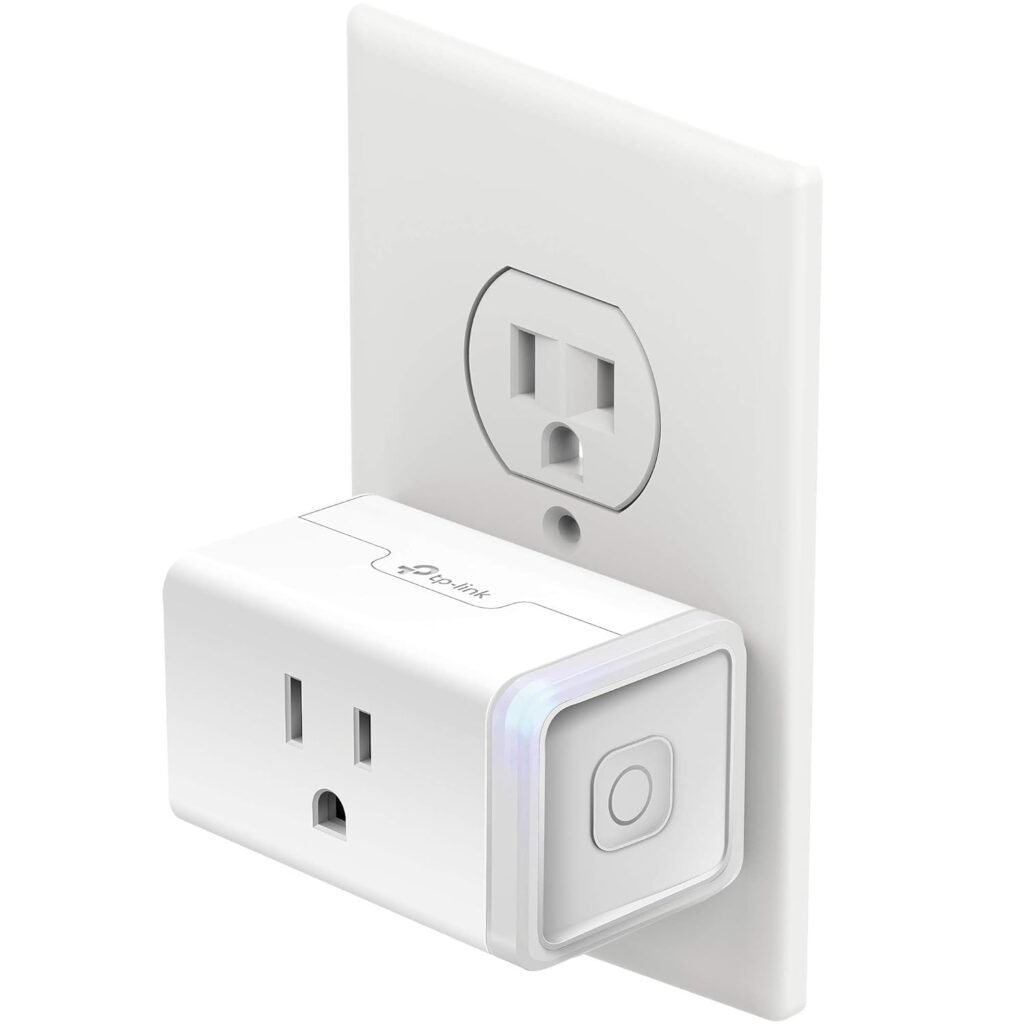
To catch these thieves, I didn’t hire an electrician. I bought a pack of Kasa Smart Plugs with Energy Monitoring (EP25).
Transparency Note: This article contains affiliate links. As an Amazon Associate, I earn from qualifying purchases at no extra cost to you. This helps support the blog.
The Problem: You Can’t Manage What You Can’t Measure
Most people buy Smart Plugs just to turn lamps on and off with their voice. That’s fun, but it doesn’t save money.
The secret weapon is Energy Monitoring. Not all smart plugs have this. You need one that acts like a “Fitbit for your outlet,” logging exactly how many watts a device is pulling in real-time.
The Hunt: What I Found
I took one Kasa plug and rotated it around the house for a week, plugging different “suspects” into it. The results were shocking.
Suspect 1: The “Off” Gaming PC
I have a gaming setup that I thought was asleep. The Truth: Even in sleep mode, the monitors, speakers, and tower were pulling about 15 watts continuously.
- Cost: That’s roughly $20/year just to do nothing.
Suspect 2: The Space Heater
We used to run a space heater in the basement office because the central heat just didn’t reach that room well. The Truth: The Kasa app showed the heater was pulling a massive 1,500 Watts constantly. That’s about $0.25 per hour, or $40/month if run during work hours!
The Fix: I realized I was paying a fortune to heat a room that already had a vent—the air just wasn’t coming out strong enough. I ditched the space heater and installed an AC Infinity AIRTAP T6 Register Booster Fan.
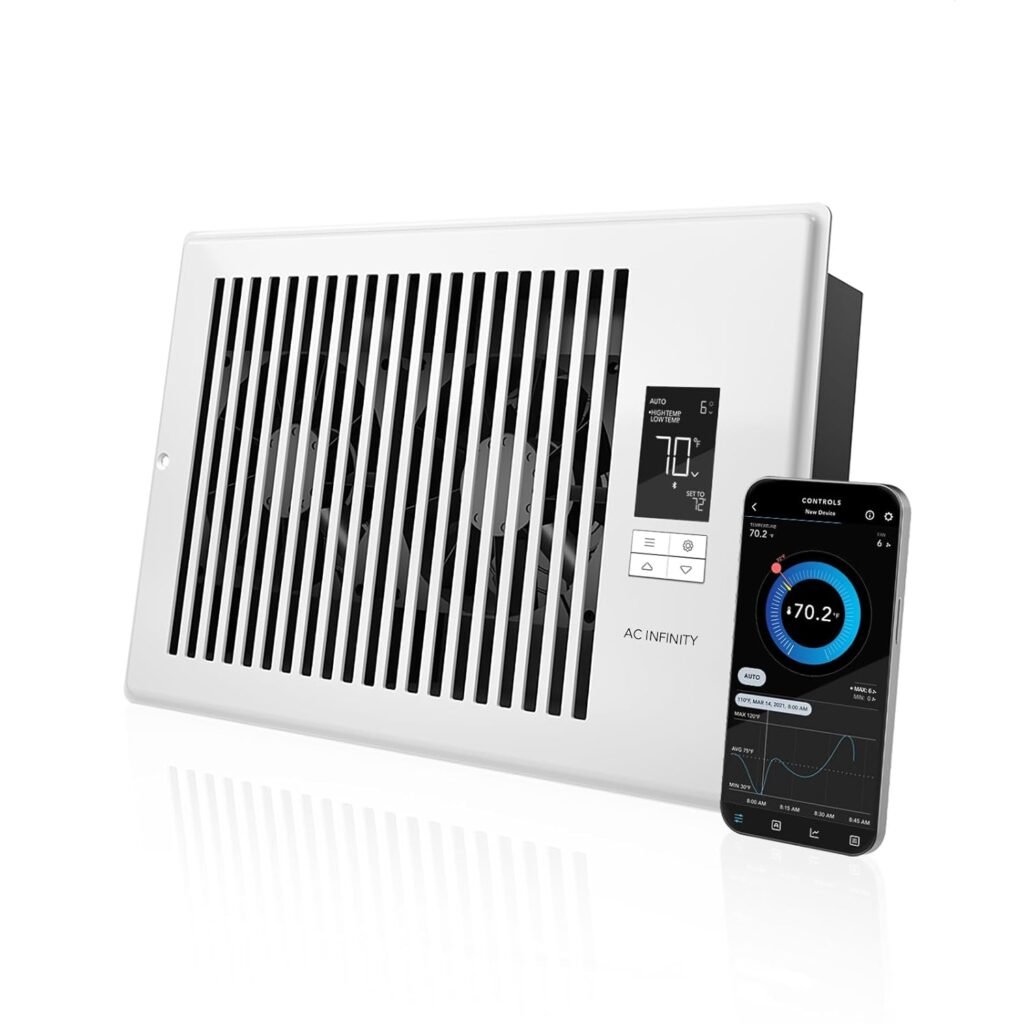
What it does: It replaces your standard vent cover and has quiet fans that “pull” the warm air from the ductwork into the room.
The Math: The booster fan uses about 8 Watts. The space heater used 1,500 Watts.
Result: The room is warm, and I stopped using the space heater entirely. The smart plug paid for itself just by showing me how much money I was burning.
Suspect 3: The Dehumidifier
This was the silent killer. It runs quietly in the background. The Truth: It was running 24/7, using more electricity than my refrigerator.
The Solution: Automation
Once you identify the vampires, the Kasa plug lets you drive a stake through their heart using Automation.
- For the PC: I set a schedule. “Turn off power completely at 1:00 AM.” This cuts the vampire draw to zero overnight.
- For the Space Heater: Set a timer “Turn off automatically after 60 minutes.” or if you already have vents, deploy the Booster Fan.
- For the Dehumidifier: I realized I only need it during humid days, not 24/7 in the winter.
Verdict: It Pays for Itself
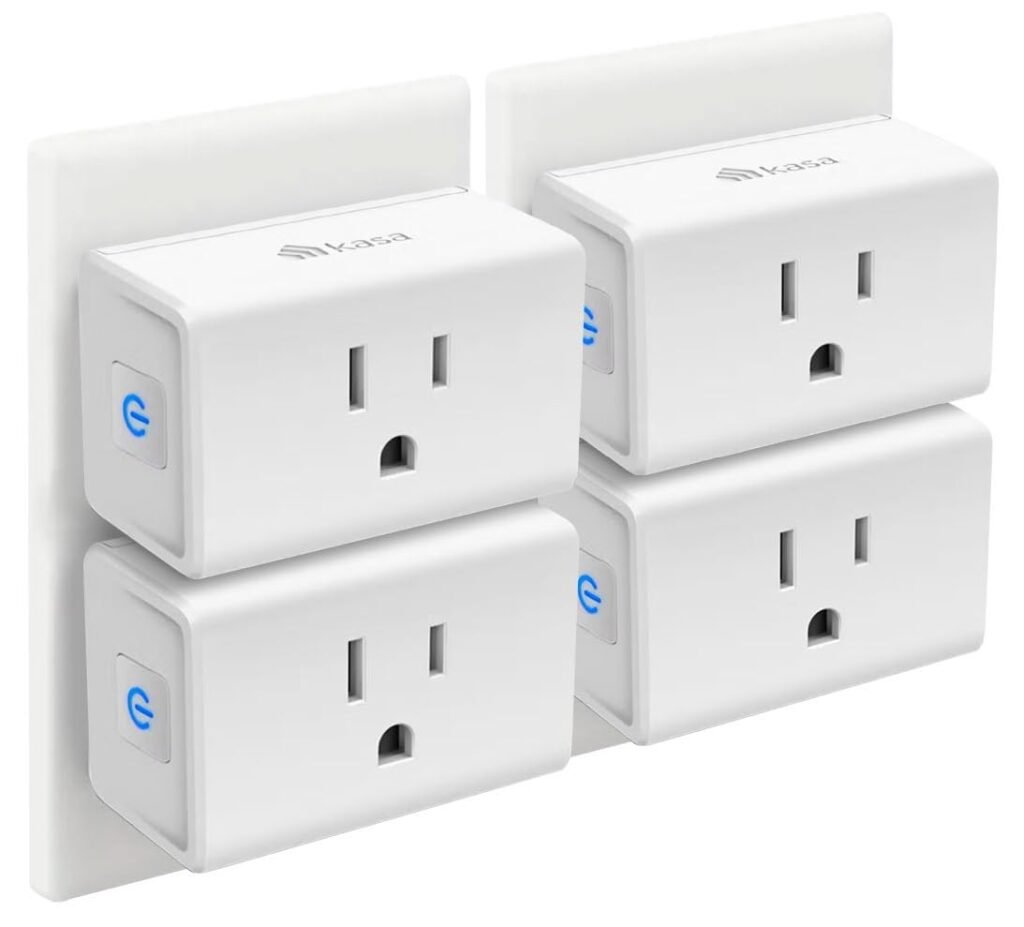
A 4-pack of these plugs costs roughly $40. If you find just two devices wasting power (like a cable box, old TV, or coffee maker), the plugs pay for themselves in under a year.
Stop guessing why your bill is high. Measure it.
Why the Kasa EP25?
I chose the TP-Link Kasa EP25 for three reasons:
- The App Data: The energy dashboard is clean. It shows “Day”, “Month”, and “Year” usage graphs.
- Size: It’s “Mini”, so it doesn’t block the second outlet on the wall.
- HomeKit Support: Unlike older models, this one works natively with Apple Home, Alexa, and Google.
Start Hunting (4-Pack – Best Value):
Start Hunting Single Pack (To Try it Out):