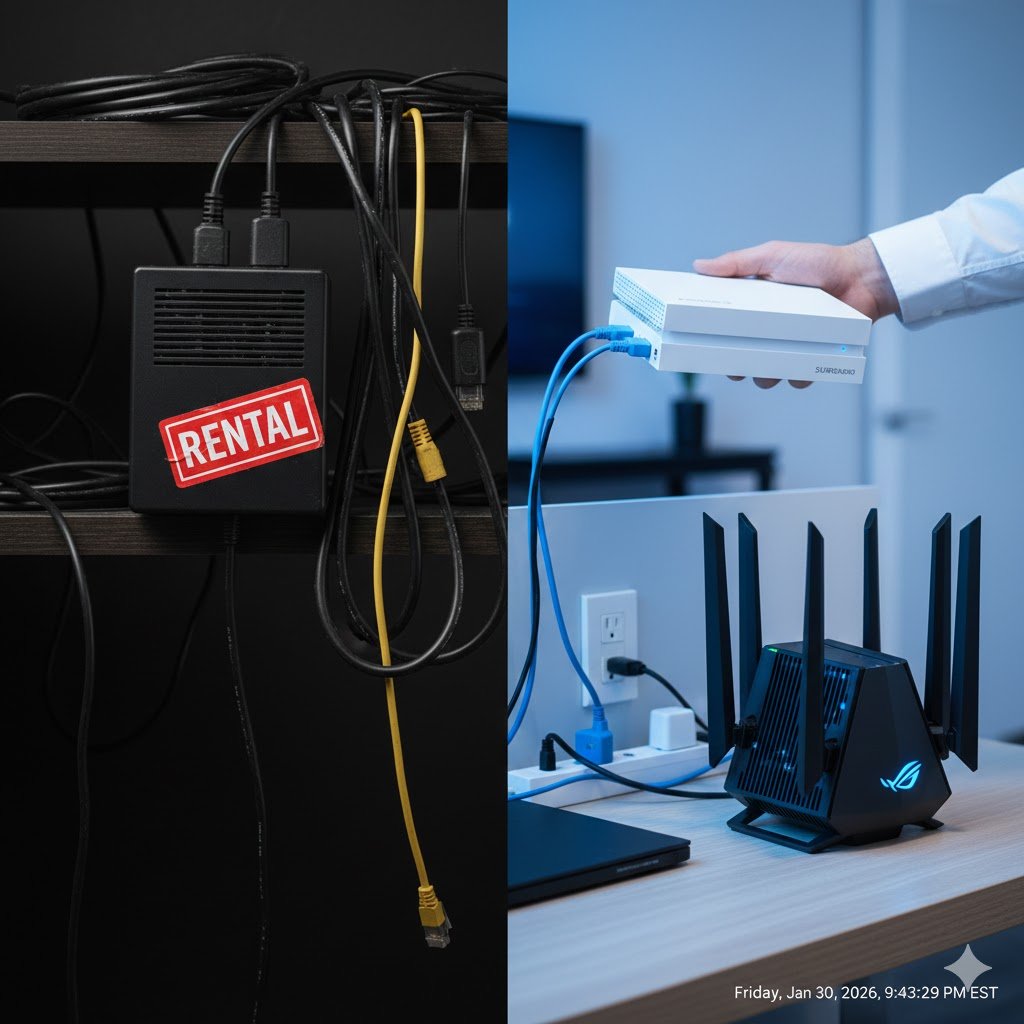
Take a close look at your monthly internet bill from Comcast Xfinity, Spectrum, or Cox. Do you see a line item labeled “Equipment Rental Fee” or “Modem Lease”?
Is it $14? $15? In some areas, it’s now $18 a month.
If you see that charge, you are effectively paying a “tax on ignorance.” As a Telecommunications Engineer, I haven’t paid a modem rental fee in over a decade. It is the single easiest way to save money on your home utility bills.
Here is the engineering breakdown of why you should return that plastic box to the ISP store today and buy your own.
Transparency Note: This article contains affiliate links. As an Amazon Associate, I earn from qualifying purchases at no extra cost to you. This helps support the blog.
The Math: A 100% Return on Investment
Let’s do the simple math that the ISPs hope you don’t calculate. The average rental fee is $15 per month.
- 1 Year: $180
- 2 Years: $360
- 5 Years: $900
A top-tier, engineer-approved modem costs approximately $150. That means in just 10 months, the device has paid for itself. After that, you are keeping that $180 a year in your own pocket. If you stay with the same provider for five years, you’ve essentially handed them $750 in pure profit for an old, refurbished device.
The Engineering Problem: The “Combo Unit” Trap
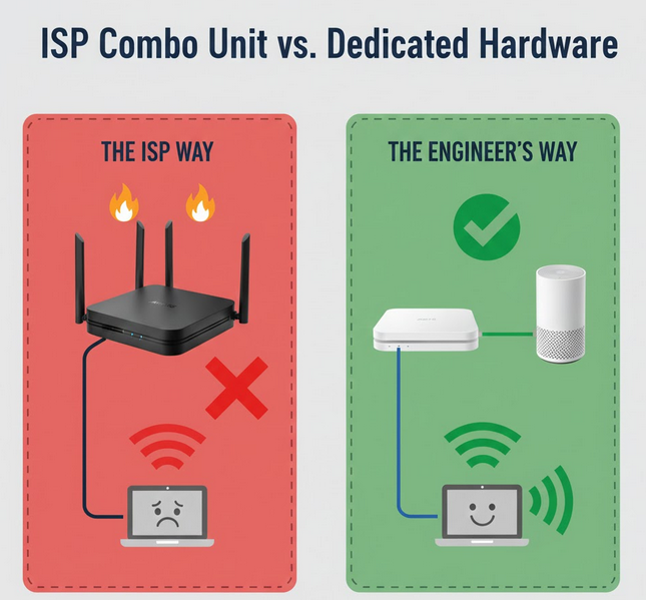
Most ISPs provide you with a “Gateway”—a single box that acts as both a Modem and a Wi-Fi Router. In engineering terms, we call this a Single Point of Failure.
- Overheating: Cramming a high-speed DOCSIS 3.1 modem chip and a powerful Wi-Fi radio into one cheap plastic enclosure creates heat. Heat leads to thermal throttling, which is often why your internet feels “laggy” in the evening.
- Lack of Control: When you rent the ISP’s box, they control the firmware. They can (and do) use your electricity to broadcast a public Wi-Fi signal (like
xfinitywifi) for other people to use. - Mediocre Range: Combo units are “jacks of all trades, masters of none.” Their internal antennas can’t compete with a dedicated Mesh system.
“Is it hard to set up?”
ISPs want you to think it’s a technical nightmare. It’s actually simpler than setting up a new smartphone:
- Unplug the old ISP box.
- Screw the coaxial cable into your new modem.
- Connect the power.
- Open your ISP’s app (Xfinity, Cox, etc.) and click “Activate New Equipment.” You just scan the barcode on your new modem, and the system does the rest.
Engineer’s Recommendations: The Best Modems for 2026
To avoid the rental fee, you need a DOCSIS 3.1 modem. This is the current industry standard required for Gigabit speeds.
1. The Gold Standard:
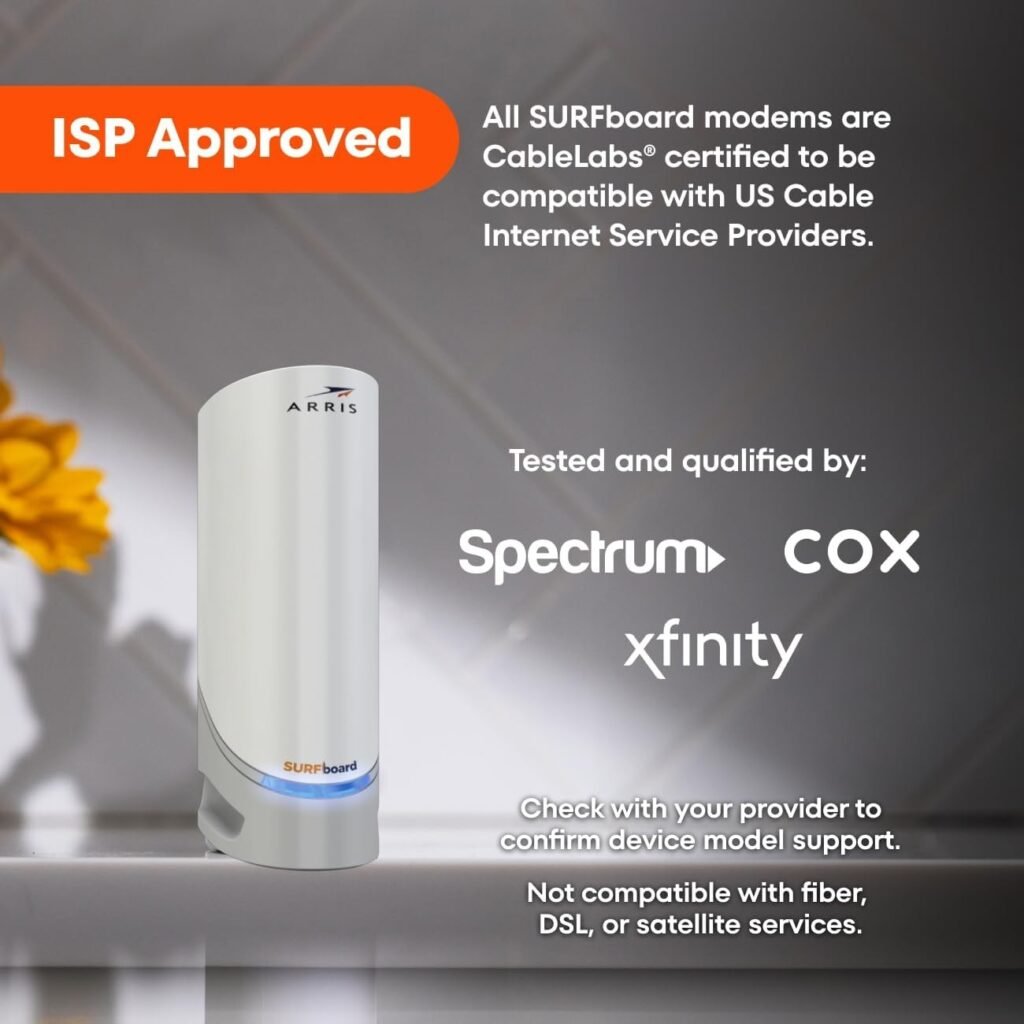
ARRIS Surfboard S33: This is the modem I personally recommend. It is ultra-compact, supports speeds up to 2,500 Mbps (2.5 Gbps), and is incredibly stable. It’s future-proof for the next several years.
2. The Reliable Workhorse:
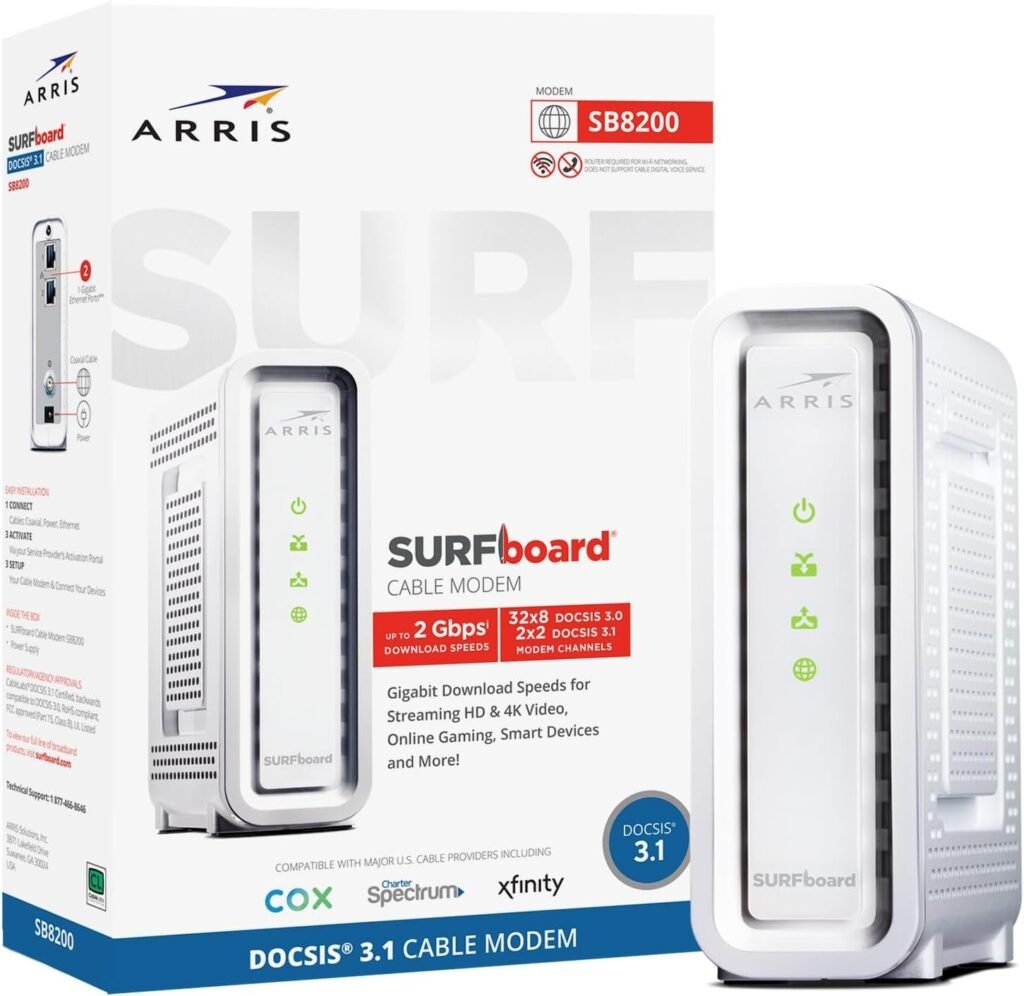
ARRIS Surfboard SB8200: The “Toyota Camry” of modems. It features dual Gigabit Ethernet ports and a very robust cooling design. It handles heavy 4K streaming and gaming loads without breaking a sweat.
3. The Performance Choice:
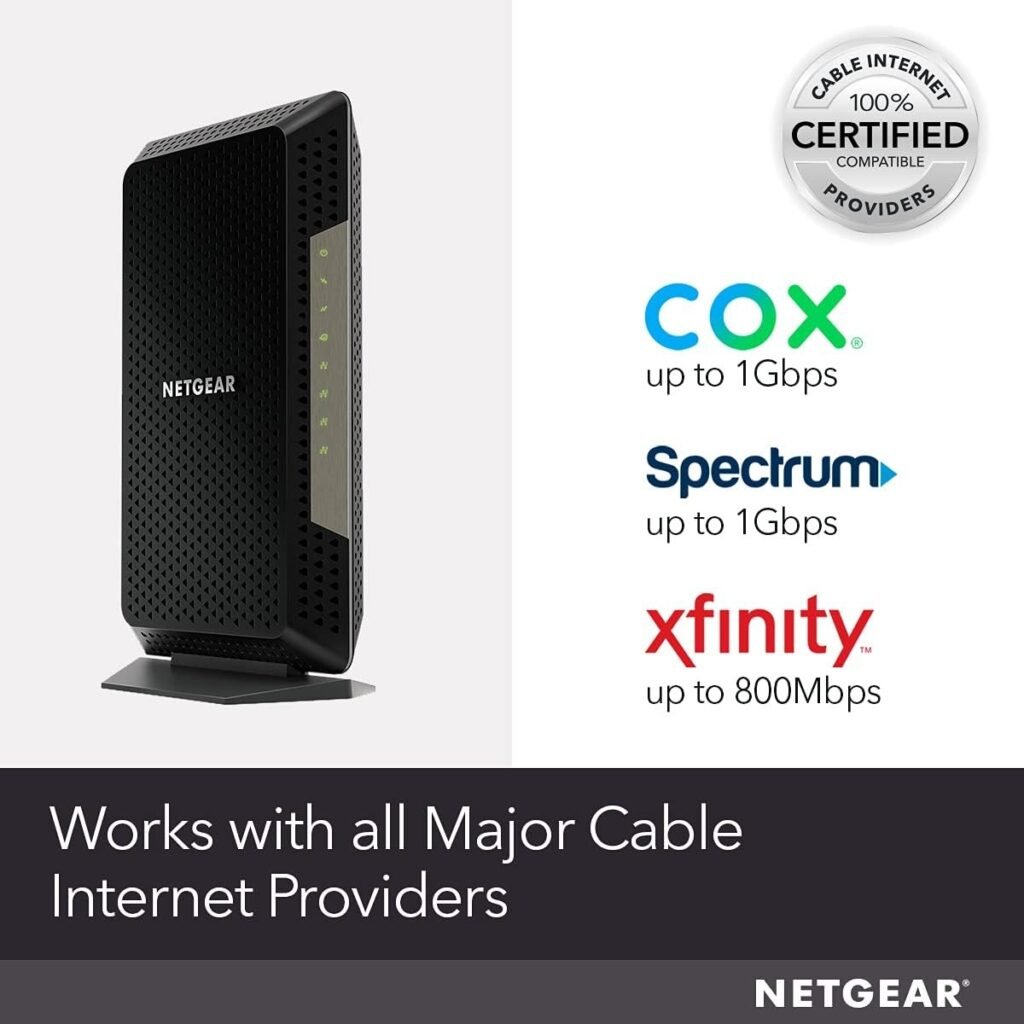
Netgear Nighhawk CM1200: If you prefer the Netgear ecosystem, the CM1200 is built like a tank. It is widely compatible with all major US cable providers and offers excellent diagnostic lights to help you troubleshoot line issues.
Important: What about Wi-Fi?
Remember, the devices listed above are pure modems. They do not have Wi-Fi built-in. This is a good thing! It allows you to pair your modem with a high-performance Wi-Fi system that actually covers your whole house.
If you want the best performance, I recommend pairing one of these modems with a Mesh Wi-Fi system. You can read my full deep-dive on why Mesh is the only real fix for home coverage here: Mesh Wi-Fi vs. Extenders: An Engineer’s Verdict.
The Verdict
Stop gifting your ISP $180 every year. By owning your modem, you get better hardware, more privacy, and a more stable connection. It is one of the few “tech upgrades” that literally pays you back.