I’ll be honest with you: I love technology, but I love my family more. I’ve spent my career building and securing networks, and if there’s one thing I’ve learned, it’s that software can fail.
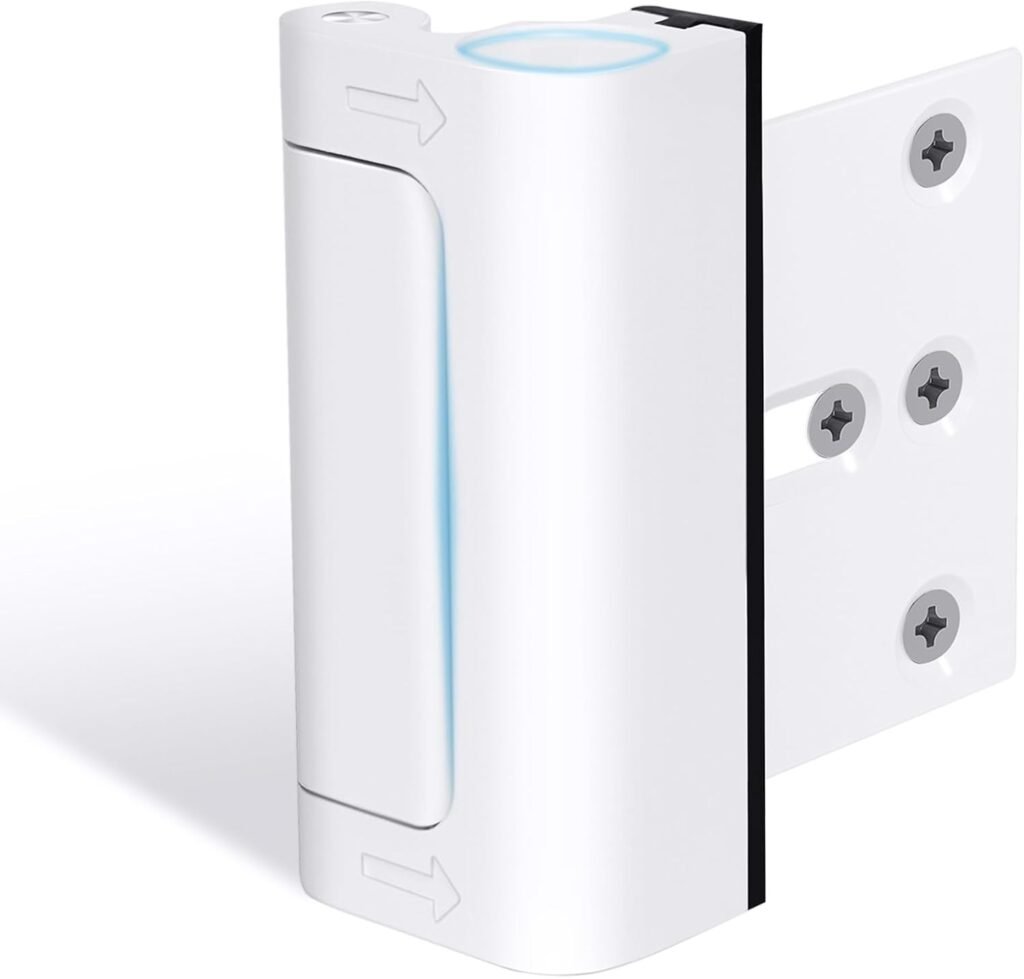
I’m so “neurotic” about home security that even with a high-end smart lock installed, I still use a manual reinforcement lock on all my doors to use at night (like the one in the photo below, it’s ~10 bucks on Amazon). It’s a physical deadbolt that no hacker, cloud glitch, or Bluetooth exploit can bypass. It’s my “analog fail-safe” for a digital world.
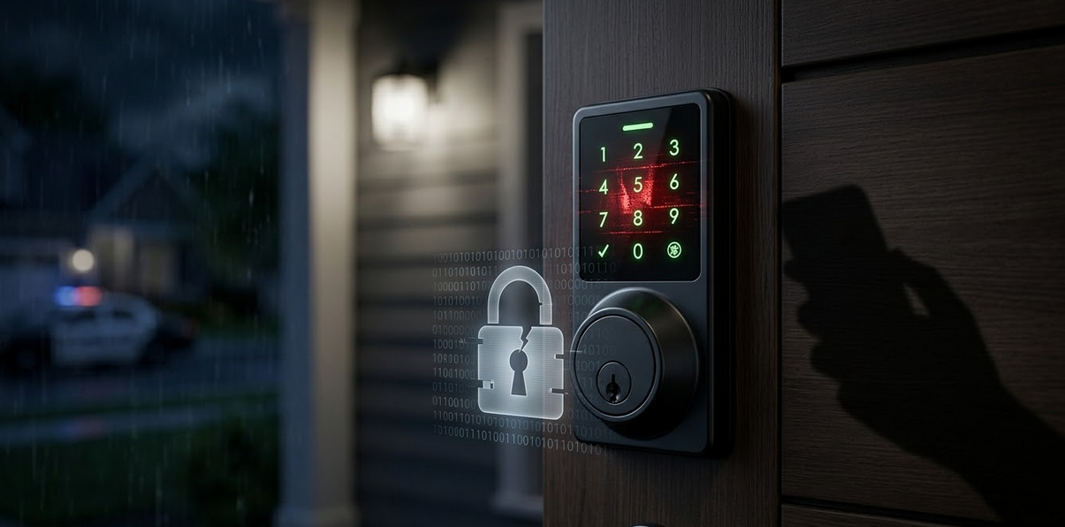
But why the paranoia? Because lately, the smart lock and security camera market has been a minefield of privacy leaks and security backdoors.
Transparency note: As an Amazon Associate, practicalnetworkguide.com earns from qualifying purchases at no extra cost to you.
The “Cloud” is Just Someone Else’s Computer
When you buy a smart lock, you aren’t just buying metal and gears; you are buying into a company’s software ecosystem. And that’s where the trouble starts.
1. The Wyze “Glimpse” Incident
In early 2024, Wyze, a massive player in the budget smart home space, suffered a major server glitch. Around 13,000 users were able to see thumbnail images from cameras inside other people’s homes.
If a company can’t keep your camera feed private due to a “caching error,” how can you trust their cloud to keep your front door locked?
2. Eufy’s “Local Storage” Myth
Eufy (owned by Anker) marketed their doorbells and locks as “100% Local,” promising that your data never left your house. However, security researchers discovered that thumbnails of users’ faces were being uploaded to the cloud unencrypted and could be accessed via a simple web link.
The lesson? If a brand lies about where your data goes, they are a liability, not a security feature.
3. The Danger of “Budget” Generic Devices
Amazon and AliExpress are flooded with generic white-label smart locks (often running on the Tuya/Smart Life platform). While affordable, many of these devices use weak Bluetooth encryption or have “master codes” that can be exploited by anyone with a laptop and a bit of proximity.
How to Protect Your Home (The Engineer’s Way)
If you are going smart, you need to be smart about your hardware:
- Look for ANSI Grade 1 or 2: This measures the physical strength of the lock. If it doesn’t have this, it’s a toy, not a security device.
- Local Protocols over WiFi: Whenever possible, choose locks that use Z-Wave or Zigbee. These connect to a local hub in your house, meaning your “unlock” command doesn’t have to travel to a server in another country and back.
- Keep your Network Stable: A smart lock is only as good as the network it sits on. If your lock keeps dropping connection, it might be a signal issue. Check out my guide on Mesh WiFi vs. Extenders to ensure your smart home has the backbone it needs to stay online.
The Bottom Line
Smart locks offer incredible convenience, but they should never be your only line of defense. Use a reputable brand like Schlage or Yale, keep your firmware updated, and for heaven’s sake, keep a manual latch on the door for when you’re inside.
Technology is great, but a piece of solid metal is still the king of security.
My Expert Recommendations: Which Smart Lock Should You Actually Trust?
After years of auditing network security and testing hardware, I only put my name behind brands that prioritize encryption and physical durability. If you want to move past the “budget brand” lottery, here are the three levels of security I recommend for your home.
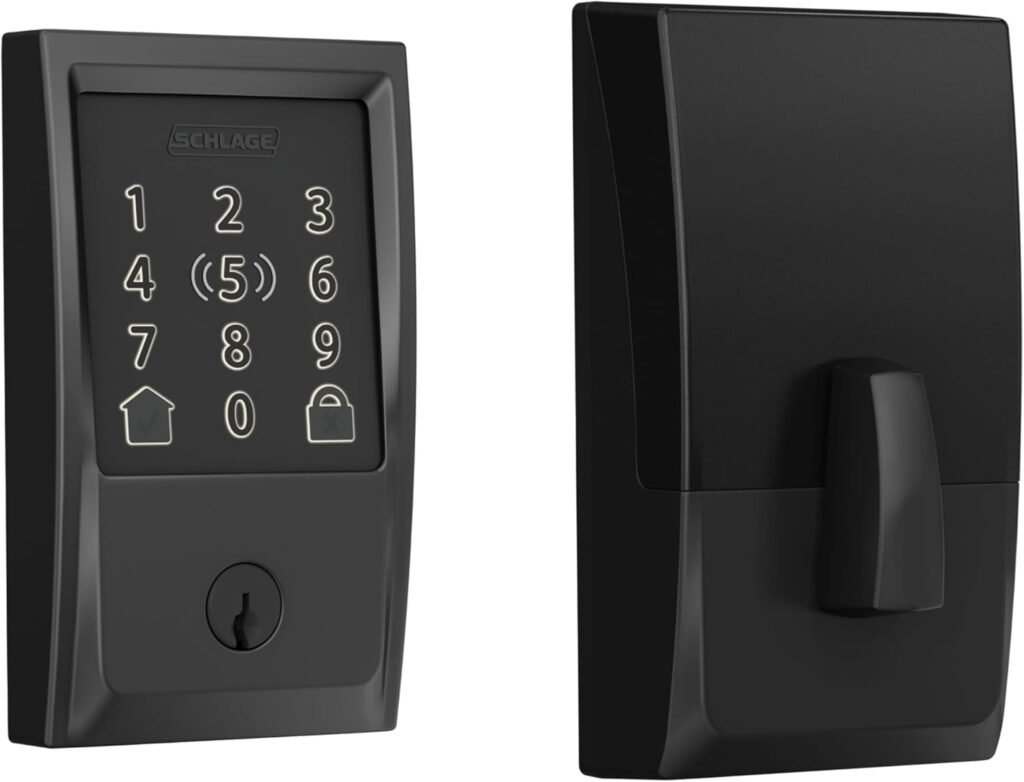
The Editor’s Choice (Best Overall): Schlage Encode Plus
Don’t let the “old-school” look fool you. While other brands try to distract you with flashing lights and mediocre cameras, Schlage focuses on the one job a lock actually has: keeping people out.
This is the gold standard. It’s one of the few smart locks with an ANSI Grade 1 rating — the highest residential security grade available. In a world of “smart” gadgets made of cheap pot metal, this is a heavy-duty piece of hardware.
- Why I love it: It supports Apple HomeKey (you just tap your iPhone or Watch to enter) and uses Thread, which is much more stable and energy-efficient than standard WiFi. No more struggling with fingerprint sensors that fail when your hands are wet.
- Security: It’s built like a tank. Even if the electronics fail, the mechanical bolt is a beast. It’s the ultimate balance between modern convenience and brute-force reliability.
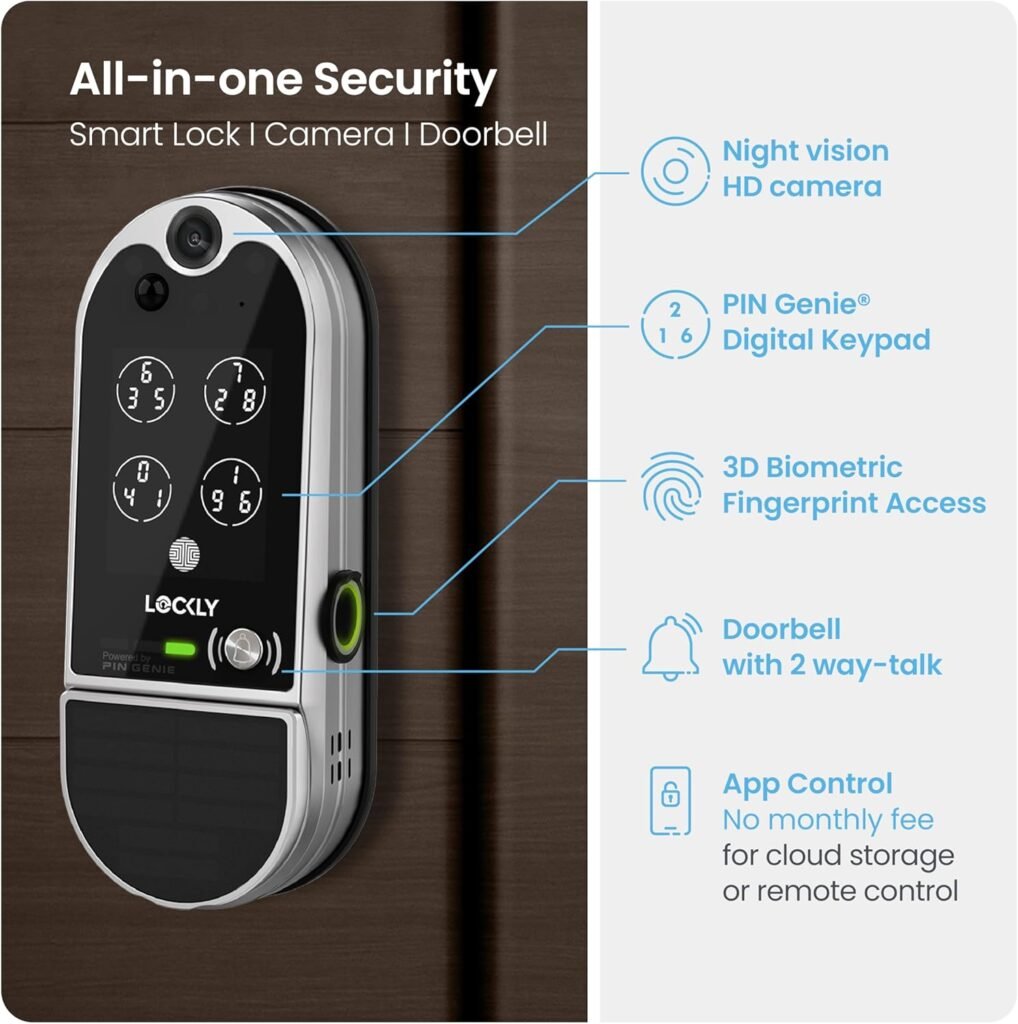
Top of the Galaxy (The Tech Beast): Lockly Vision Elite
If you want the “James Bond” setup, this is it. It’s not just a lock; it’s a full security hub.
- Why I love it: It has a built-in 2K camera, a 3D fingerprint sensor, and a “Peek-proof” digital keypad that shuffles the numbers every time so no one can guess your code by looking at your finger smudges.
- Security: It uses high-level encryption and stores video locally, avoiding most of the cloud-leak issues we discussed earlier.
The Value King (Feature Rich): Aqara Smart Lock U100
Forget the overpriced “retrofit” locks with bad reviews. The Aqara U100 is the disruptor. It’s an ANSI Grade 2 lock that offers more features for less money.
- Why I love it: You get Apple HomeKey AND a fast Fingerprint scanner in the same unit. It uses Zigbee to talk to your local hub, keeping your data off the public Wi-Fi as much as possible.
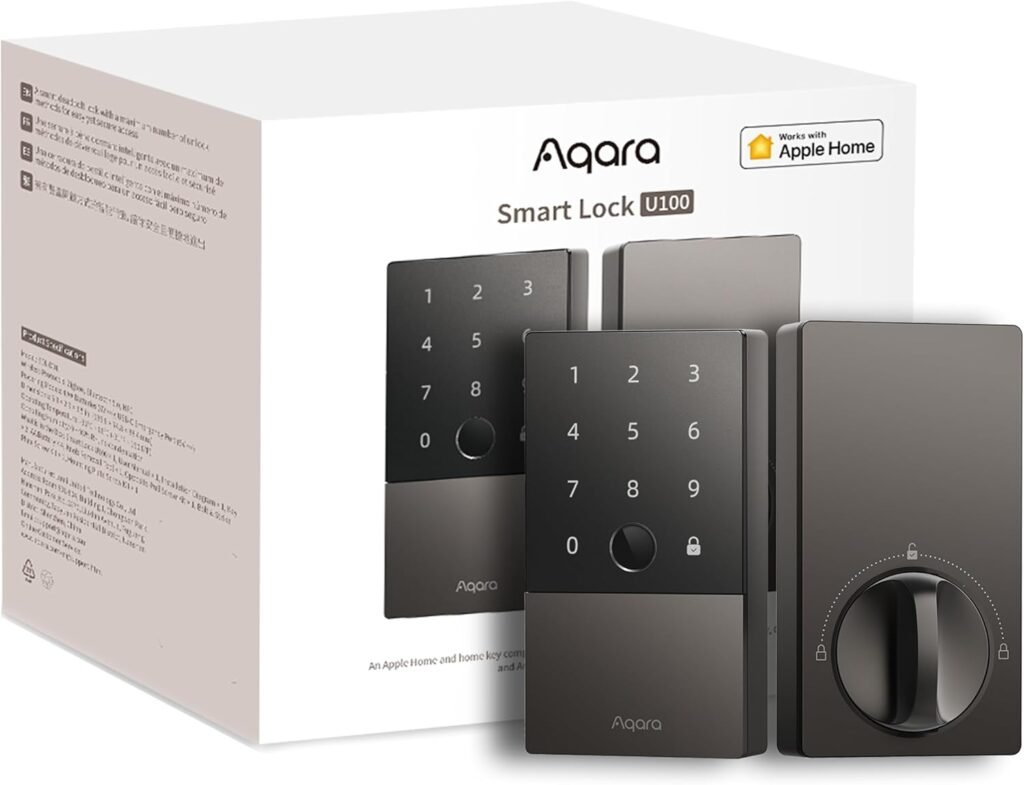
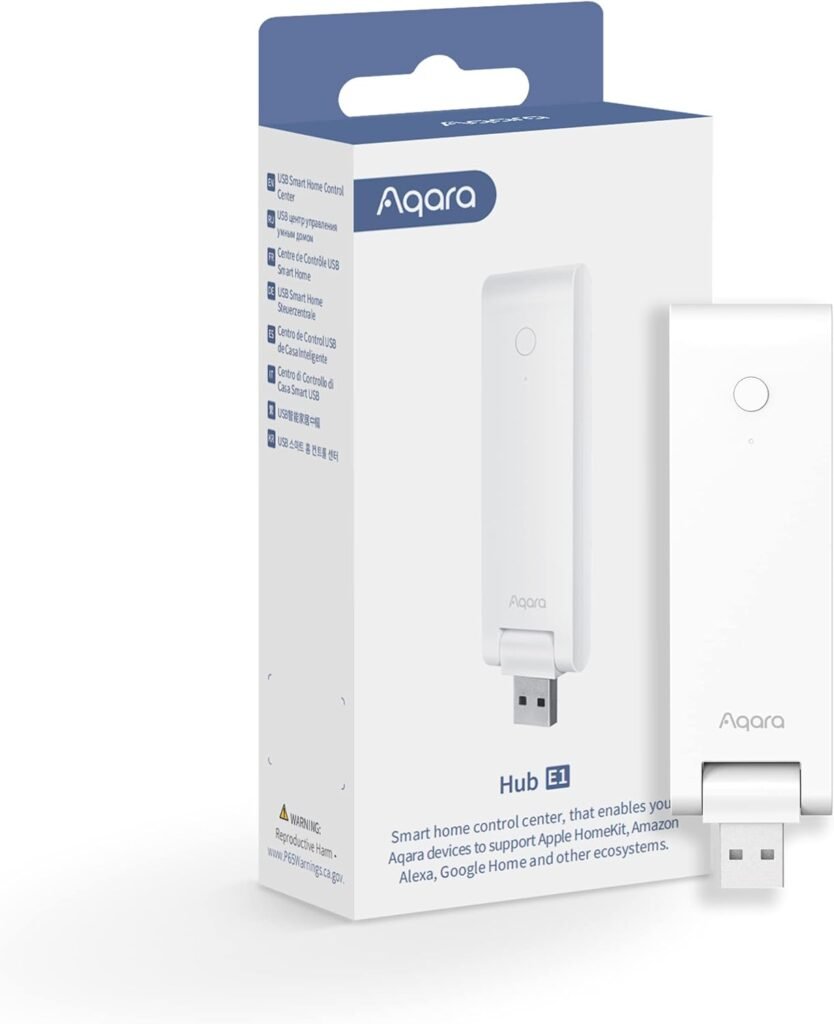
Note for the tech-savvy: While the Aqara U100 works via Bluetooth for basic phone access, you’ll need an Aqara Hub (Zigbee) or an Apple Home Hub to unlock its full potential, like remote management and home automations. If you want a “set it and forget it” experience, the Hub is a mandatory partner. (it’s cheap ~$20)
Smart Lock Comparison: Security vs. Convenience
To help you decide, I’ve mapped out how the top players compare to the budget alternatives. This is what real security looks like on paper:
| Feature | Schlage Encode Plus | Lockly Vision Elite | Aqara U100 |
| Security Grade | ANSI Grade 1 | ANSI Grade 2 | ANSI Grade 2 |
| Unlock Method | HomeKey / PIN / Key | Fingerprint / Camera | Fingerprint / HomeKey |
| Connectivity | Thread / Wi-Fi | Wi-Fi / Bluetooth | Zigbee / Bluetooth |
| Main Advantage | Physical Strength | All-in-one Surveillance | Best Value for Features |
| Privacy Risk | Very Low | Low (Local Storage) | Low (Local Hub) |
The Final Verdict
Don’t let a $50 “deal” on a no-name website be the reason your home is vulnerable. If you are serious about your family’s safety, invest in a brand with a track record. I still keep my [manual reinforcement lock] for the night, but during the day, I trust my Schlage to handle the heavy lifting.
If your WiFi is struggling to reach your front door for these locks to work, don’t just buy a cheap repeater. It will make your security worse. Read my breakdown on Mesh WiFi vs. Extenders to do it the right way.